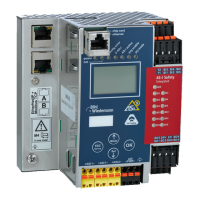
AS-i/PROFIBUS Gateway Operating by Full-graphic Display
Subject to reasonable modifications due to technical advances Copyright Bihl+Wiedemann, Printed in Germany
Bihl+Wiedemann GmbH · D-68199 Mannheim · Phone +49-621-339960 · Fax +49-621-3392239 · Internet http://www.bihl-wiedemann.de
issue date 7.1.2002
40
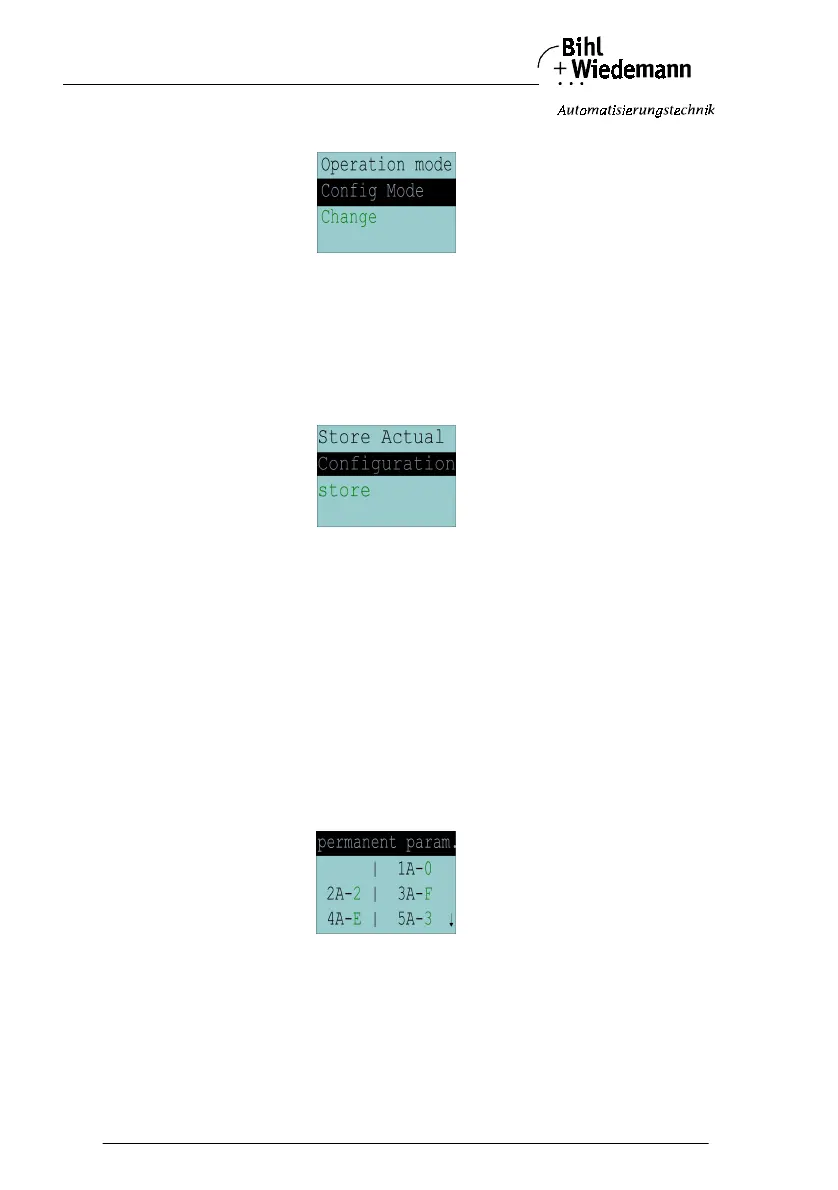
6.2.4 Operation Mode
This function shows the actual operation mode of the AS
-
i Master:
Protected Mode:protected mode
Config Mode: configuration mode
With "Change" you can switch to the other operation mode.
Only in configuration mode parameters and configuration data can be stored.
6.2.5 Store Act Cfg (Store Actual Detected Configuration)
This function can only be executed in configuration mode.
This function enables you to store the configuration of all slaves wich are connect-
ed and detected on the selcted AS-i circuit.
If "Store" was successful, the LED "config error" is off. The configuration is stored,
there is no configuration error anymore.
If one of the connected slaves has a peripheral fault, the LED "config error" blinks.
If the AS
-
i Master is in protected mode, the following error message appears:
"Failed No Config Mode"
If an AS
-
i slave with address zero exists storing the configuration is confirmed with
"OK". However, the configuration error remains because address zero is not a val-
id operating address to project a slave on.
6.2.6 Permanent Param (Projected Parameter)
This function enables you to set the permanent parameters. A list of all slaves is
displayed. The parameter is shown as hexadecimal value behind the slave ad-
dress.



 To Next Page