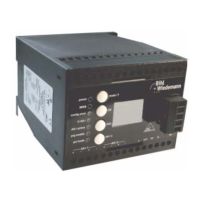
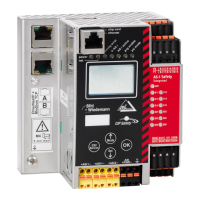
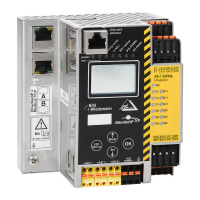
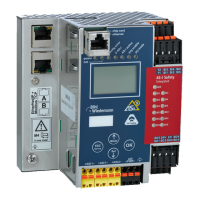
AS-i/PROFIBUS Gateway Connections, Displays and Operating Keys
Subject to reasonable modifications due to technical advances Copyright Bihl+Wiedemann, Printed in Germany
Bihl+Wiedemann GmbH · D-68199 Mannheim · Phone +49-621-339960 · Fax +49-621-3392239 · Internet http://www.bihl-wiedemann.de
issue date 7.1.2002
25
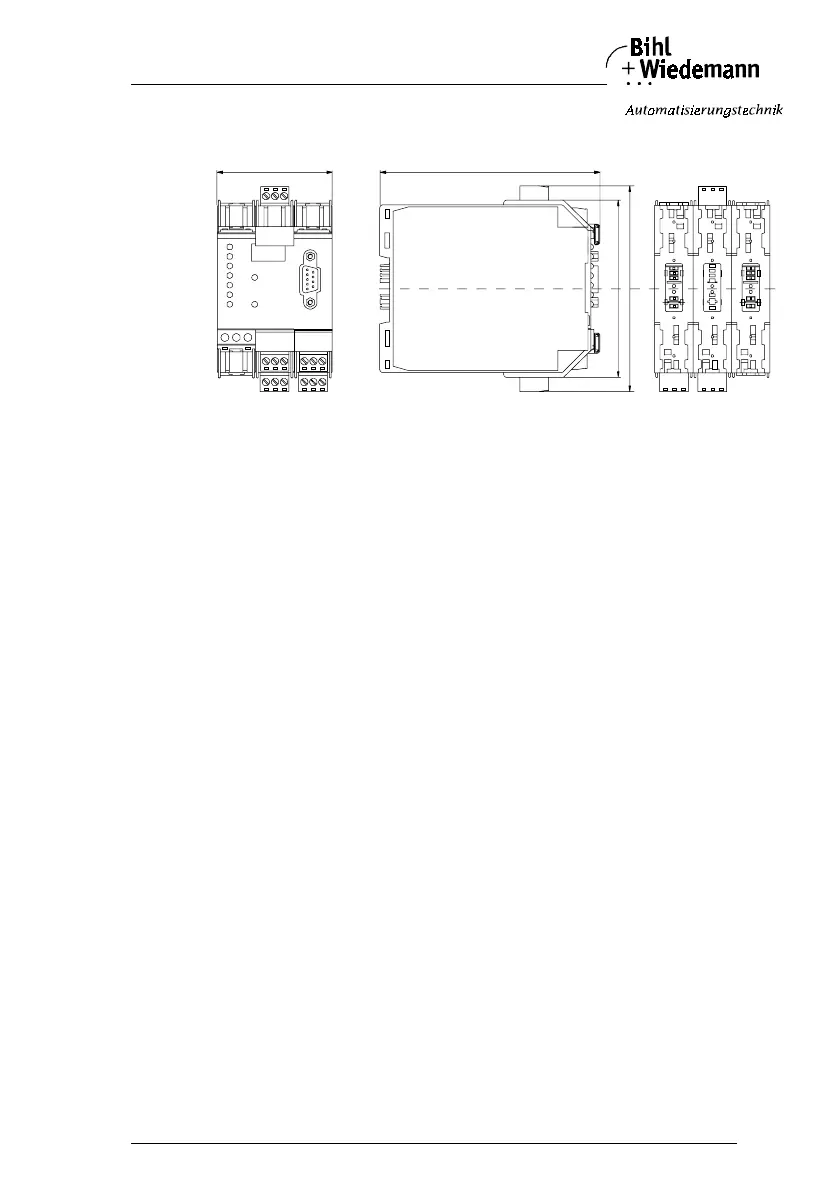
The following diagram provides the dimensions of the AS-i/PROFIBUS gateway.
4.4.2 Displays and Controls
The seven LEDs on the front of the gateway signal the following:
power The gateway is sufficiently supplied with power.
ser active LED on: The PROFIBUS communications are serial interface is
active.
LED off: The PROFIBUS communications are serial interface is
inactive.
config err A configuration error is imminent or no PROFIBUS communications
are taking place (when the “ser active” LED is not illuminated). This
means that with configuration errors, at least one projected slave is
missing or the actual configuration data does not correspond with the
reference configuration data for a projected and recognized slave.
This LED blinks if there is at least one periphery fault at one AS-i slave
in the AS-i network. If there are configuration errors as well as periph-
ery faults, only configuration error is displayed.
U AS-i The AS-i line is sufficiently supplied with power.
(AS-i Flag “APO”).
AS-i active Standard operation is active (AS-i Flag “Protected Mode”).
prg enable Automatic address programming is possible
(AS-i Flag “Auto_prog_available”).
Precisely one slave is missing in the protected operating mode. This
slave can be replaced with a slave of similar design and an address of
0. The gateway automatically programs the new slave to the faulty ad-
dress and thereby resolves the configuration error.
prj mode The gateway is in the projection mode
(AS-i Flag “projecting_active”).
60
115
92,5
107



 To Next Page