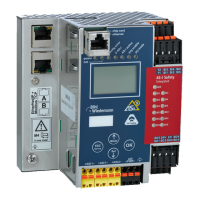
AS-i/PROFIBUS Gateway Operating by Full-graphic Display
Subject to reasonable modifications due to technical advances Copyright Bihl+Wiedemann, Printed in Germany
Bihl+Wiedemann GmbH · D-68199 Mannheim · Phone +49-621-339960 · Fax +49-621-3392239 · Internet http://www.bihl-wiedemann.de
issue date 7.1.2002
38
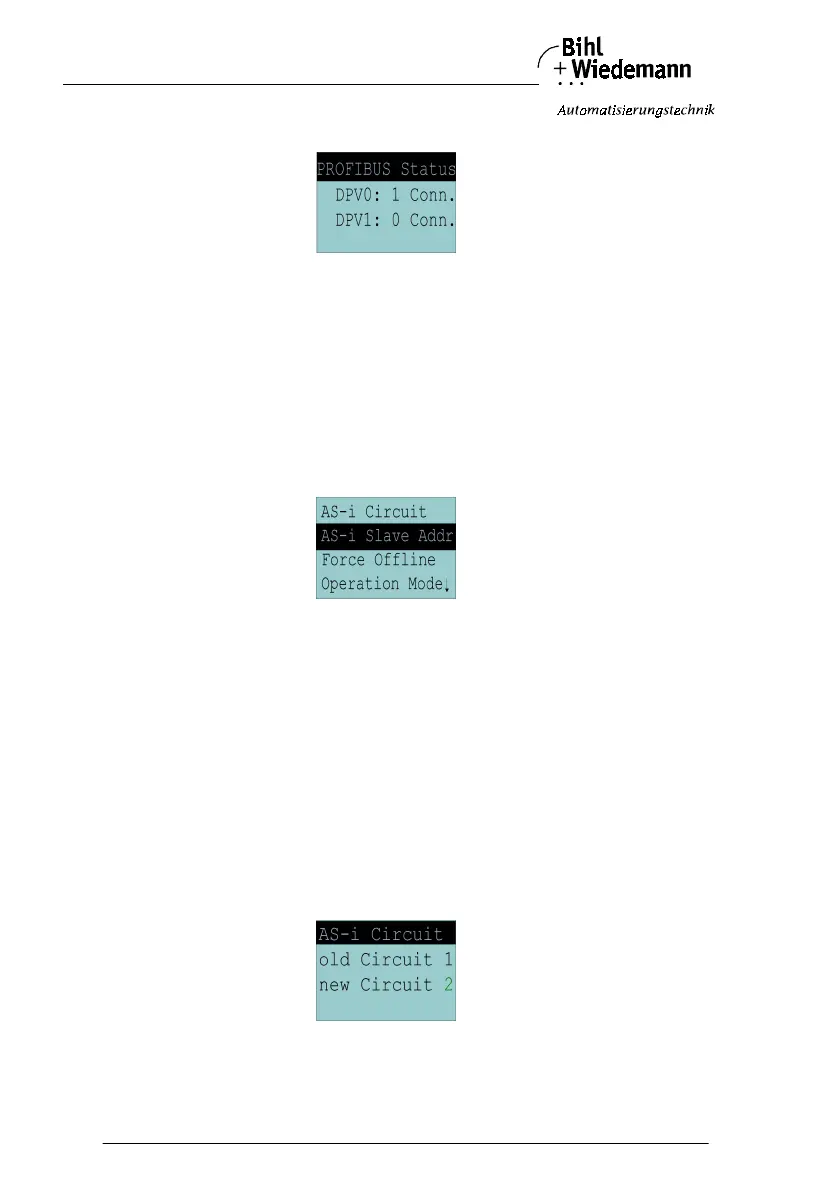
6.1.2 PROFIBUS Status
The function PROFIBUS status indicates if and how many connections are active
on each PROFIBUS channel.
DPV0 = cyclic channel
0: not active
1: active
DPV1 = acyclic channel
0: not active
≠0: number of connections
6.2 Setup (Configuration of the AS
-
i Circuit)
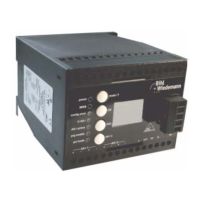
Within the menue "Setup" you can choose one of the following submenues:
• AS-i Circuit
• AS-i Slave Addr (AS-i Slave Address)
• Force Offline (switch AS-i Master offline)
• Operation Mode
• Store Act Cfg (store actual detected configuration)
• Permanent Param (projected parameter)
• Permanent Cfg (projected configuration data)
• Addr. Assistant (address assistent)
• LOS (list of offline-slaves)
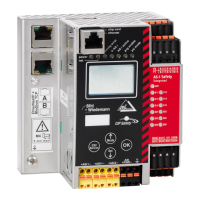
6.2.1 AS
-
i Circuit
This function is only availbale in devices with 2 AS-i masters.
It makes possible to change the AS
-
i circuit that is actually active for operating by
the user.



 To Next Page