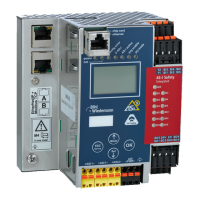
AS-i/PROFIBUS Gateway Connections, Displays and Operating Keys
Subject to reasonable modifications due to technical advances Copyright Bihl+Wiedemann, Printed in Germany
Bihl+Wiedemann GmbH · D-68199 Mannheim · Phone +49-621-339960 · Fax +49-621-3392239 · Internet http://www.bihl-wiedemann.de
issue date 7.1.2002
13
4 Connections, Displays and Operating Keys
Devices in IP20:
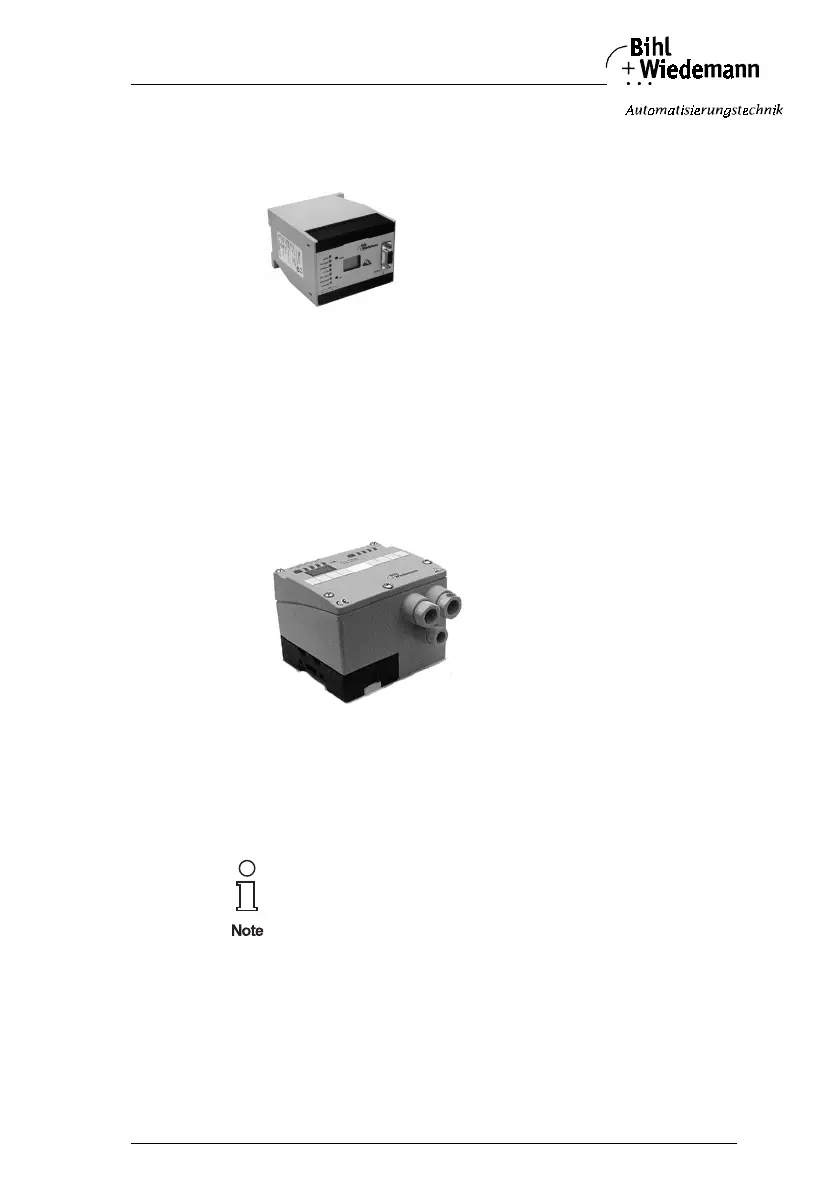
On the front panel of the AS-i/PROFIBUS gateways in IP20 are:
• terminals to connect the power supply and the AS-i circuit
• a 9-pin SUB-D connector as PROFIBUS interface
•7 LEDs
• a LC display
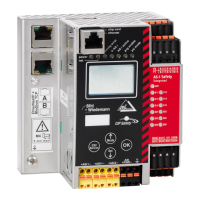
• 2 push-buttons (devices with full-graphic display: 4 push-buttons) to configure
the gateway
Devices in IP65:
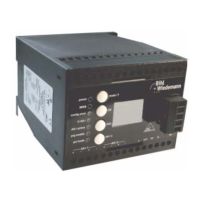
The devices in IP65 have the terminals for PROFIBUS (cage clamp terminals) and
the push buttons under the top of the housing to prevent liquids from entering. The
AS-interface is connected with the electromechanical interface with penetration
technique developed for AS-i at the bottom of the housing.
4.1 Power Supply Concepts and AS-i Connection Techniques
An AS-i power supply has to be used which also supplies the AS-i master with po-
wer and can be connected to the AS-i cable like all the other AS-i components at
any place.
The AS-i masters with master power supply A do not need a voltage
supply of their own. They can be powered completely out of the AS-i
line (the power consumption is about 200 mA from AS-i). An addi-
tional 24 V voltage source is not necessary. The AS-i master merely
requires the connection to the AS-i line. When the AS-i power supply
is switched on, the master starts to operate.



 To Next Page