_____________________________________________________________________
724-746-5500 | blackbox.com Page 108
Click Activate to initiate the OTASP call. The process is successful if no errors are displayed and
you no longer see the CDMA Modem Activation form. ( If OTASP is unsuccessful you can consult
the System Logs for clues to what went wrong at Status: Syslog).
When OTASP has completed successfully you can proceed to enabling the Internal Cellular
Modem by entering the carriers phone number (which defaults to #777) and clicking Apply.
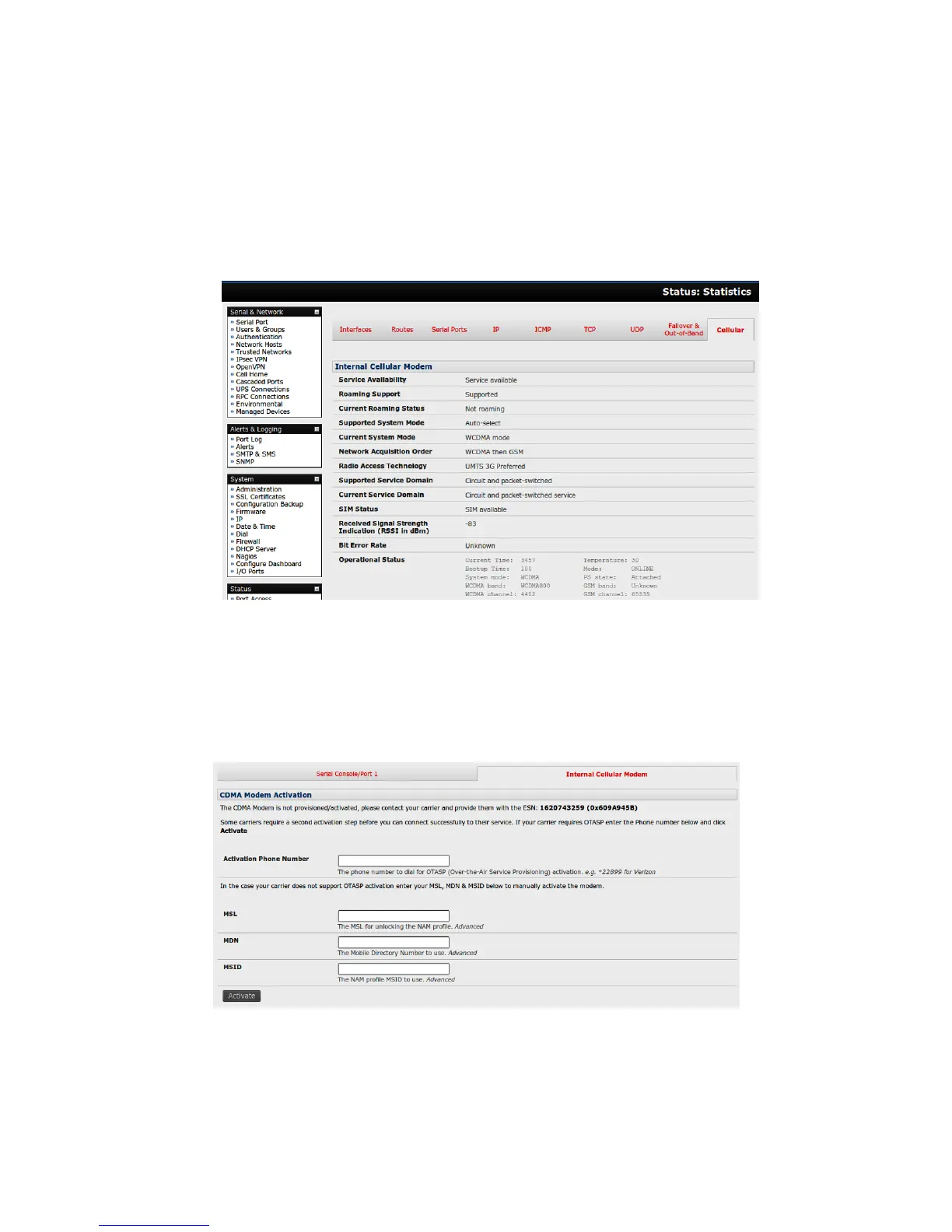
The Cellular statistics page on Status: Statistics will display the current state of the modem.
OTASP success will result in a valid phone number being placed in the NAM Profile Account
MDN field.
Manual Activation:
Some carriers may not support OTASP. In this case, you might need to manually provision the modem.
Select Internal Cellular Modem panel on the System: Dial menu
Enter the MSL, MDN and MSID values. These values are specific to your carrier and for manual
activation you will have to investigate what values your carrier uses in each field. For example
Verizon has been known to use an MSL of 000000 and the phone number assigned to the











 To Next Page