_____________________________________________________________________
724-746-5500 | blackbox.com Page 99
5.3.2 Failover dial-out
The advanced console servers can be configured so a dial-out PPP connection is automatically set up if
the principal management network is disrupted.
Note: Only SSH access is enabled on the failover connection. However in firmware versions later than
3.0.2, HTTPS access is also enabled. The administrator can SSH (or HTTPS) connect to the
console server and fix the problem.
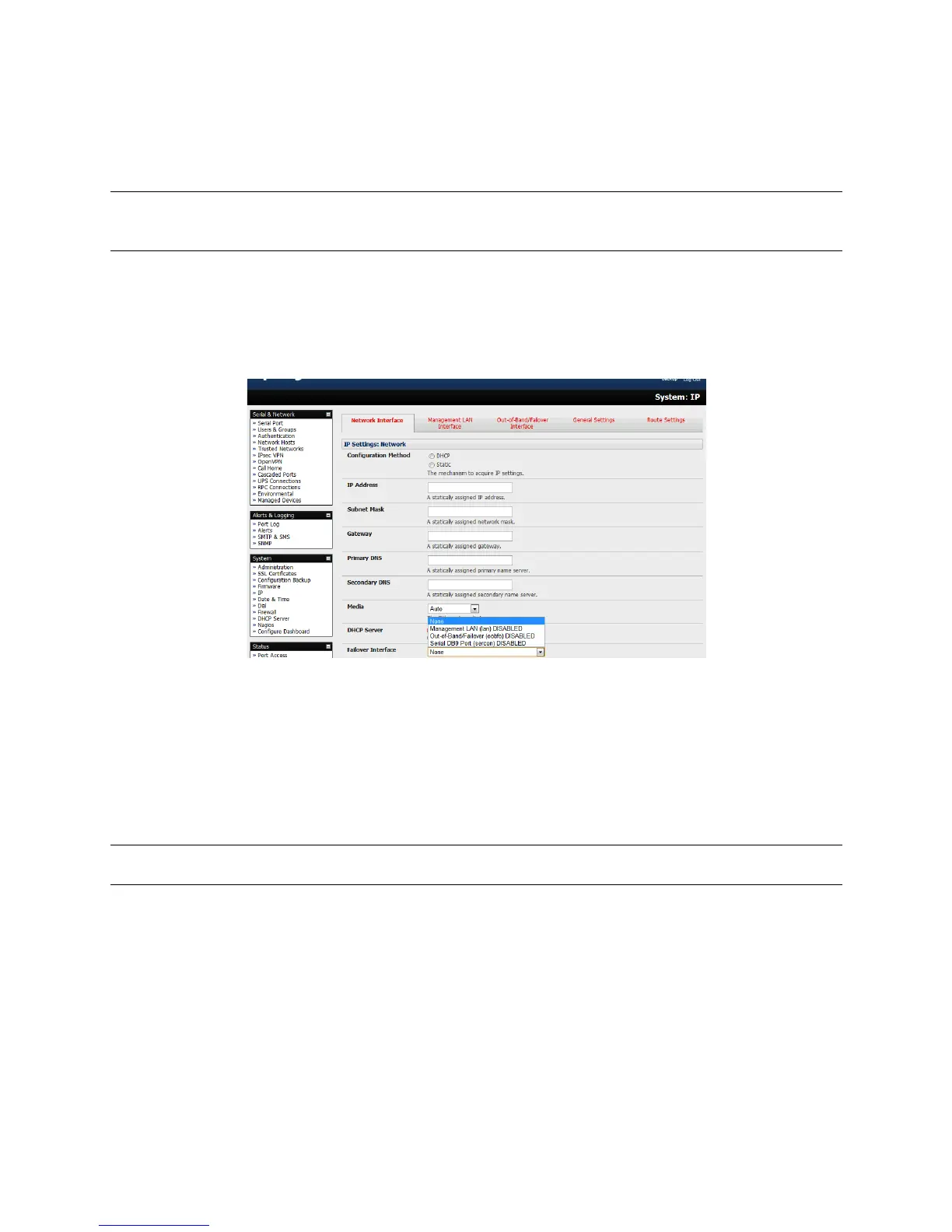
When configuring the principal network connection in System: IP specify the Failover Interface
that will be used when a fault has been detected with Network / Network1 (eth0). This can be
either Internal Modem or the Dial Serial DB9 (if you are using an external modem on the
Console port) or USB Modem (if you are using a plug-on USB).
%
Specify the Probe Addresses of two sites (the Primary and Secondary) that the IM console
server is to ping to determine if Network / Network1 is still operational.
Select the System: Dial menu option and the port to be configured (Serial DB9 Port or PC Card
or Internal Modem Port).
Select the Baud Rate and Flow Control that will communicate with the modem.
Note You can further configure the console/modem port (e.g. to include modem init strings) by editing
/etc/mgetty.config files.
Check the Enable Dial-Out Access box and enter the access details for the remote PPP server
to be called.
Override DNS is available for PPP Devices such as modems. Override DNS allows the use of alternate
DNS servers from those provided by your ISP. For example, an alternative DNS may be required for
OpenDNS used for content filtering.
To enable Override DNS, check the Override returned DNS Servers box. Enter the IP of the
DNS servers into the spaces provided.











 To Next Page