_____________________________________________________________________
724-746-5500 | blackbox.com Page 165
Note: The SMS command trigger condition can only be set if there is an internal cellular modem detected
7.2.10 Log In/Out Check
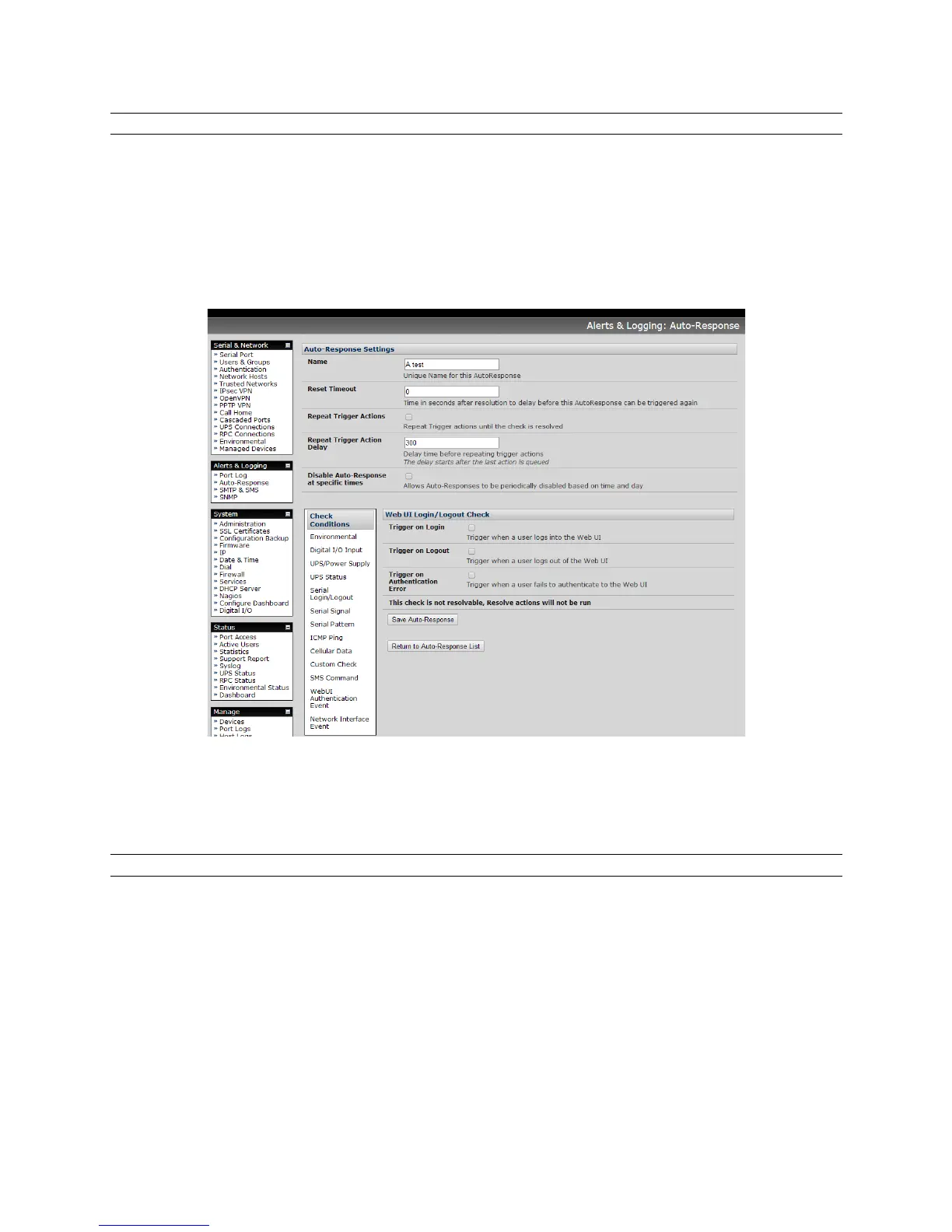
To configure Web Log In/Out as the trigger event:
Click on the Web UI Authentication as the Check Condition.
Check Trigger on Login (Logout) to trigger when a user logs into (or out of) the Web UI.
Check Trigger on Authentication Error to trigger when a user fails to authenticate to the Web
UI.
Note: This check is not resolvable so Resolve actions will not be run.
7.2.11 Network Interface Event
You may wish to configure a change in the network status as the trigger event (e.g. to send an alert or
restart a VPN tunnel connection):
Click on Network Interface as the Check Condition.











 To Next Page