_____________________________________________________________________
724-746-5500 | blackbox.com Page 28
D73'(!62ON.'3$,4!'+6#!27!3#'!+R2<'!%3'N%E!12-!6+,!('3-(,!32!3#'!62,7$4-(+3$2,! .$%3!R1!6.$60$,4!$,!3#'!32N!
.'73!62(,' (!2 7!3# ' !% 6(' ' ,!2 , !3 #' !8.+60!829!.242M!
!
Note If you are not able to connect to the Management Console at 192.168.0.1 or if the default
Username/Password were not accepted, then reset your console server (refer to Chapter 11).
!
TDC% L56#(#$/,'/0,%;'$$G0,5%
3.2.1 Change default root System Password
For security reasons, only the administration user named root can initially log into your console server.
So only those people who know the root password can access and reconfigure the console server itself.
The corollary is that anyone who correctly guesses the root password could gain access (and the default
root password is default). So it is essential that you enter and confirm a new password before giving the
console server any access to, or control of, your computers and network appliances.
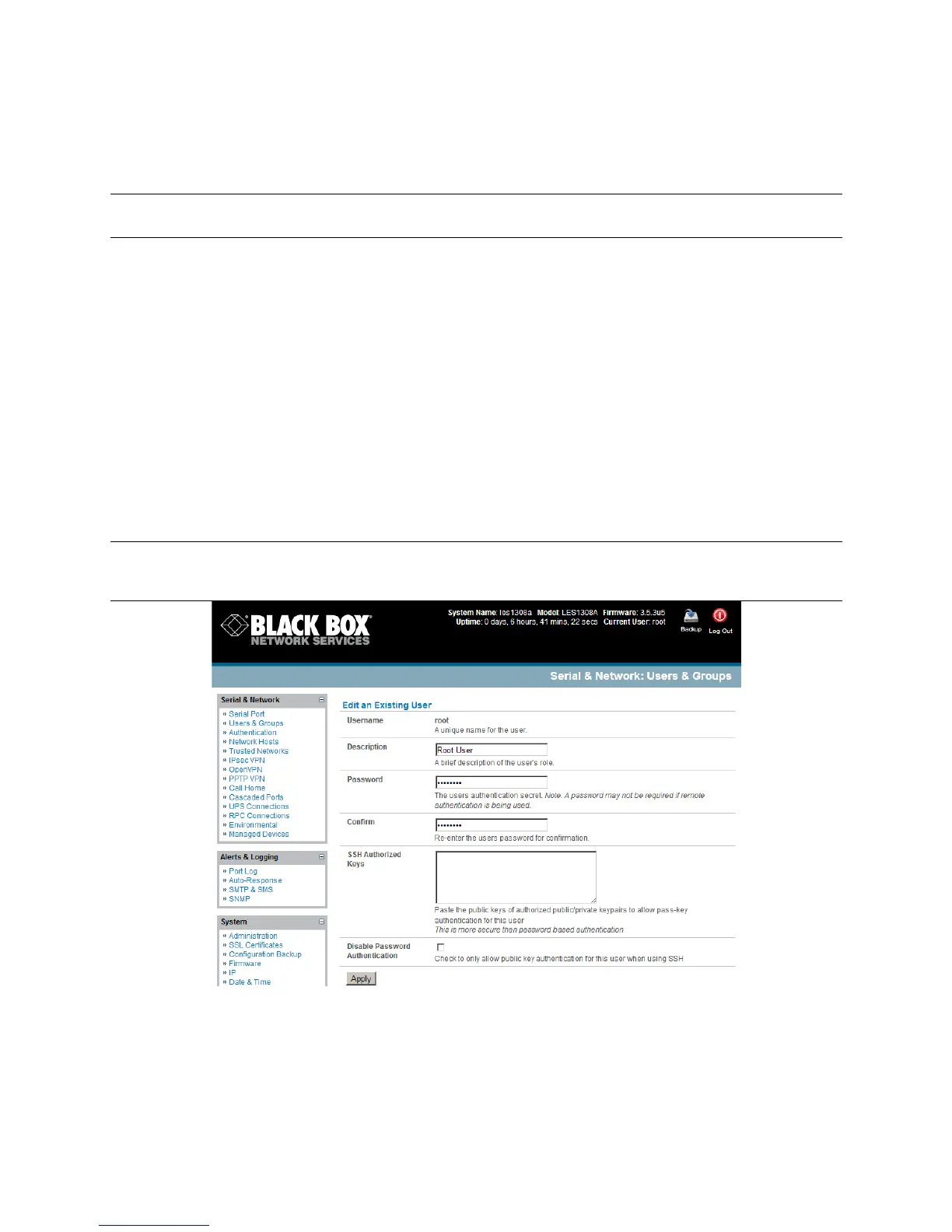
Selecting Change default administration password from the Welcome page will take you to
Serial & Network: Users & Groups where you can add a new confirmed Password for the user
root
Note There are no restrictions on the characters that you can use in the user Password (each can
contain up to 254 characters). However, only the first eight Password characters are used to
make the password hash.
!
?,3'(!+!,'/!;'$$G0,5%3#',!('K',3'(!$3!$,!70(4#,6M!"#$%!$%!3#'!,'/!N+%%/2(5!72(!,00/E!3#'!O+$,!
+5O$,$%3(+3$<'!-%'(!+662-,3E!%2!6#22%'!+!62ON.'9!N+%%/2(5E!+,5!0''N!$3!%+7'M!











 To Next Page