_____________________________________________________________________
724-746-5500 | blackbox.com Page 167
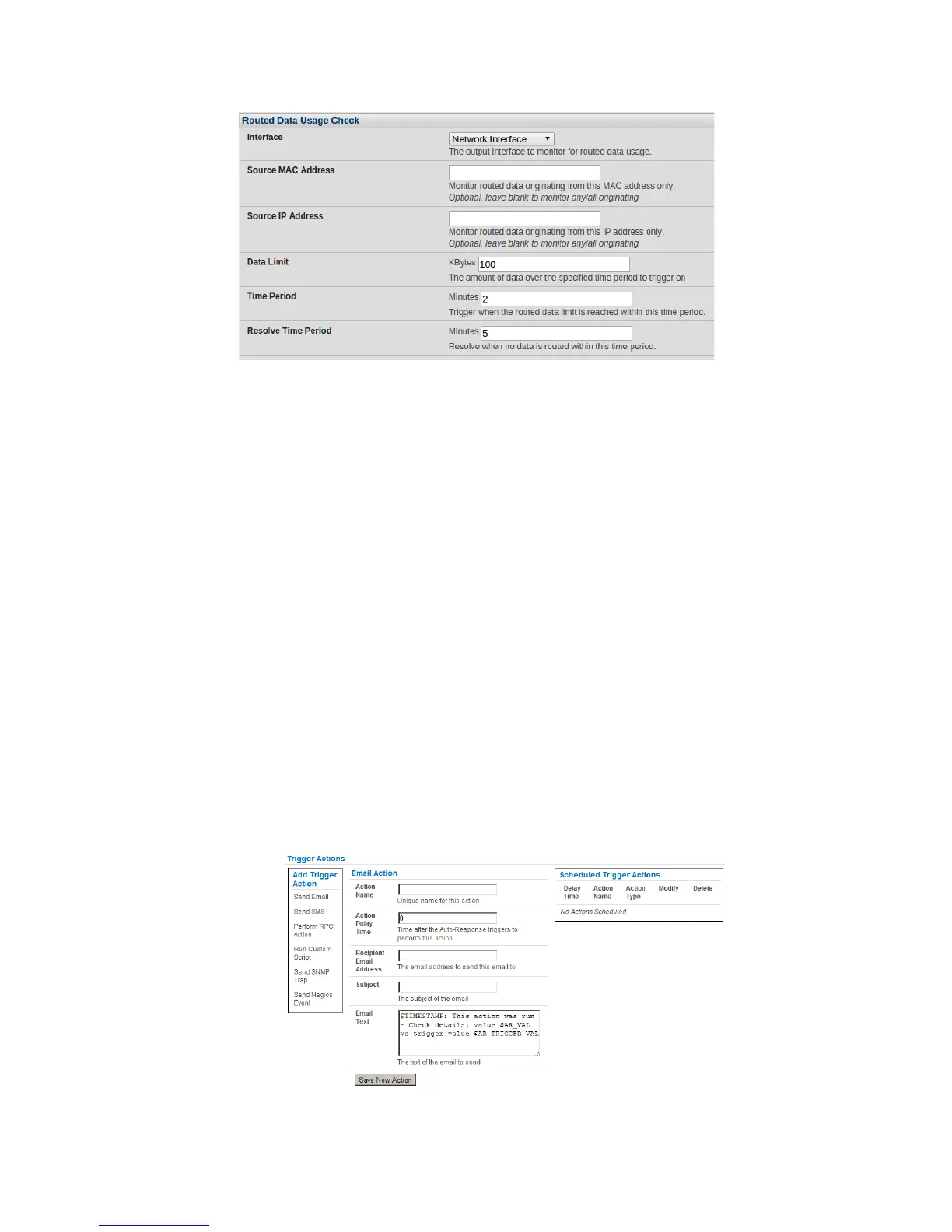
The console server’s incoming Interface to monitor.
An optional Source MAC/IP Address, to monitor traffic from a specific host (e.g. the downstream
router).
A Data Limit threshold; the Auto-Response will trigger when this is hit in the specified Time
Period.
The Auto-Response will resolve if no matching data is routed for the Resolve Period.
!
7.3 Trigger Actions
To configure the sequence of actions that is to be taken in the event of the trigger condition:
For a nominated Auto-Response - with a defined Check Condition - click on Add Trigger
Action (e.g., Send Email or Run Custom Script) to select the action type to be taken. Then,
configure the selected action (as detailed in the following sections).
Each action is configured with a nominated Action Delay Time that specifies how long (in
seconds) after the Auto-Response trigger event to wait before performing the action. You can
add follow-on actions to create a sequence of actions that will be taken in the event of the
one trigger condition.
To edit (or delete) an existing action, click the Modify (or Delete) icon in the Scheduled
Trigger Action table.











 To Next Page