_____________________________________________________________________
724-746-5500 | blackbox.com Page 174
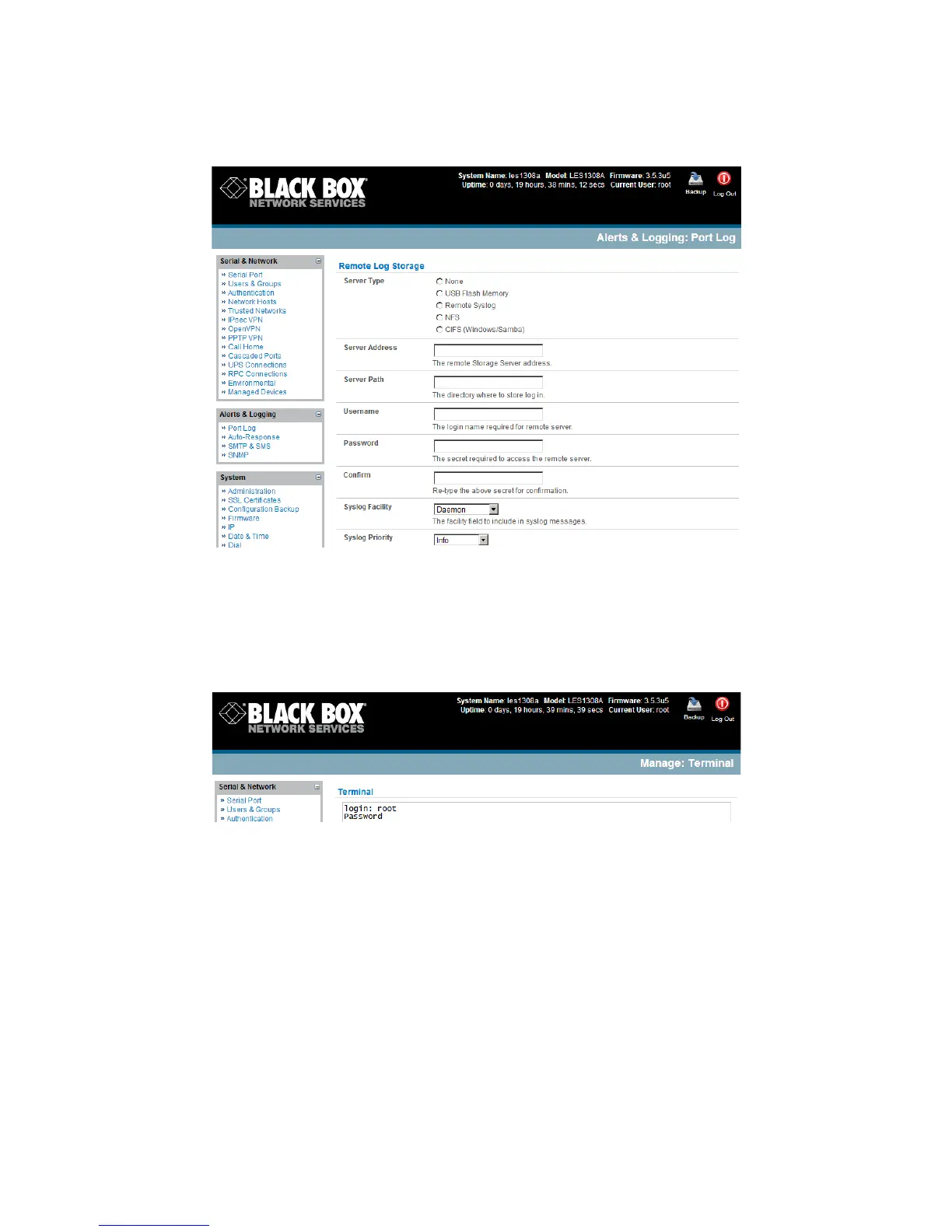
Select the Alerts & Logging: Port Log menu option and specify the Server Type to be used,
and the details to enable log server access.
From the Manage: Devices menu the Administrator can view serial, network, and power device logs
stored in the console reserve memory (or flash USB). The User will only see logs for the Managed
Devices they (or their Group) that have been given access privileges (refer to Chapter 13).
Event logs on the USB can be viewed using the web terminal or by ssh/telnet connecting to the console
server.
7.6.2 Serial port logging
In Console Server mode, activity logs can be maintained of all serial port activity. To specify which serial
ports are to have activities recorded and to what level data is to be logged:
Select Serial & Network: Serial Port and Edit the port to be logged.
Specify the Logging Level of for each port as:
Level 0 Turns off logging for the selected port.
Level 1 Logs all User connection events to the port.
Level 2 Logs all data transferred to and from the port and all changes in hardware flow
control status and all User connection events.
Level 3 Logs all data transferred from the port and all changes in hardware flow control
status and all User connection events.











 To Next Page