_____________________________________________________________________
724-746-5500 | blackbox.com Page 37
The Respond to ICMP echos (i.e. ping) service access options can be configured at this stage. This
allows the console server to respond to incoming ICMP echo requests. Ping is enabled by default, but, for
security reasons, this service should generally be disabled post initial configuration.
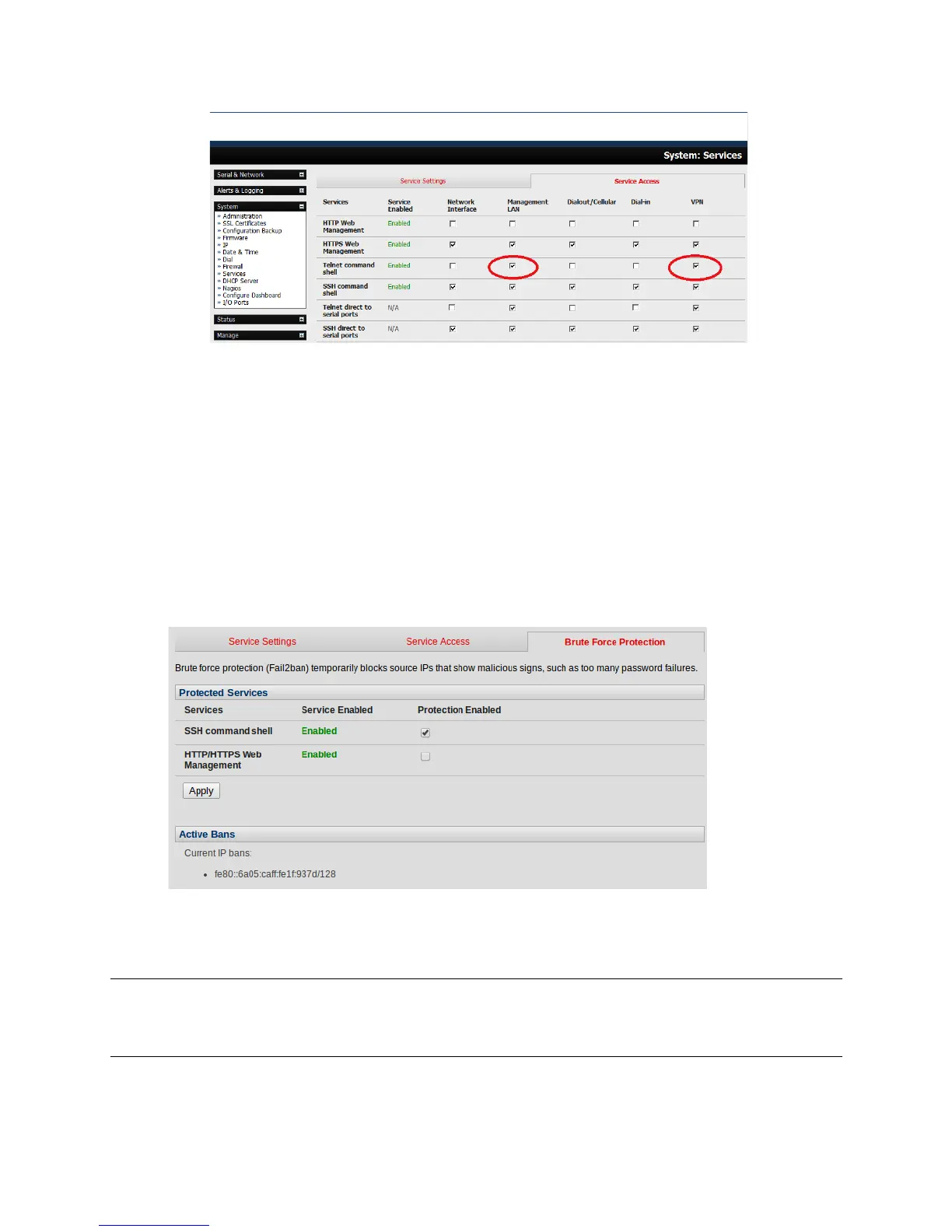
You can also configure to allow serial port devices to be accessed from nominated network interfaces
using Raw TCP, direct Telnet/SSH, unauthenticated Telnet services, etc.!
:.$60!L22*1!32!+N N .1!12- (!%'(<$6' %!+66' %%!%'.' 63$2, %M!
3.4.1 Brute Force Protection
Brute force protection (Micro Fail2ban) temporarily blocks source IPs that show malicious signs, such as
too many password failures. This may help mitigate scenarios where the console server device’s network
services are exposed to an untrusted network such as the public WAN, and scripted attacks or software
worms are attempting to guess (brute force) user credentials and gain unauthorized access.
Brute Force Protection may be enabled for the listed services. Once protection is enabled, 3 or more
failed connection attempts within 60 seconds from a specific source IP trigger it to be banned from
connecting for the next 60 seconds. Active Bans are also listed and may be refreshed by reloading the
page.
Note When an console server is running on an untrusted network, we recommend that you use a
variety of strategies to lock down remote access. This includes strong passwords (or even better,
SSH public key authentication), VPN, and using Firewall Rules to whitelist remote access from
trusted source networks only.
!











 To Next Page