_____________________________________________________________________
724-746-5500 | blackbox.com Page 241
13.3.1.2 Web Terminal to Serial Device
To enable the Web Terminal service for each serial port you want to access:
Select Serial & Network: Serial Port and click Edit. Ensure the serial port is in Console Server Mode.
Check Web Terminal and click Apply.
Administrator and Users can communicate directly with serial port attached devices from their browser:
Select the Serial tab on the Manage: Devices menu.
Under the Action column, click the Web Terminal icon to display the Web Terminal, connected directly to the
attached serial device.
13.3.2 SDT Connector access
Administrator and Users can communicate directly with the console server command line and with devices attached to the
console server serial ports using SDT Connector and their local tenet client, or using a Web terminal and their browser
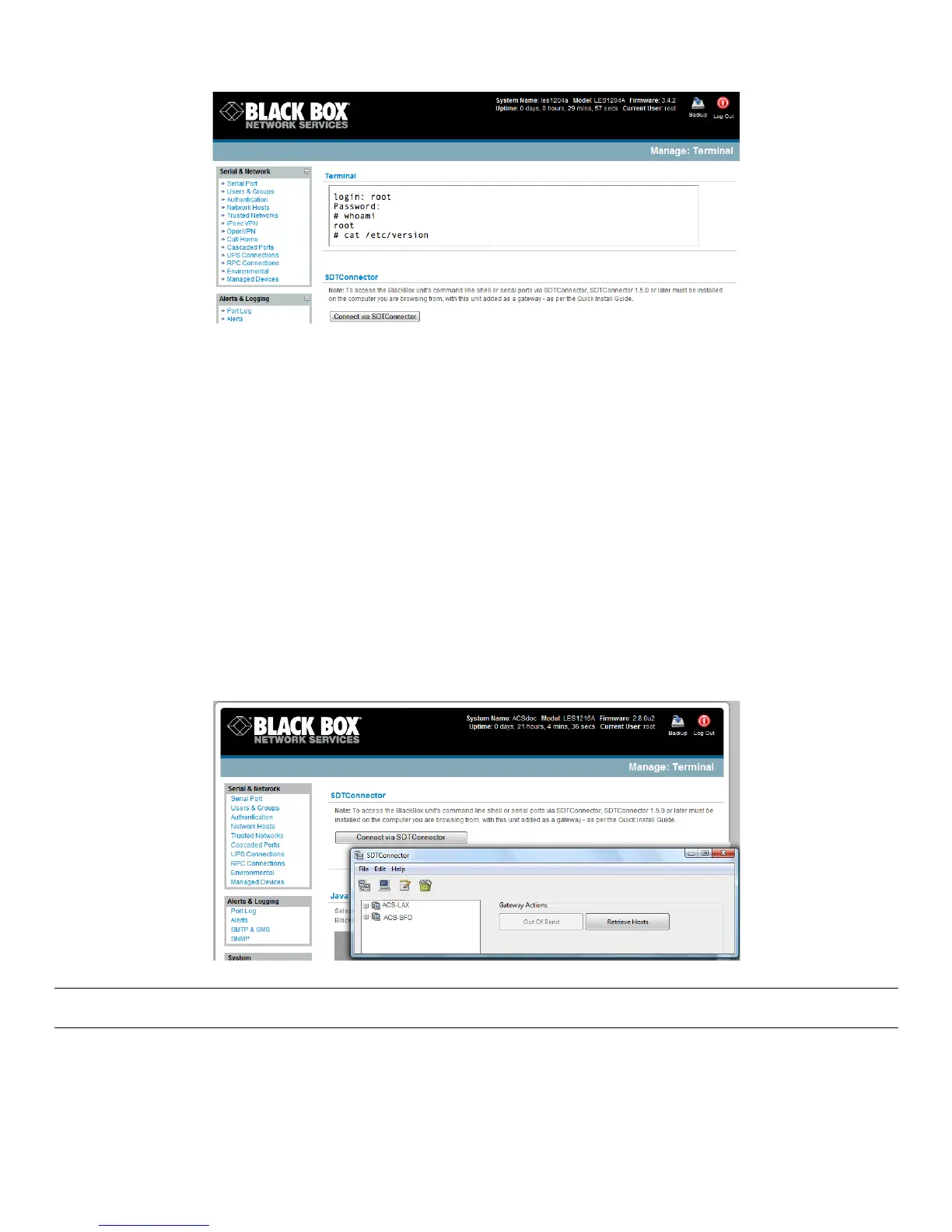
Select Manage: Terminal
Click Connect to SDT Connector. This will to activate the SDT Connector client on the computer you are
browsing and load your local telnet client to connect to the command line or serial port using SSH
Note You must install SDT Connector on the computer you are browsing from and add and the console server as a
gateway as detailed in Chapter 6.
*
%











 To Next Page