_____________________________________________________________________
724-746-5500 | blackbox.com Page 193
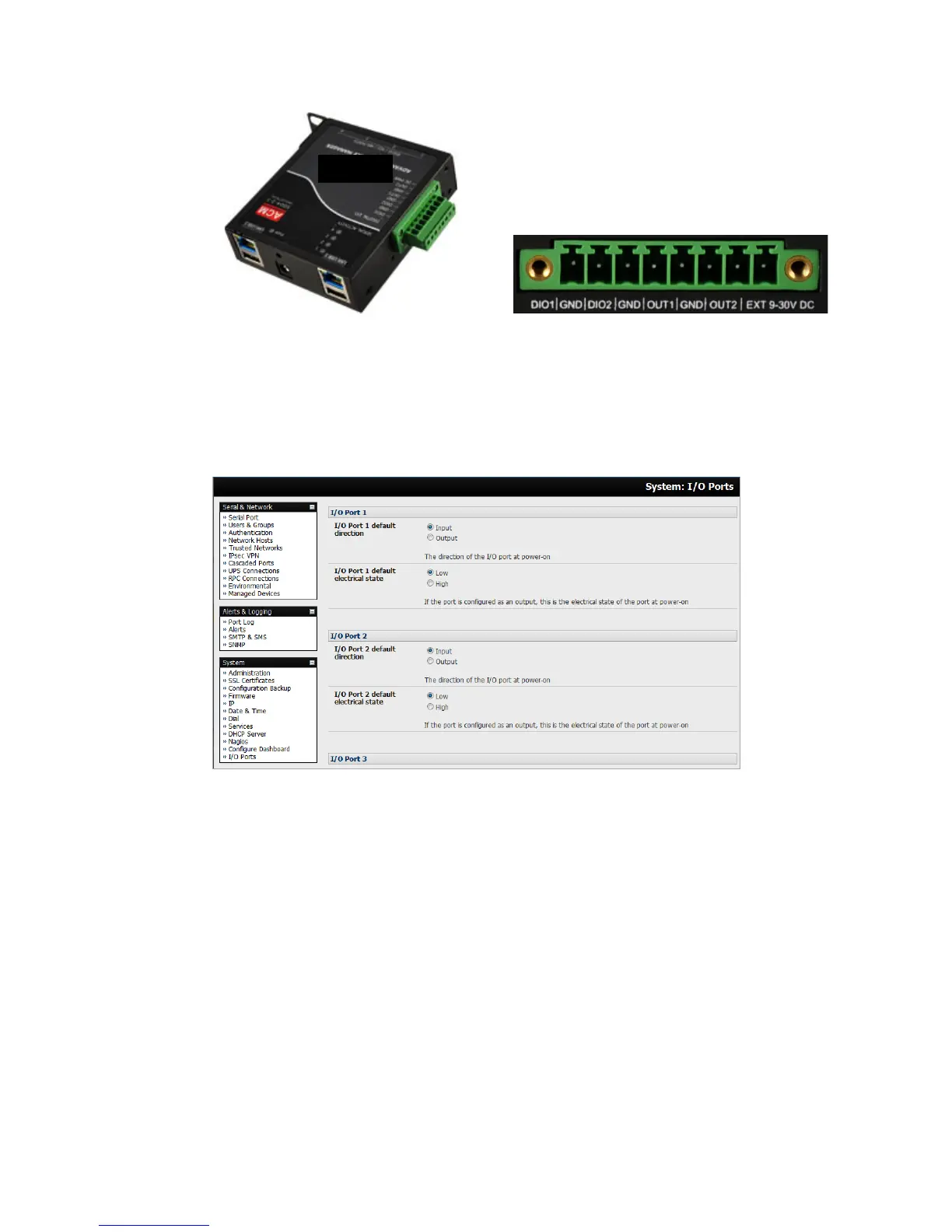
The I/O ports are configured via the I/O port page which is found under the system menu. Each port can
be configured with a default direction and state.
Select the System: I/O Ports menu.
8.4.1 Digital I/O Output Configuration
Each of the two digital I/O ports (DIO1 and DIO2) can be configured as an Input or Output port. To use
them as digital outputs, first configure the port direction on the System: I/O Ports menu page.
The DIO1 and DIO2 pins are current limited by the chip to 20 mA and accept 5V levels – so they cannot
drive a relay etc.
Alternately, you can change the output states using the ioc command line utility. The following text is the
usage message from the ioc usage:
ioc: digital io-port controller:
-p pin_num pin number (1 to 4)
-d pin_dir pin direction (0 = output 1 = input)
-v pin_val pin electrical value in output mode (0 = low 1 = high)
-r reset pins to all inputs and low
-g displays the pin directions and current values
-l load pin configuration from configlity











 To Next Page