_____________________________________________________________________
724-746-5500 | blackbox.com Page 89
o The Local Console Servers drop-down list lists all the console servers that are on the
same subnet as the CMS and are not currently being monitored.
o The Remote Console Servers drop-down list in the Detected Console Servers section
lists all the console servers that have established a Call Home connection, and are not
currently being monitored (i.e. candidates). Click Refresh to update.
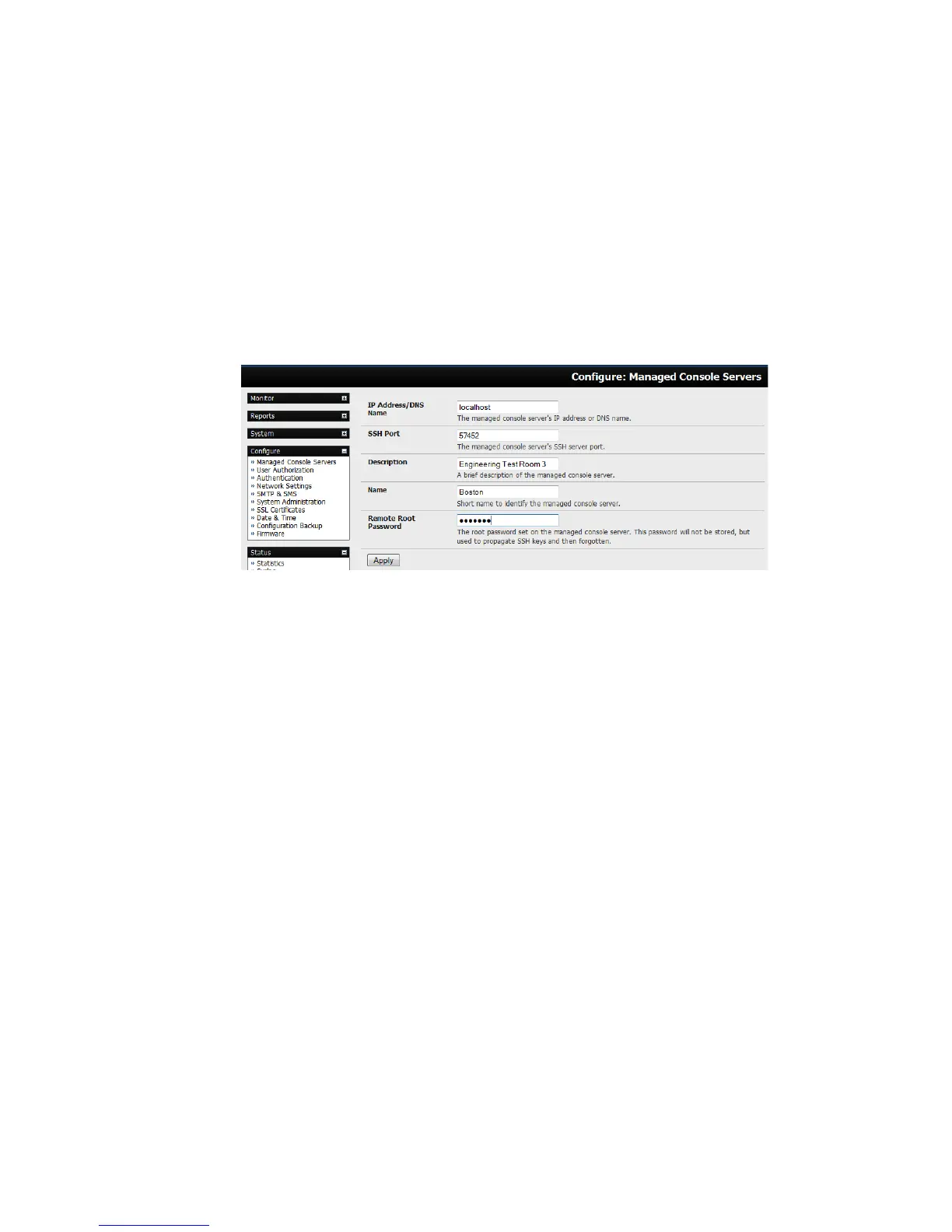
4. To add a console server candidate to the Managed Console Server list:
o Select it from the Remote Console Servers drop down list, and click Add.
o Enter IP Address and SSH Port (if these fields have not been auto-completed) and enter a
Description and unique Name for the Managed Console Server you are adding.
o Enter the Remote Root Password (i.e. System Password that has been set on this
Managed Console Server). This password is used by the VCMS to propagate auto
generated SSH keys and then forgotten. It will not be stored.
o Click Apply. The VCMS will now set up secure SSH connections to and from the Managed
Console Server and will retrieve its Managed Devices, user account details, and configured
alerts.
4.12.3 Calling Home to a generic central SSH server
If you are connecting to a generic SSH server (not a VCMS) you may configure Advanced settings:
Enter the SSH Server Port and SSH User to authenticate as.
Enter the details for the SSH port forward(s) to create.











 To Next Page