_____________________________________________________________________
724-746-5500 | blackbox.com Page 169
Click Save New Action.
Note: To notify the central Nagios server of Alerts, NSCA must be enabled under System: Nagios and
Nagios must be enabled for each applicable host or port.
7.4 Resolve Actions
Actions can also be scheduled to be taken a trigger condition has been resolved:
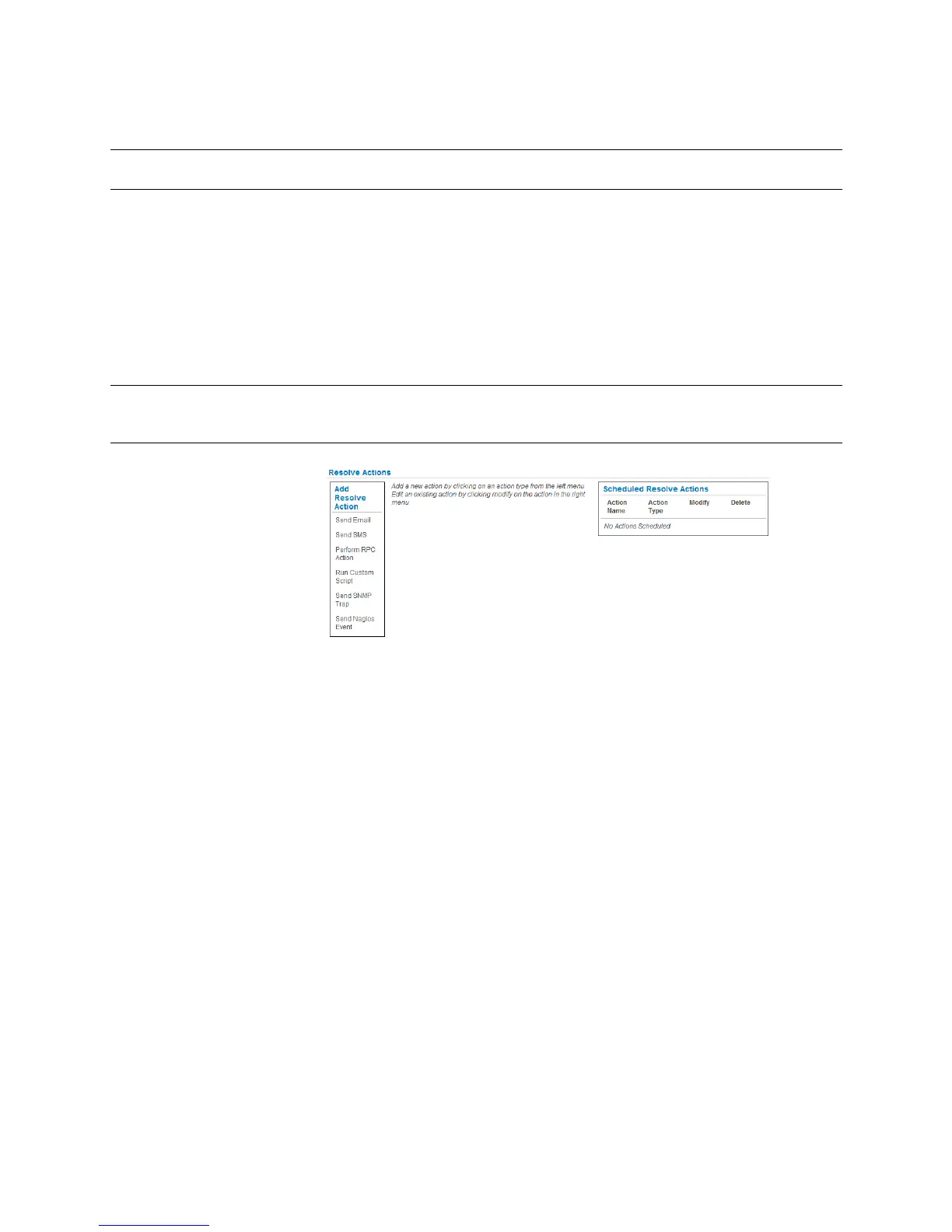
For a nominated Auto-Response - with a defined trigger Check Condition - click on Add
Resolve Action (e.g. Send Email or Run Custom Script) to select the action type to be
taken.
Note: Resolve Actions are configured exactly the same as Trigger Actions, except the designated
Resolve Actions are all executed on resolution of the trigger condition and there are no Action
Delay Times set.
!
7.5 Configure SMTP, SMS, SNMP and/or Nagios service for alert notifications
The Auto-Response facility enables remote alerts to be sent as Trigger and Resolve Actions. Before such
alert notifications can be sent, you must configure the nominated alert service.
7.5.1 Send Email alerts
The console server uses SMTP (Simple Mail Transfer Protocol) for sending the email alert notifications.
To use SMTP, the Administrator must configure a valid SMTP server for sending the email:
Select Alerts & Logging: SMTP &SMS
!











 To Next Page