_____________________________________________________________________
724-746-5500 | blackbox.com Page 166
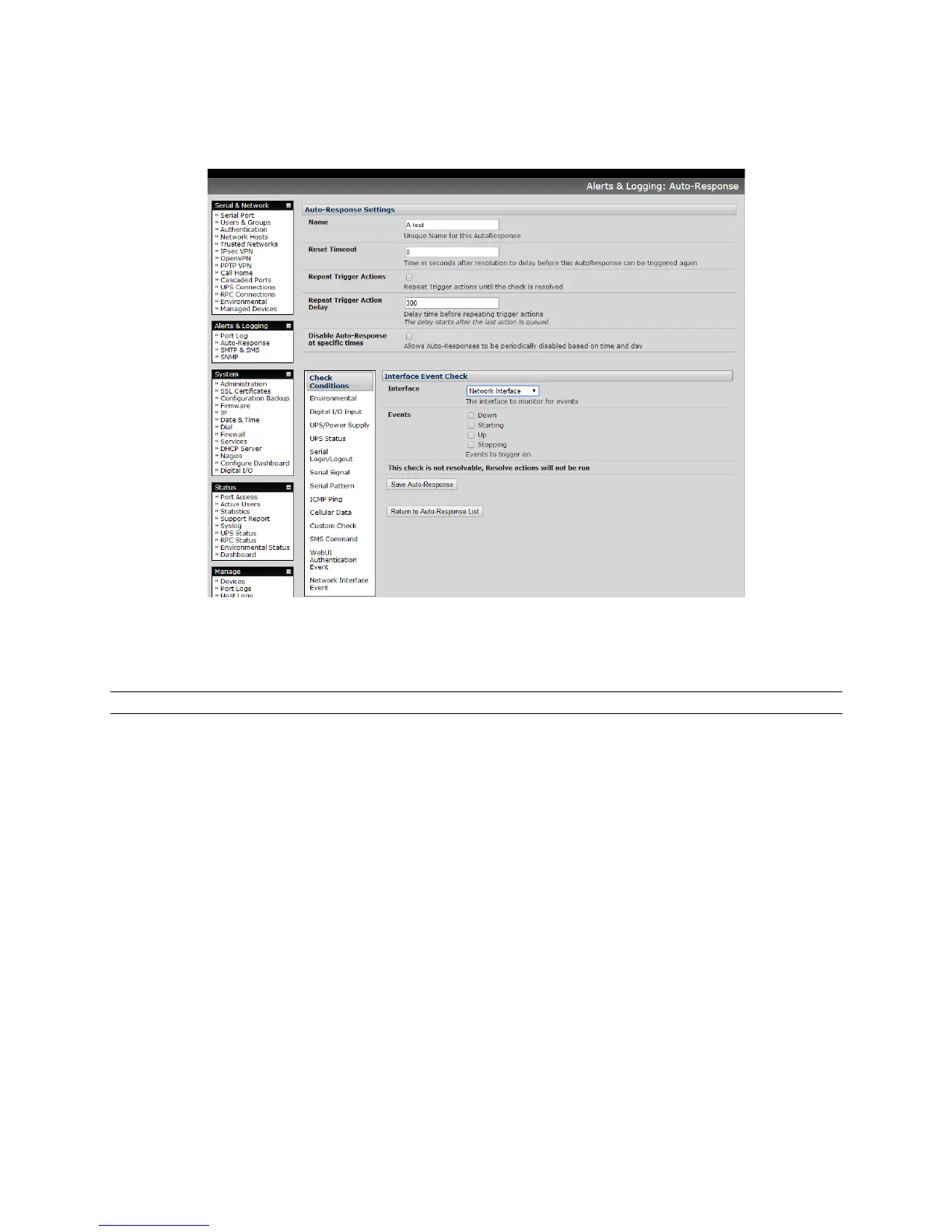
Select the Interface (Ethernet /Failover OOB Interface or Modem or VPN) to monitor.
Check what type of network interface Event to trigger on (interface Down, Starting, Up or
Stopping).
Note: This check is not resolvable so Resolve actions will not be run.
!
7.2.12 Routed Data Usage Check
This check monitors the specified input interface for data usage that is being routed through the console
server and out another interface such as the Internal Cellular Modem.
It is particularly useful in IP Passthrough mode, to detect when the downstream router has failed over and
is now routing via the modem as a backup connection.
This check may be configured with these parameters:











 To Next Page