_____________________________________________________________________
724-746-5500 | blackbox.com Page 159
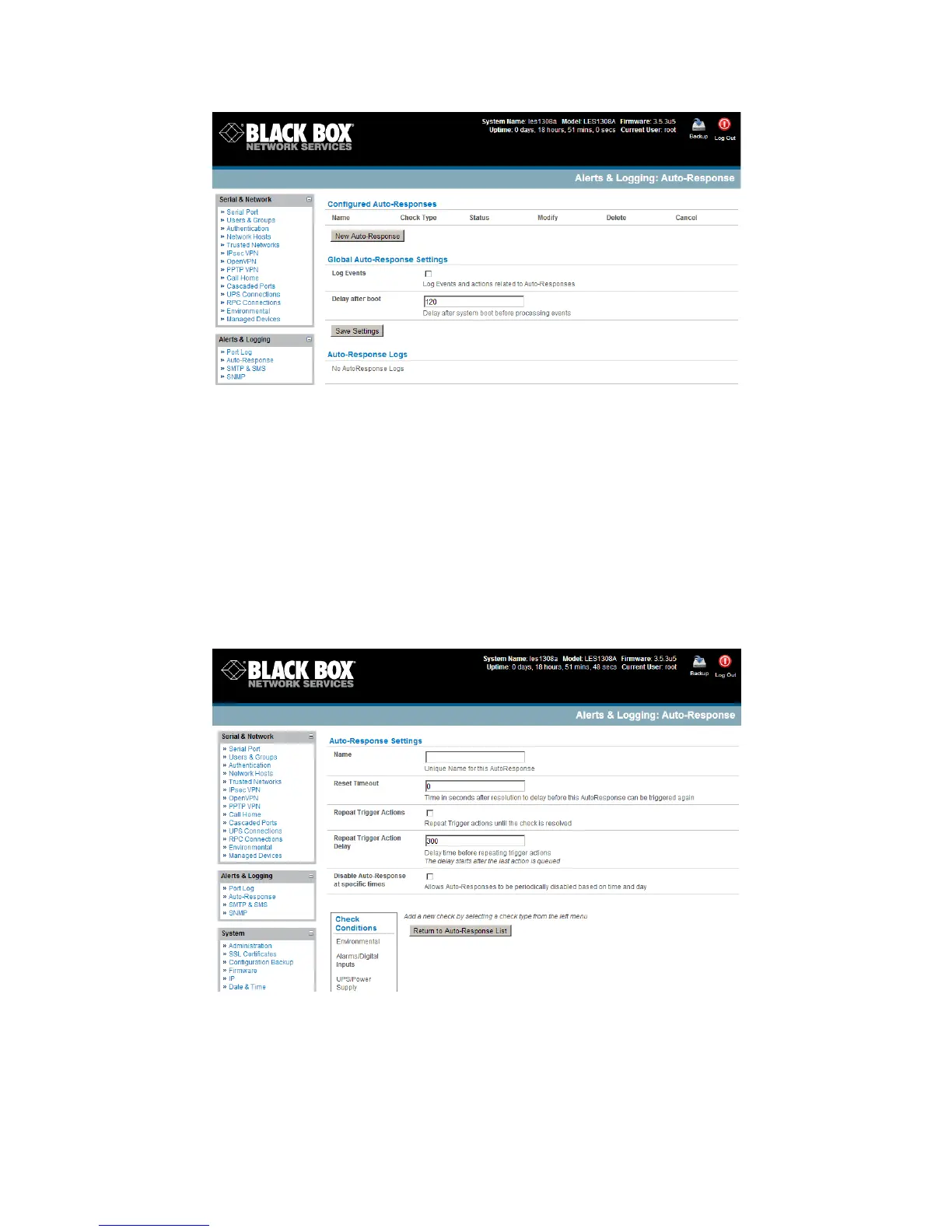
To configure a new Auto-Response:
Select New Auto-Response in the Configured Auto-Response field. You will be presented
with a new Auto-Response Settings menu.
Enter a unique Name for the new Auto-Response.
Specify the Reset Timeout for the time in seconds after resolution to delay before this Auto-
Response can be triggered again.
Check Repeat Trigger Actions to continue to repeat trigger action sequences until the check
is resolved.
Enter any required delay time before repeating trigger actions in Repeat Trigger Action
Delay. This delay starts after the last action is queued.
Check Disable Auto-Response at specific times and you will be able to periodically disable
auto-Responses between specified times of day.











 To Next Page