_____________________________________________________________________
724-746-5500 | blackbox.com Page 48
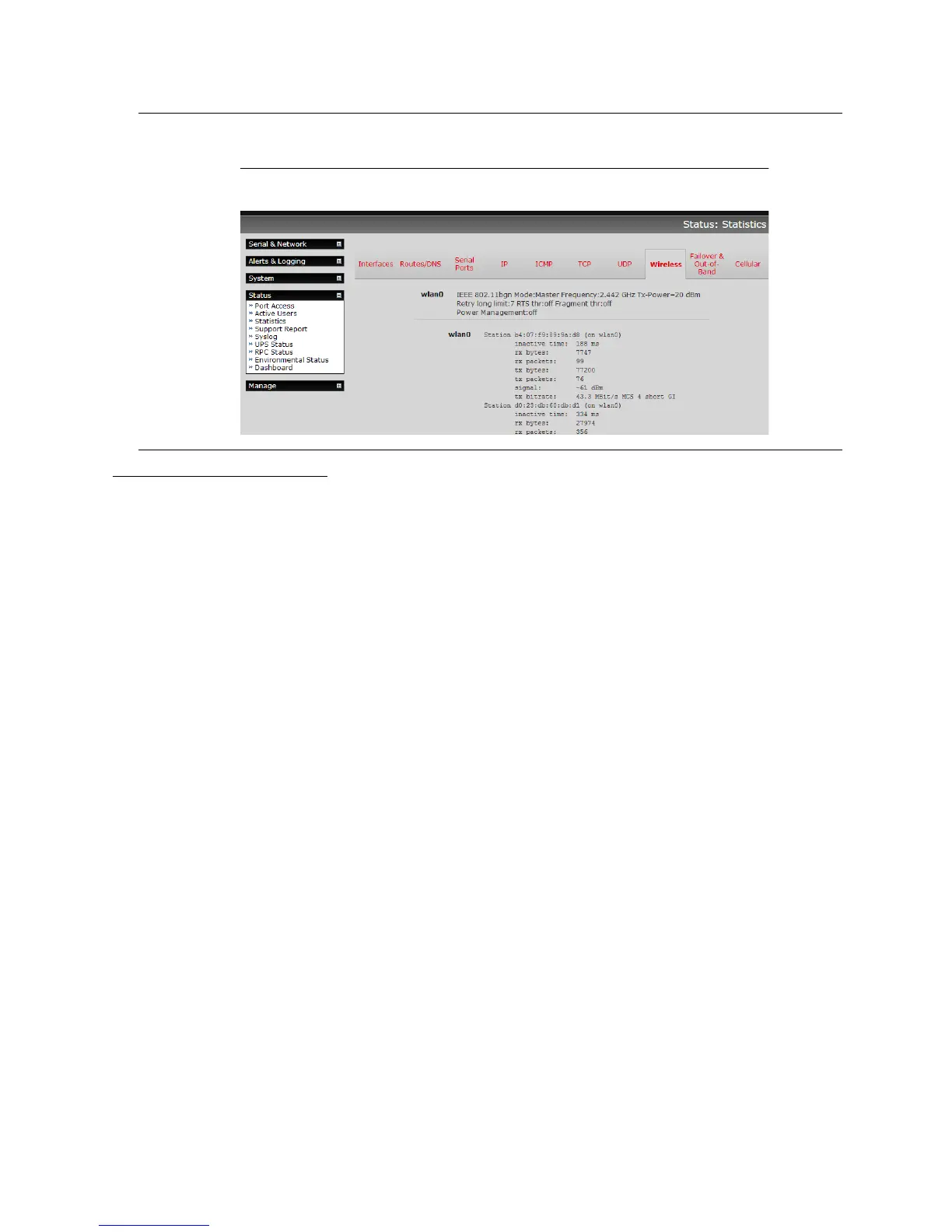
Note The Wireless screen on the Status: Statistics page shows the list of clients that are
connected to the WAP.
Wireless Client configuration:
Select Wireless Client in the Wireless Settings section - which will make the Wireless Client
Settings section visible.
Select DHCP or Static for the Configuration Method.
If you selected Static, then manually enter the new IP Address, Subnet Mask,
Gateway and DNS server details. This selection automatically disables the DHCP
client.
If you selected DHCP, the device will look for configuration details from a DHCP
server on your management LAN. This selection automatically disables any static
address. The device MAC address is printed on a label on the base plate.
The wireless LAN when enabled in client mode will operate as the main network connection to
the device, so failover is available (though it not enabled by default). Use Failover Interface to
select the device to failover to in case of wireless outage, and specify Probe Addresses of the
peers to probed for connectivity detection.
Configure the Wireless Client to select the local wireless network that will serve as the main
network connection to the console server.
o Select the Country the device is to operate in.
o Enter the appropriate SSID (Set Service Identifier) of the wireless access point to connect
to
o Select the Wireless Network Type where Infrastructure is used to connect to an
access point and Ad-hoc to connect directly to a computer.
o Select the Wireless Security mode of the wireless network (WEP, WPA etc.) and enter
the required Key / Authentication / Encryption settings.











 To Next Page