_____________________________________________________________________
724-746-5500 | blackbox.com Page 50
may be useful for remotely accessing various subnets at a remote site when being accessed using the
cellular out of band connection.
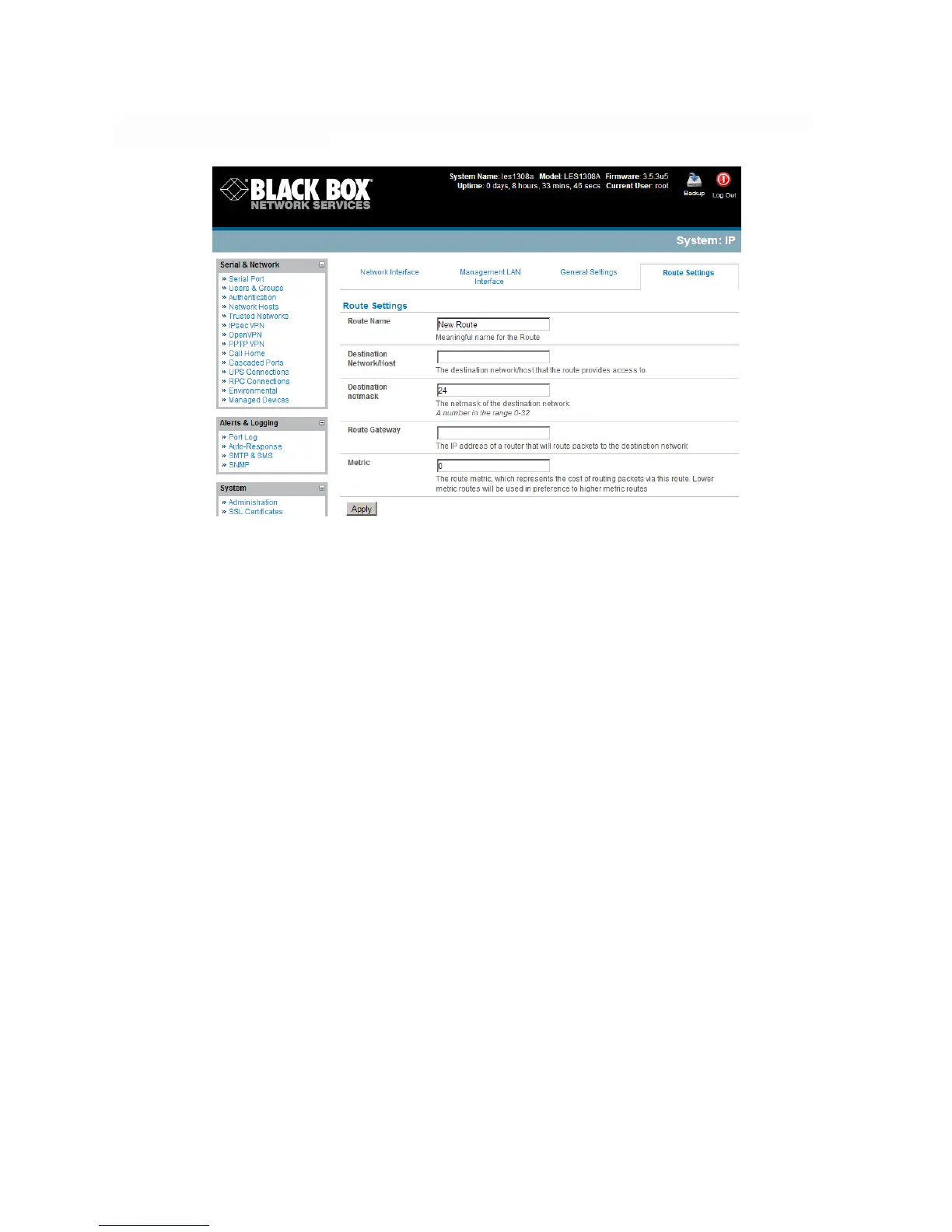
To add to the static route to the route table of the system:
Select the Route Settings tab on the System: IP General Settings menu.
Enter a meaningful Route Name for the route.
In the Destination Network/Host field, enter the IP address of the destination network/host that
the route provides access to.
Enter a value in the Destination netmask field that identifies the destination network or host. It
can be any number between 0 and 32. A subnet mask of 32 identifies a host route.
Enter Route Gateway with the IP address of a router that will route packets to the destination
network.
Enter a value in the Metric field that represents the metric of this connection. This generally only
has to be set if two or more routes conflict or have overlapping targets. It can be any number
equal to or greater than 0.
Click Apply. !
!











 To Next Page