_____________________________________________________________________
724-746-5500 | blackbox.com Page 82
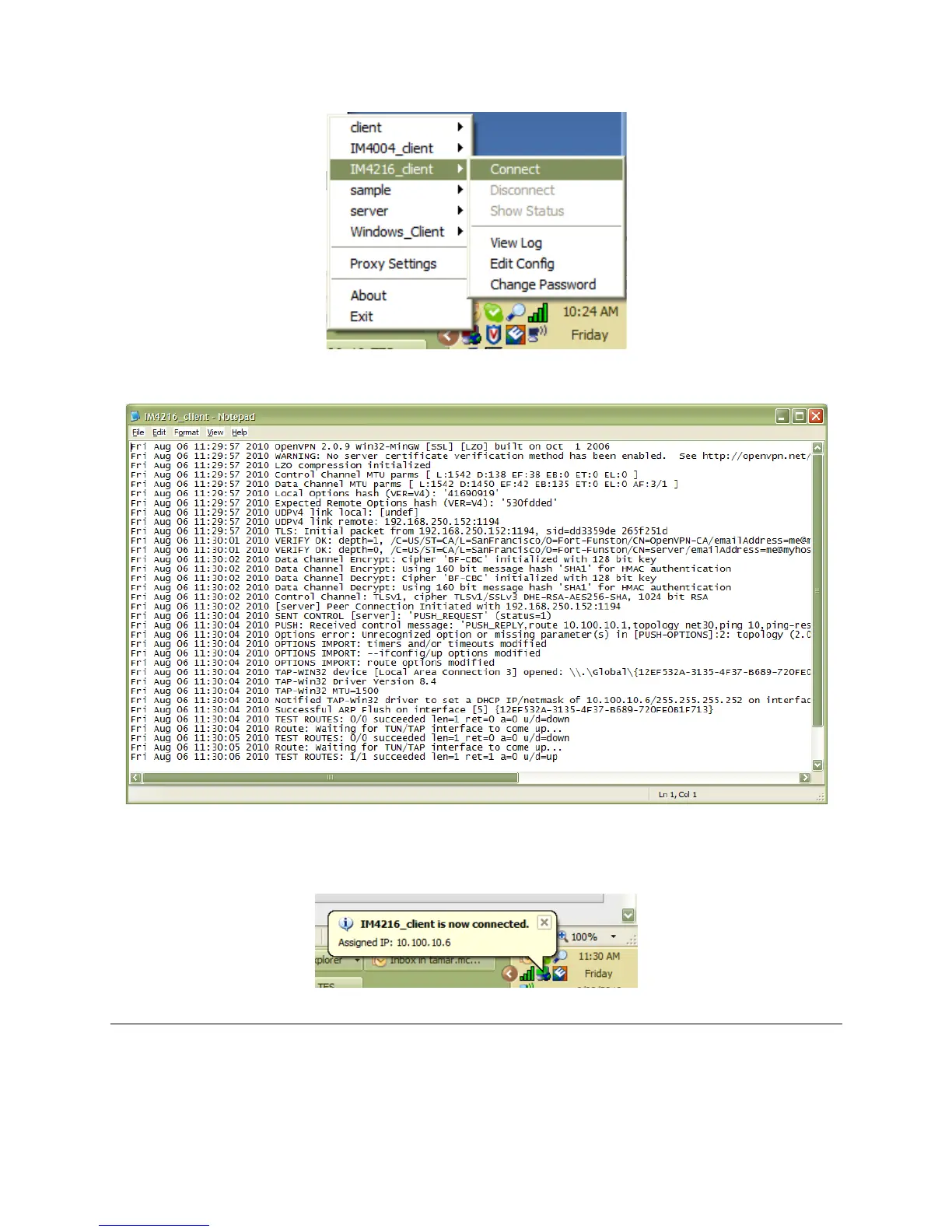
The log file will be displayed as the connection is established.
Once established, the OpenVPN icon will display a message notifying of the successful
connection and assigned IP. This information, as well as the time the connection was established,
is available anytime by scrolling over the OpenVPN icon.
Note: An alternate OpenVPN Windows client can be downloaded from
http://www.openvpn.net/index.php/openvpn-client/downloads.html. Refer to
http://www.openvpn.net/index.php/openvpn-client/howto-openvpn-client.html for help.











 To Next Page