CONTROL OF SERVSWITCH™ DKM
105
8.3.1 Open the „CP-Switch“ Menu
Please perform the following steps:
Enter into the OSD with key sequence <Strg>+ <Shift>+ <O> (Letter ‚o’) The “KVM
List” Mask is displayed full screen (If Option “Listview” is not active, “KVM Switch” Mask
will be displayed instead).
Leave the “KVM List” Mask by hitting <ESC> The “Menu” is displayed full screen.
Please select the menu option „CP-Switch“ by using the cursor buttons and confirm with
<RETURN>.
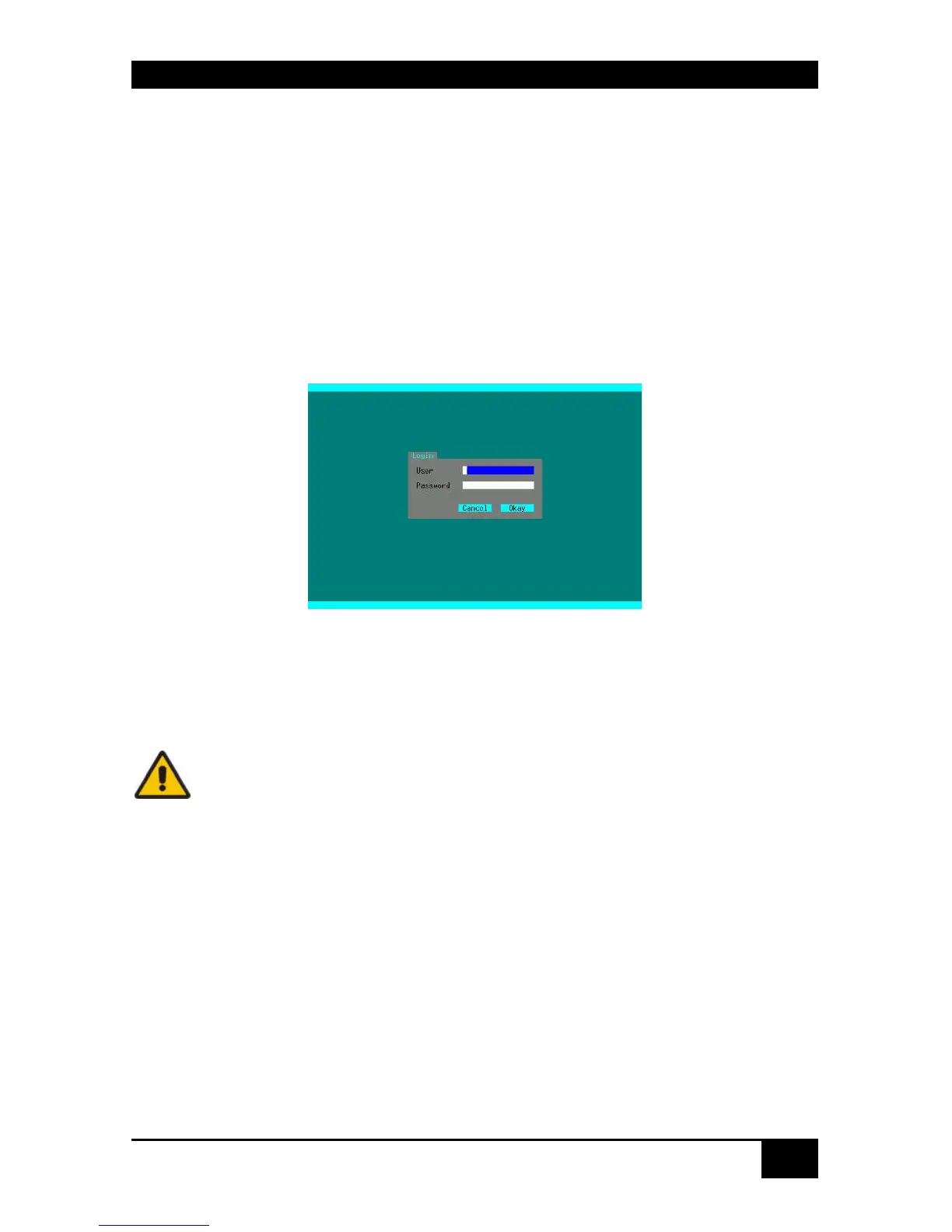
If you are not yet logged into the OSD as Power User, the LOGIN Dialog is now
displayed:
Access to the Crosspoint switch mode requires Power User rights. At delivery the following
default user account is pre-defined, who can define additional users or Power users (see page
52)
User admin (case sensitive)
Password admin (case sensitive)
Please modify this password at the first login.
After successful login the “Crosspoint Switch / CON Ports” menu is displayed:














 To Next Page