STATUS INFORMATION
81
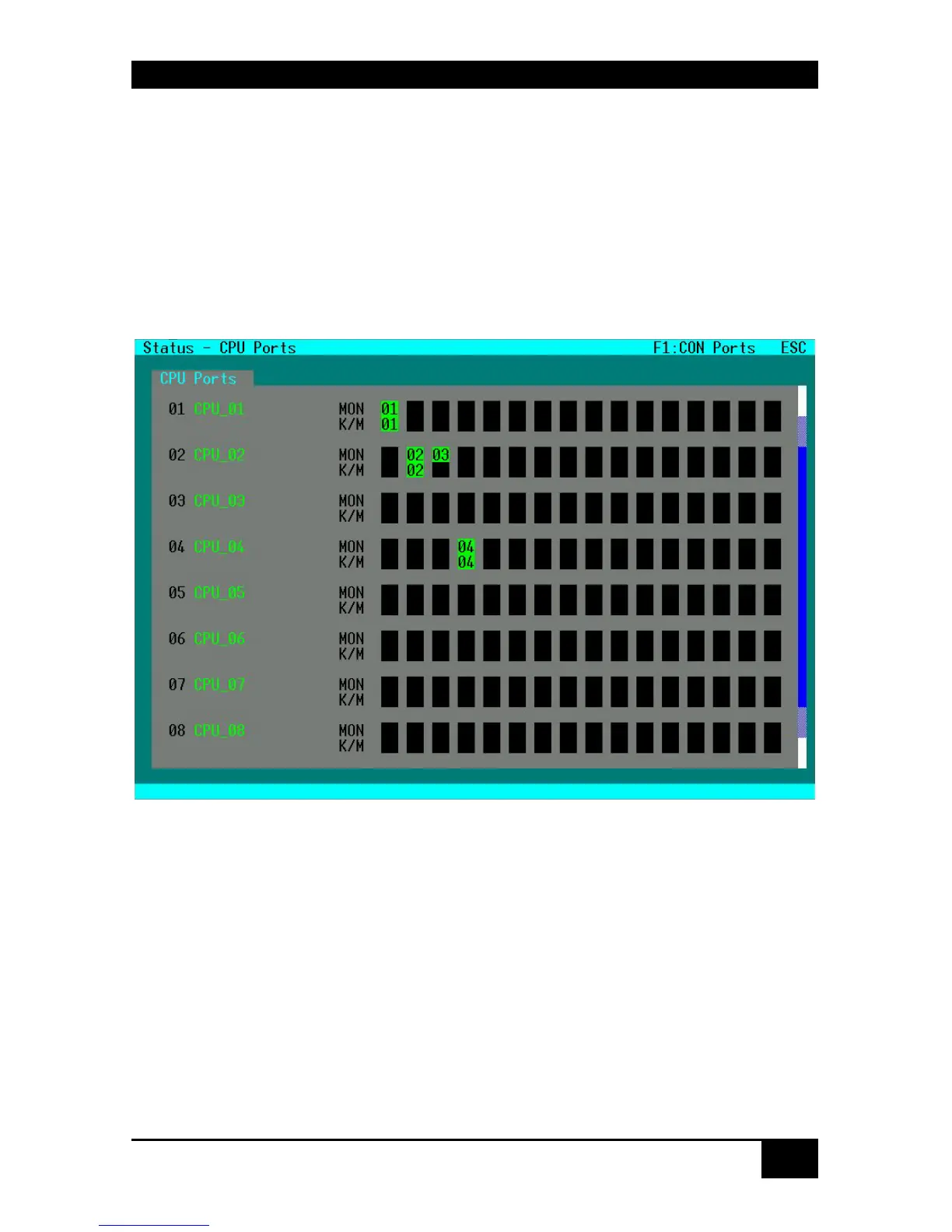
7.1.3 Status Display of CPU Ports
Please select the option “CPU Ports” in the “Status” menu by using the cursor buttons and
confirm with <RETURN>.
The “Status – CPU Ports” mask is displayed full screen.
In this status view it is shown, which CPU has connections to which console. Easily to detect
in this view is, if the display of one CPU is displayed on several monitors.
Pressing the ‘F1’ key allows easily to switch to the “User Port view”.
Navigation Options:
<Page up> Page up in Input-/Status Masks with several pages
<Page down> Page down in Input-/Status Masks with several pages
<F1> Switch to Status Display of User Ports
<ESC> Return to „Status“ Mask














 To Next Page