EasyManua.ls Logo

Black Box ServSwitch - Display of Network Status

Black Box ServSwitch
173 pages
Print Icon
To Next Page IconTo Next Page
To Previous Page IconTo Previous Page
Loading...
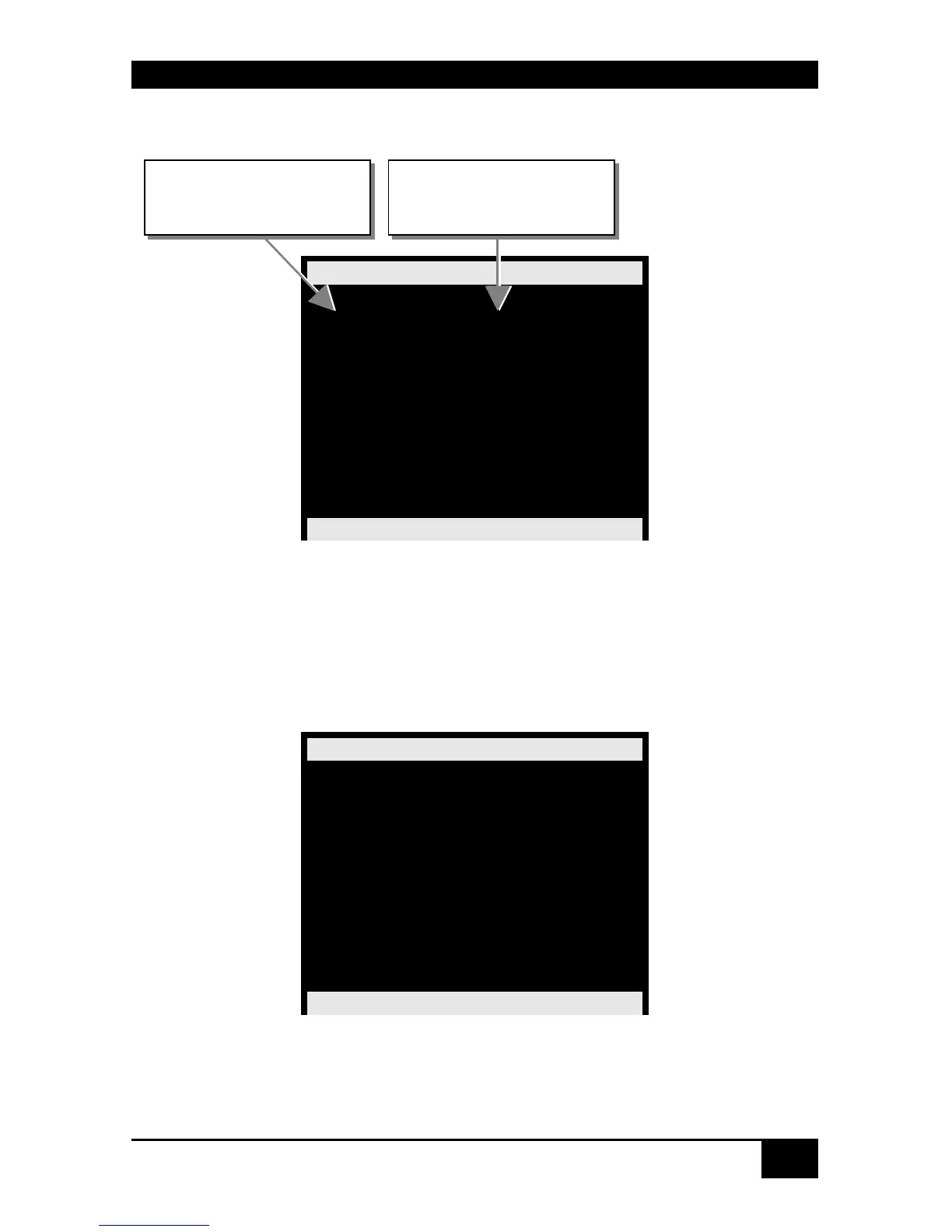
STATUS INFORMATION
91
Displays:
Status Ports
Output Input
CPU_01 CON_01
CPU_02 n.c.
CPU_03 n.c.
CPU_04 n.c.
CPU_05 n.c.
CPU_06 n.c.
CPU_07 n.c.
CPU_08 n.c.
ServSwitch DKM
7.4.5 Display of Network Status
Please select the option “Network” in the “Status Mask” by using the cursor buttons and
confirm with <RETURN>.
The “Status Network” mask is displayed full screen.
Status Network
DHCP : YES
IP address : 0.0.0.0
Subnet mask: 0.255.255.0
Gateway : 0.0.0.0
MAC ID :
00:21:5F:01:00:0E
RX TX
Errors : 0 0
Dropped : 0 0
Station : 0 6
Broadcast : 0 0
Bytes : 0 2064
ServSwitch DKM
Navigation Options:
<ESC> Return to „Status“ Mask
No. of CPU Port
No. of CON Port
connected to this CPU

Table of Contents

Other manuals for Black Box ServSwitch

Related product manuals