ServSwitch™ DKM
78
7.1 Status Display via Console and OSD
7.1.1 Open the „Status“ Menu
Please perform the following steps:
Enter into the OSD with key sequence <Strg>+ <Shift>+ <O> (Letter ‚o’) The “KVM
List” Mask is displayed full screen (If Option “Listview” is not active, “KVM Switch” Mask
will be displayed instead).
Leave the “KVM List” Mask by hitting <ESC> The “Menu” is displayed full screen:
Please select the menu option „Status“ by using the cursor buttons and confirm with
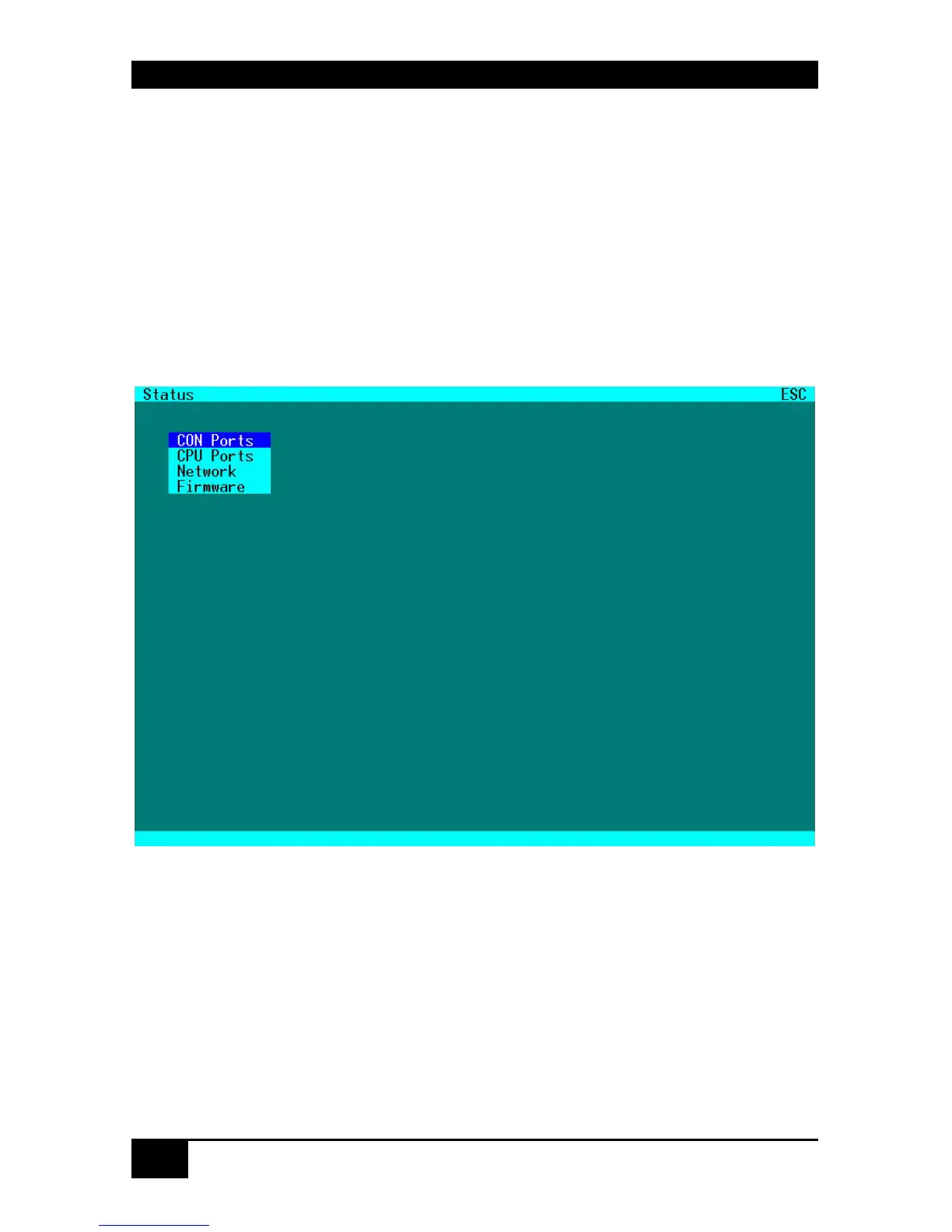
<RETURN> The “Status” mask is displayed full screen:














 To Next Page