OPERATING MODES
121
9.8 Crosspoint Switch
The operation as a Crosspoint Switch allows the most flexible application of the switch
functions. Usually, this operating mode will be used to connect up to 32 video source (and,
optionally, audio sources) to up to 16 displays.
In “Reverse Mode”, up to 16 video source (and, optionally, audio sources) can be connected
to up to 32 displays. For this mode, please contact our Technical Support.
Switching can be realized in various ways:
By means of the OSD menu at a console connected to a CON Port
By means of a PC, a Browser and the web interface (under development)
By means of switch commands via the network interface
By means of switch commands via the serial interface
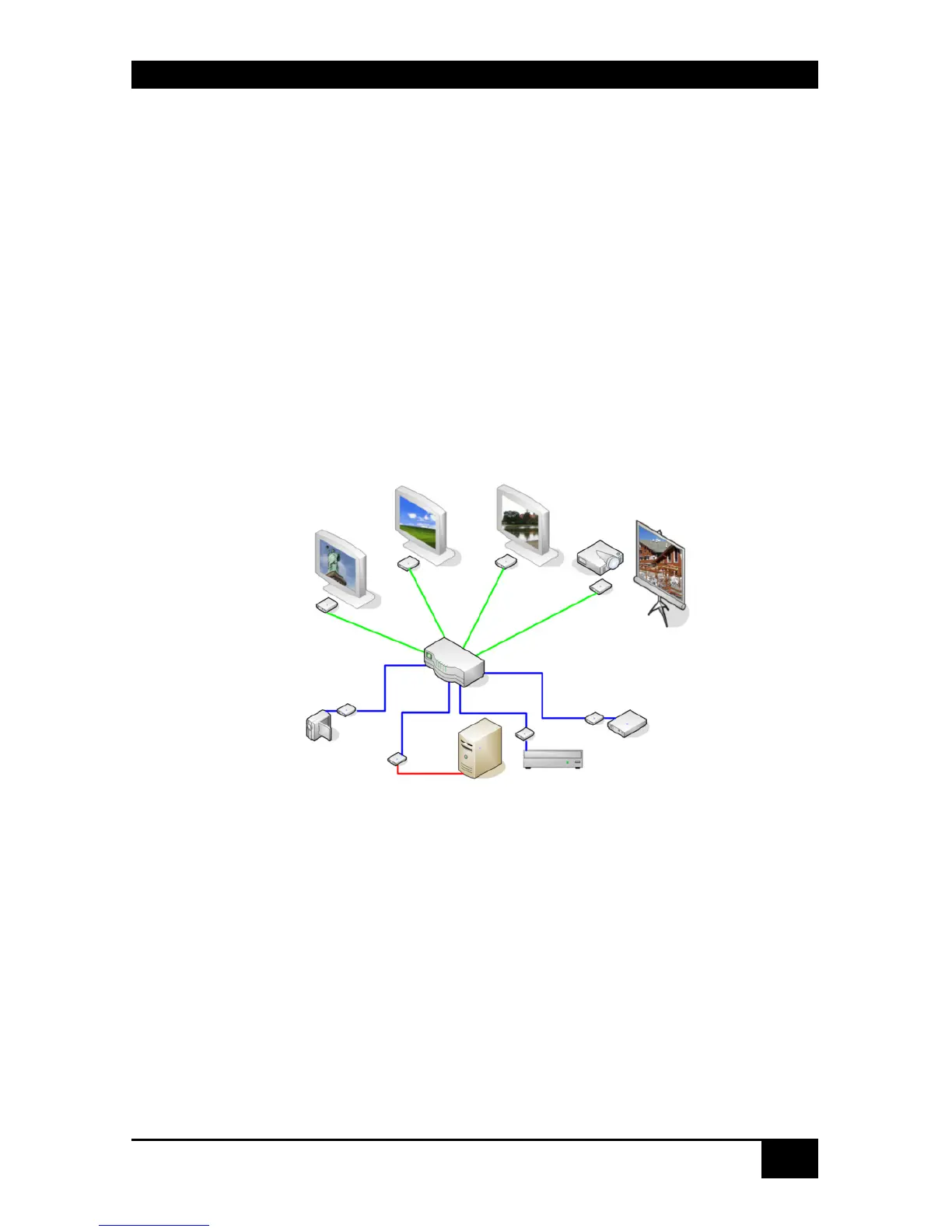
Switch example:
Crosspoint Switch
Any signal source can be assigned to any number of displays, where the picture will be
displayed in parallel. Additionally, (optional) audio signals will be transmitted as well.














 To Next Page