STATUS INFORMATION
93
7.4.6 Display of Flash Status
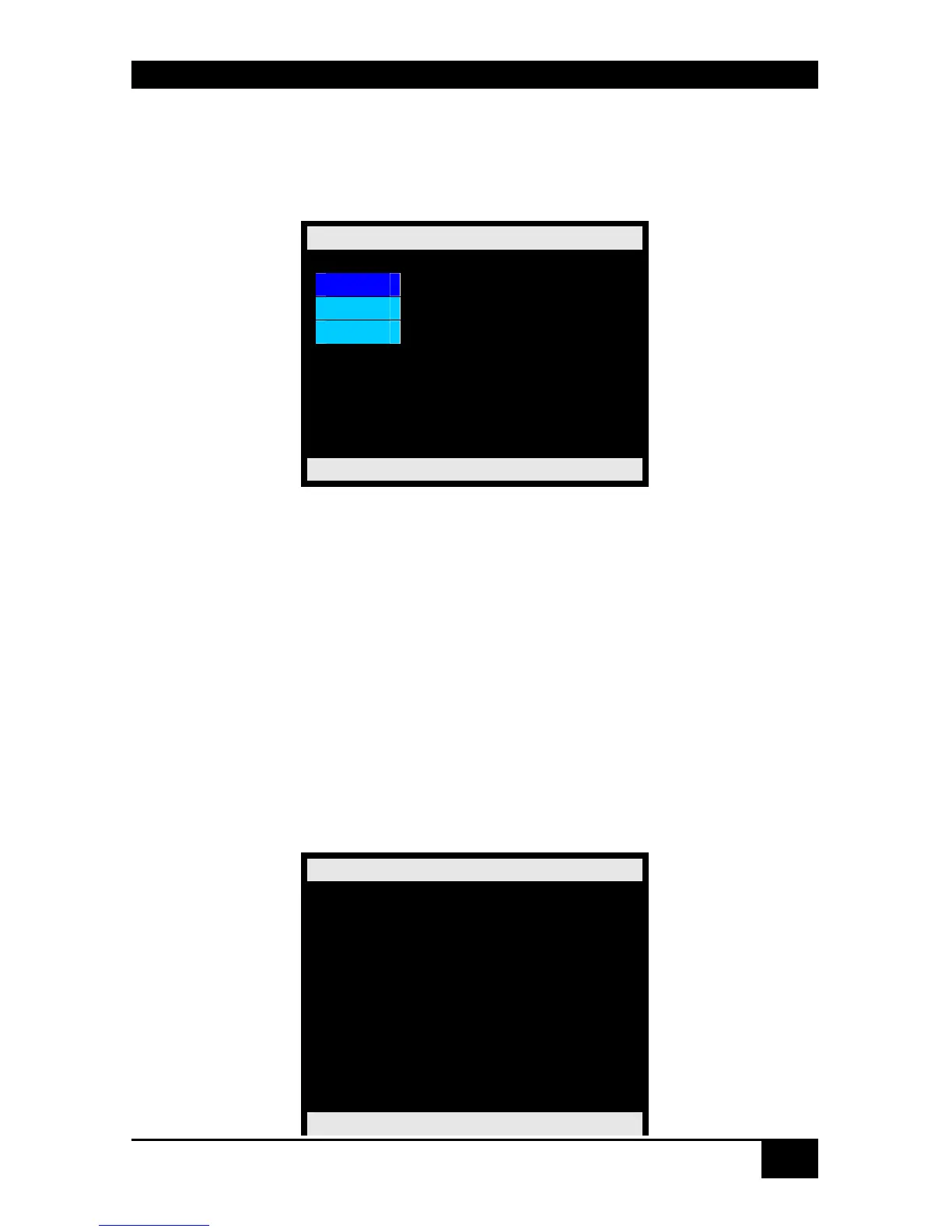
Please select the option “Flash” in the “Status Mask” by using the cursor buttons and confirm
with <RETURN>.
The “Status Flash” mask is displayed full screen.
Status Flash
File
SSI
CGI
ServSwitch DKM
Navigation Options:
<Line up>
<Line down>
<RETURN> Select option
<ESC> Return to „ Status “ Mask
Menu „File“:
Please select the option “File” in the “Status Flash Mask” by using the cursor buttons and
confirm with <RETURN>
The “Status Flash File“ Mask is displayed full screen.
These pages show the name and the size of the configuration files.
Page 1 of „Status Flash Mask“
Status Flash File
Filename Size
config.sys 3920 *
default.sys 3444
config01.sys 3444
config02.sys 3444
config03.sys 3444
config03.sys 3444
config04.sys 3444
config05.sys 3444
config06.sys 3444
ServSwitch DKM














 To Next Page