SERVSWITCH™ DKM CONFIGURATION
45
6.1.3 Load Configurations
Please select the option “Open” in the “Configuration” menu by using the cursor buttons and
confirm with <RETURN>
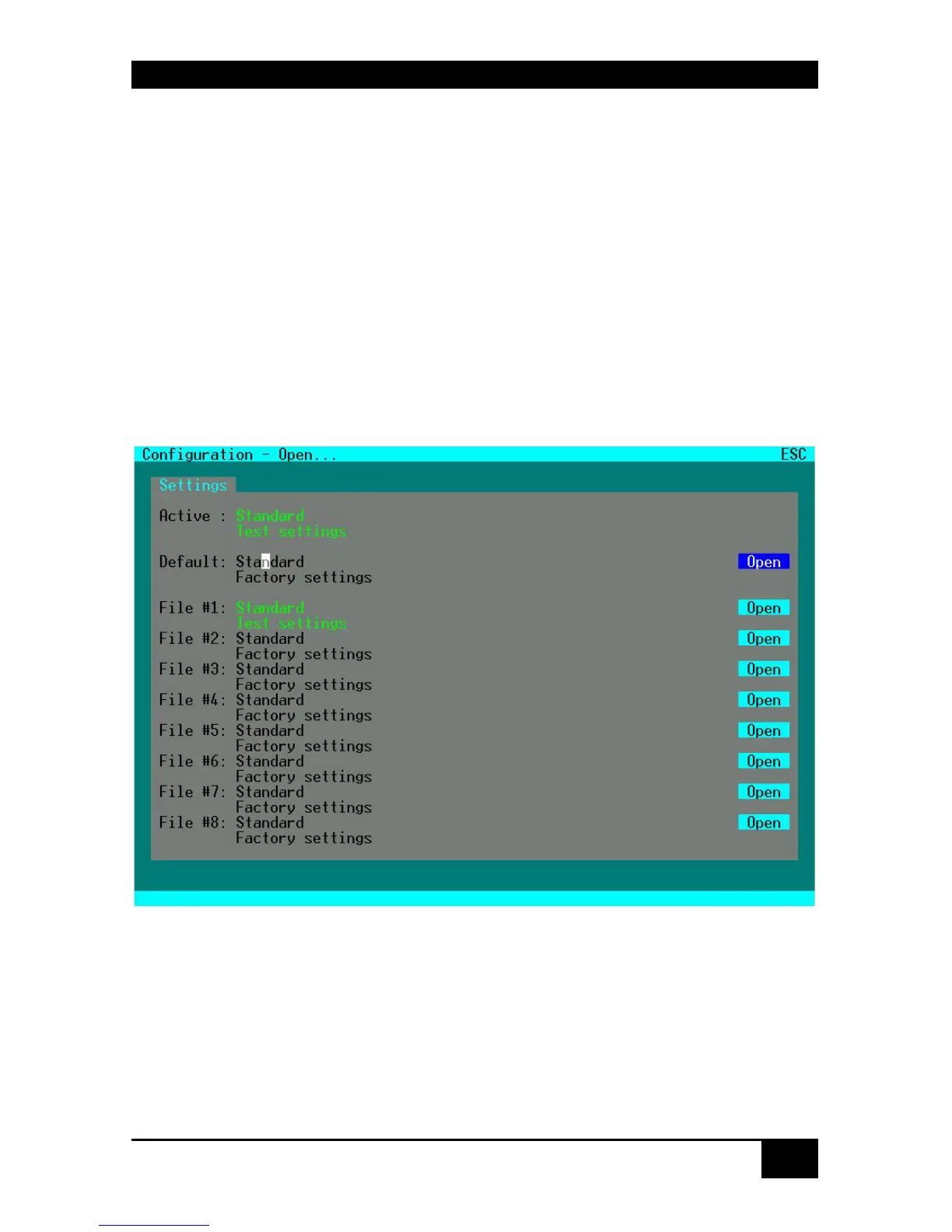
The “Open” mask is displayed full screen.
In this menu, you can load any switch configuration that has been previously stored within
the switch.
The current configuration is shown as „Active“.
Besides the Default configuration, up to eight further configurations can be loaded.
The configuration to be loaded is selected by cursor buttons or mouse and must be confirmed
by <RETURN> or double click.
The selected configuration will be set immediately and will be displayed as „Active“. The
former configuration is deleted.














 To Next Page