ServSwitch™ DKM
90
7.4.3 Status Mask
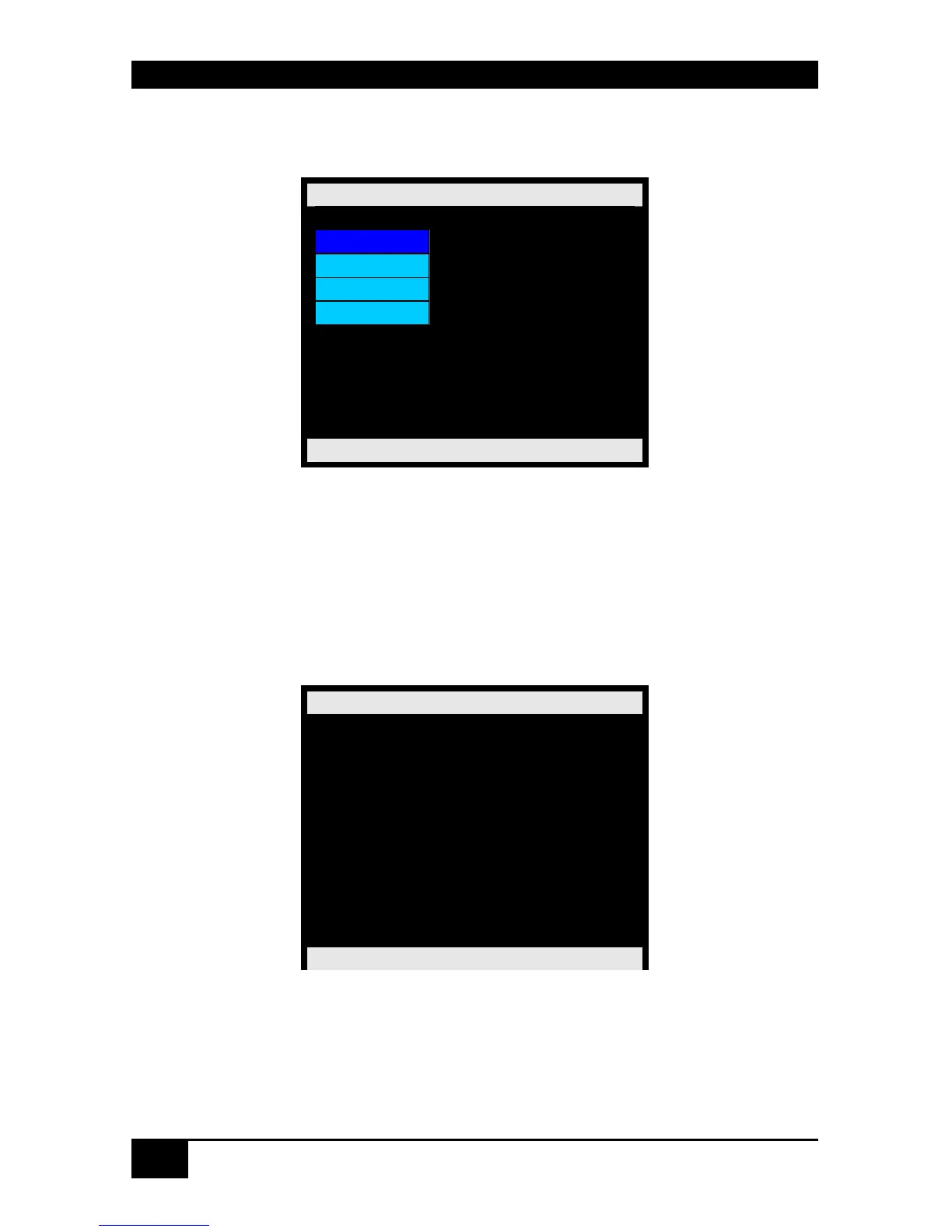
From the „Menu“ Mask you open the „Status“ Mask by pressing <RETURN>.
Status
Ports
Network
Flash
Tasks
ServSwitch DKM
7.4.4 Display of CPU-/CON-Ports Status
Please select the option “Ports” in the “Status Mask” by using the cursor buttons and confirm
with <RETURN>.
The “Status Ports” mask is displayed full screen.
In this menu, you can see, to which console each CPU is linked to. There are four pages about
the Status of the CPU Ports and two pages about the Status of the CON-Ports.
Status Ports
Output Input
CPU_01 CON_01
CPU_02 n.c.
CPU_03 n.c.
CPU_04 n.c.
CPU_05 n.c.
CPU_06 n.c.
CPU_07 n.c.
CPU_08 n.c.
ServSwitch DKM
Navigation Options:
<Page up> Previous page
<Page down> Next page
<ESC> Return to „ Status “ Mask














 To Next Page