SERVSWITCH™ DKM CONFIGURATION
57
6.1.9 CON Matrix Configuration
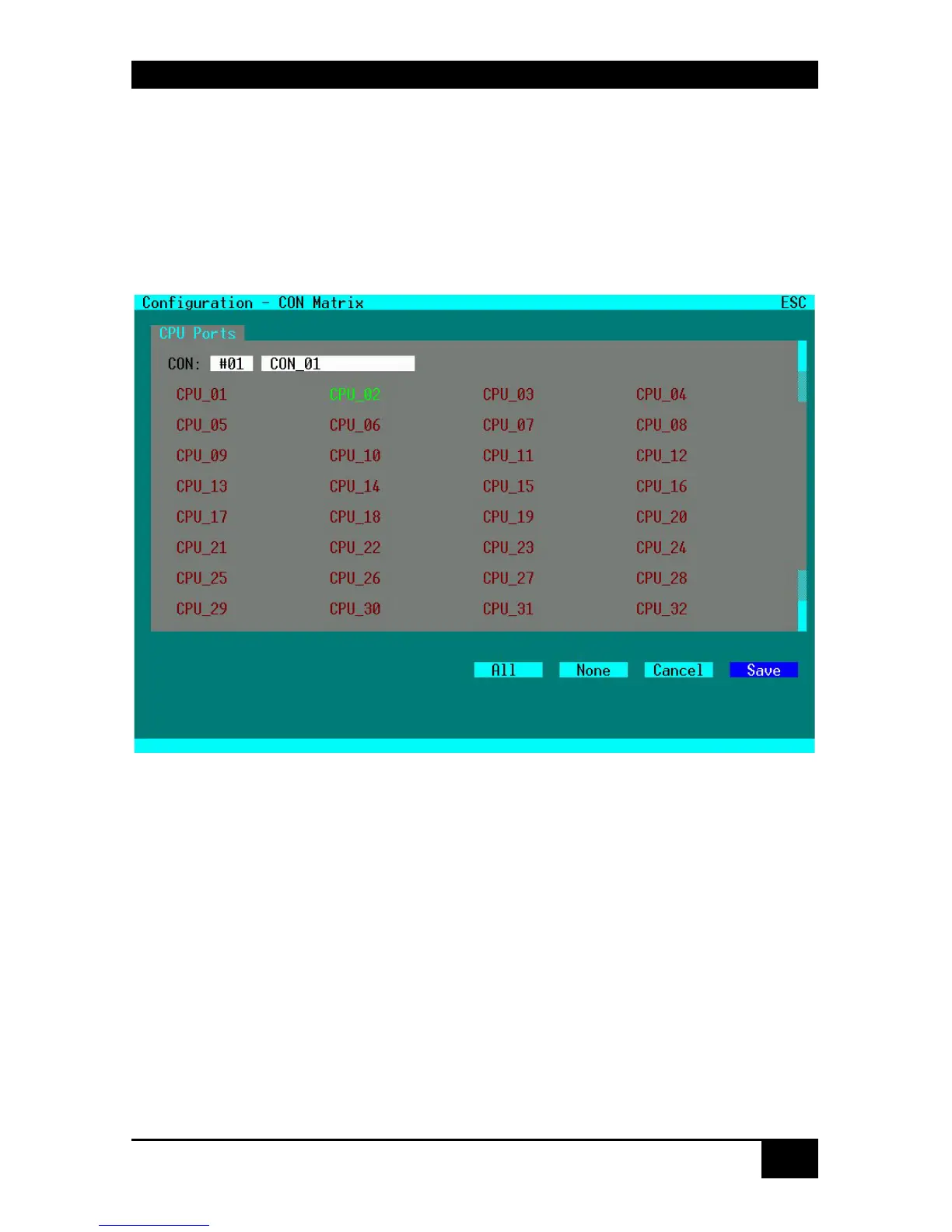
Please select the option “CON Matrix” in the “Configuration” menu by using the cursor
buttons and confirm with <RETURN>.
The “CON Matrix” mask is displayed full screen.
In this menu, the administrator can define for each console a specific set of CPU’s that this
console might connect to. The use of this matrix is activated in the “System” Menu by setting
the option “CON Matrix”.
Keyboard Control:
<Page up> Page up to previous CON Port
<Page down> Page down to next CON Port
<Cursor left> Move to left field
<Cursor right> Move to right field
<Cursor up> Line up
<Cursor down> Line down
<Tab> Next field
<Shift> + <Tab> Previous field
<SPACE> Release selected CPU-Port for selected CON Port
<RETURN> Release selected CPU-Port for selected CON Port, apply and save data
<ESC> Back to upper Menu














 To Next Page