STATUS INFORMATION
83
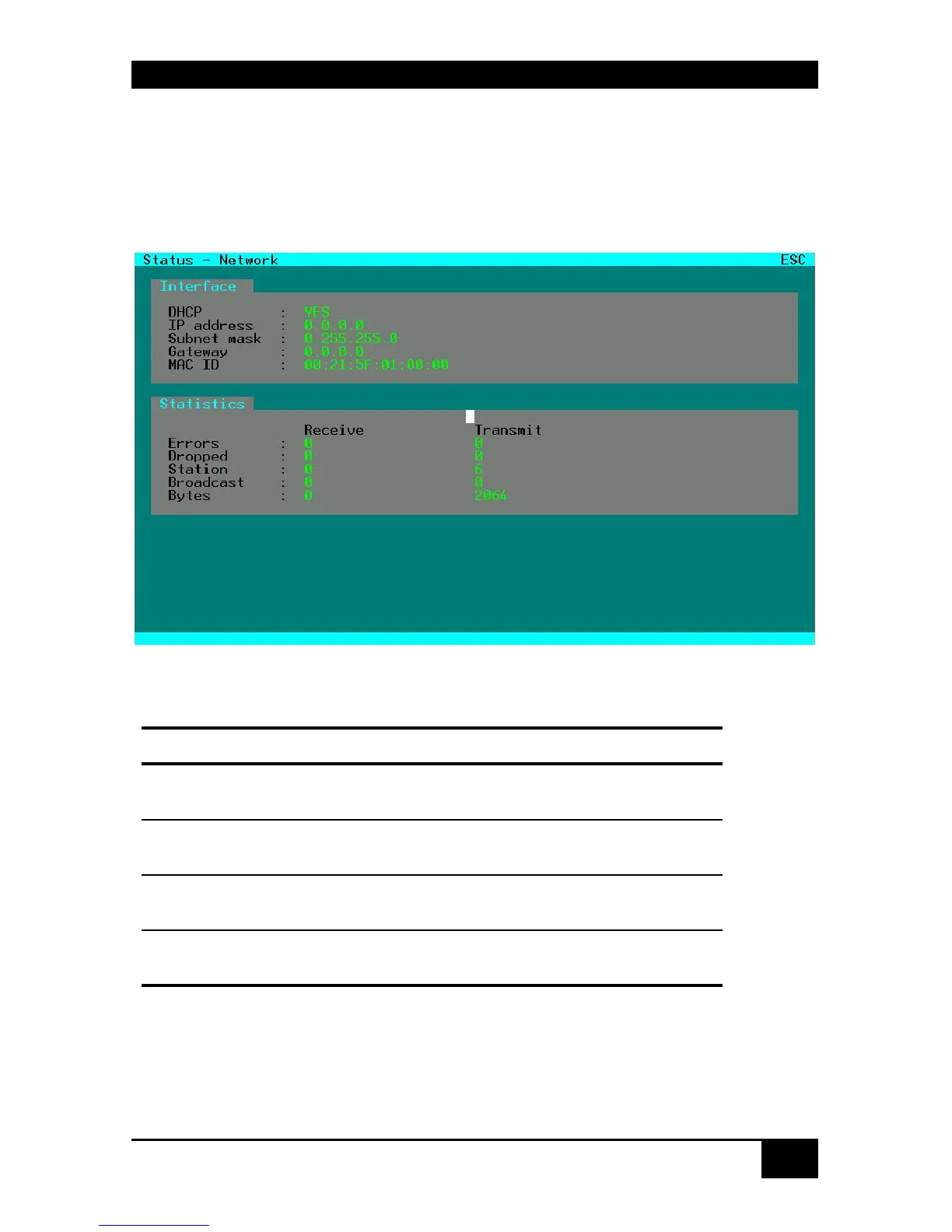
7.1.4 Display of Network Status
Please select the option “Network” in the “Status” menu by using the cursor buttons and
confirm with <RETURN>.
The “Network” mask is displayed full screen.
This status view shows the complete network configuration.
Display: Interface:
Field Description
DHCP
Display of dynamic network configuration status
(‚YES’ or ‚NO’)
IP Address
Display of IP Address
(as entered manually or received by DHCP)
Subnet Mask
Display of Subnet Mask
(as entered manually or received by DHCP)
Gateway
Display of Gateway Address
(as entered manually or received by DHCP)














 To Next Page