ServSwitch™ DKM
72
6.4.6 Configuration of System Parameters
Please select the option “System” in the “Configuration Mask” by using the cursor buttons
and confirm with <RETURN>.
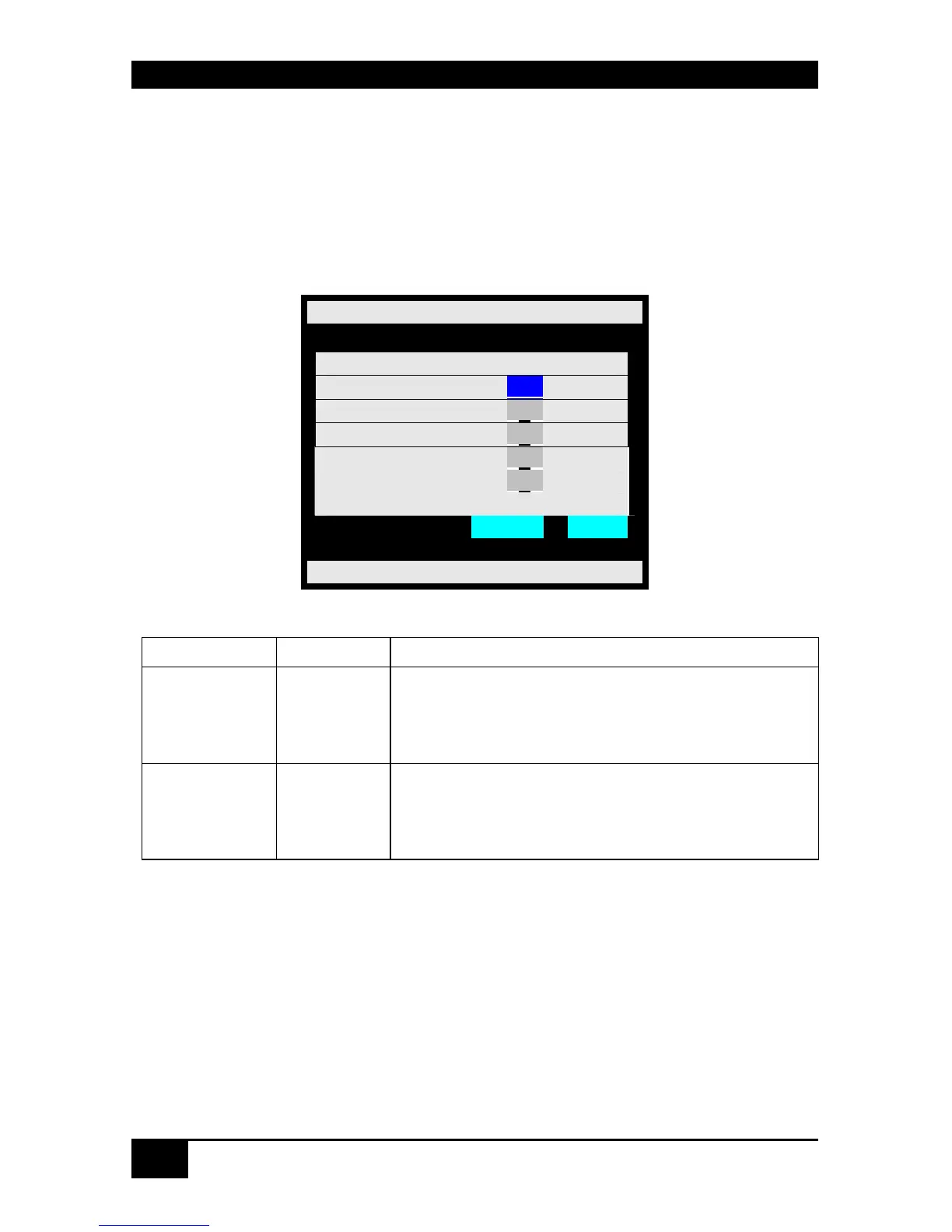
The “Configuration System” mask is displayed full screen.
In this menu, you can define some parameters for the ServSwitch™ DKM system
configuration.
Configuration System
Slave : _N_
Load Default : _N_
Login : _N_
User Matrix : _N_
CON Matrix : _N_
Cancel Save
ServSwitch DKM
System Options:
Field Type Description
Slave Y/N
Y – This switch is configured according to a master
switch and remotely controlled. No configuration
possible.
N – No slave mode.
Load Default Y/N
Y – Upon “Power On” or “Restart” the switch will boot
with the Default configuration.
N – . Upon “Power On” or “Restart” the switch will
boot with the last configuration.














 To Next Page