Task Procedures Illustrations
234
LEGACY
Light Kit Assembly and Mounting
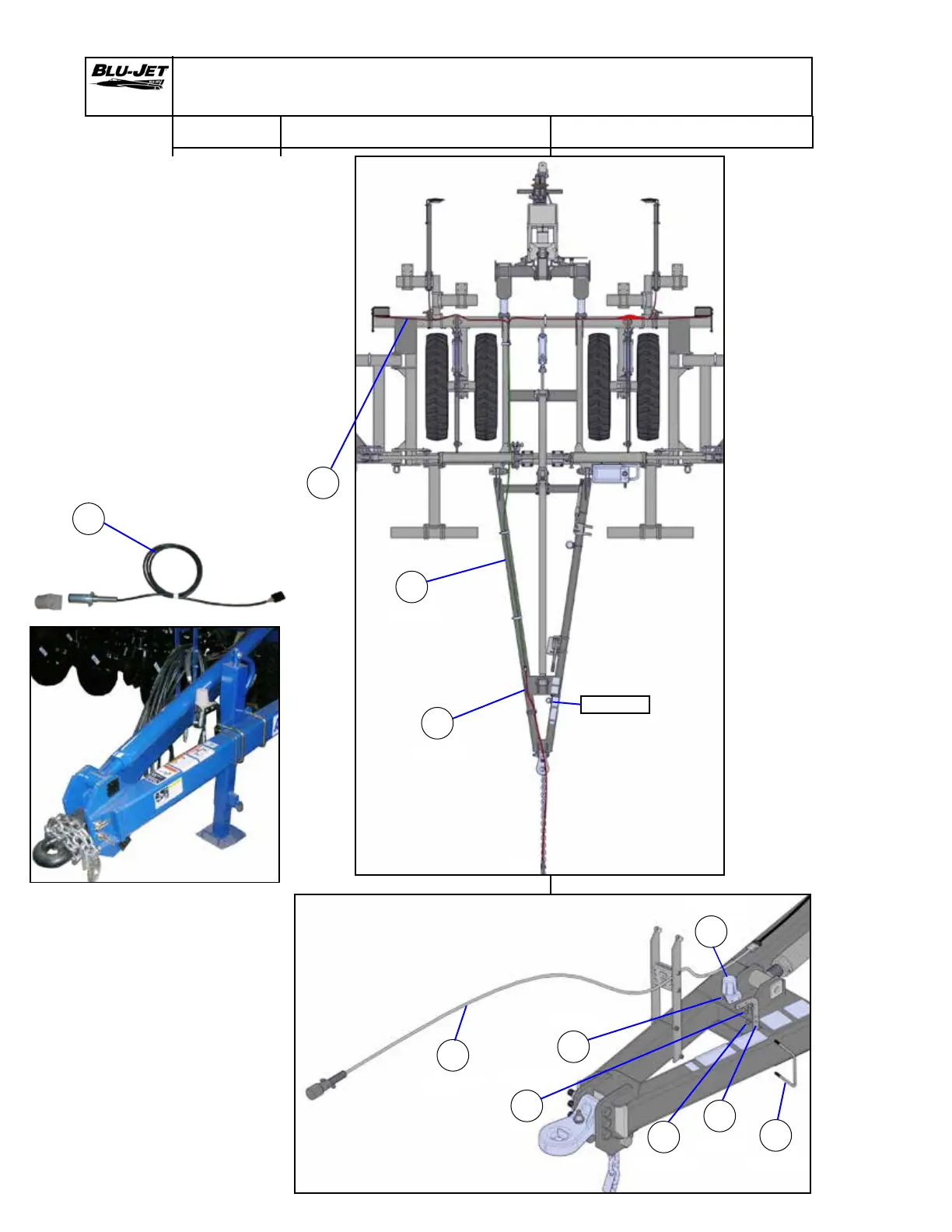
1. Extend (g) rear wiring
harness from lights
to right-hand side
from the rear of frame.
2. Attach (s) (AP2828)
wiring harness extension
to (g). Extend down the
right-hand side of the
tongue through hose
holders.
3. Attach (t) (AP2824) main
wiring harness to (s)
and extend through
hose holder to dust
cap.
g
AP3128
s
AP2828
t
AP2824
u
BP3045
t
AP2824
c
CP2660
v
AM4575
w
AP2829
x
BP3053
y
BP3150
4. Mount (v) (AM4575) dust
cap holder to tongue with
(u) (BP3045) 3/8” x 6” W x
5” L u-bolt. Secure with (c)
(CP2660) 3/8” hex lock
nuts, (Nylock).
5. Attach (w) (AP2829) dust
cap to mounting bracket
with (y) (BP3150) 1/4” x 1”
hex cap screws and (x)
(BP3053) 1/4” hex nuts.
t
AP2824
Dust cap
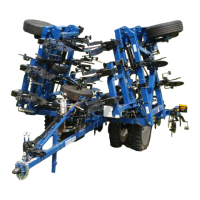
Generic
drawing
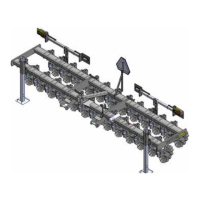
Generic
drawing


 To Next Page