iH Dry Pumping Systems 4-13
Setup
SETUP PASSWORD
Password DDD
ENTER
SETUP PASSWORD
Password DDD
ENTER
SETUP PASSWORD
Password DDD
ENTER
Select option
[4-8/2]
Normal [4-5]
☞
Use the up and down
buttons to increase or
decrease the second
digit of the password.
Press ENTER when the
digit is set correctly.
☞
Use the up and down
buttons to increase or
decrease the first digit of
the password.
Press ENTER when the
digit is set correctly.
☞
Use the up and down
buttons to increase or
decrease the third digit
of the password.
Press ENTER when the
digit is set correctly.
☞
If the password was incorrect,
revert to normal display
☞
If the setup password was
entered, continue to select the
setup menu option.
▼
▲
▲
▼
▼
▲
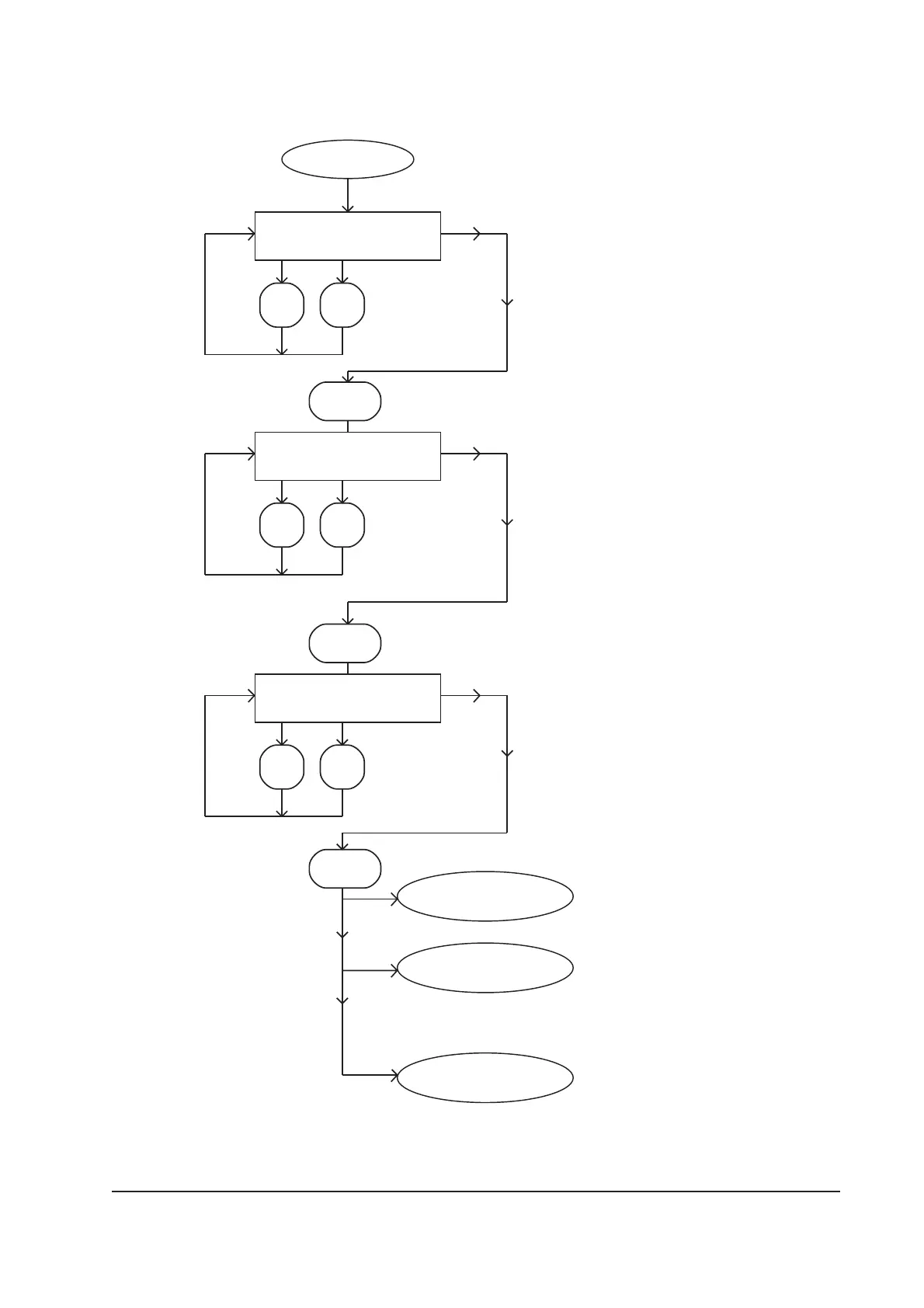
Figure 4-8 - Setup menu: sheet 1 of 3
Select option
[4-12/2]
☞
If the service password was
entered, continue to select the
service menu option: the
service password is only
available to BOC Edwards
service engineers.



 To Next Page