3.15 Connect to your emergency stop circuit (optional)
Note: If you do not connect to your own control equipment, you must fit the iH Tool Interface Module
plug supplied to the iH Tool Interface Module connector on the rear of the iH system (Figure 1-5,
item 8). If you do not, you will not be able to operate the iH system.
If required, you can connect your own control equipment to the iH system to shut down the
iH system in an emergency. Use the following procedure
1. Remove the link between pins 1 and 2 of the iH Tool Interface Module connector plug
supplied.
2. Connect a suitable cable to the plug; Table 3-3 shows the use of the pins in the plug.
3. Refer to Figure 1-5. Fit the plug to the iH Tool Interface Module connector (8) on the rear of
the iH system.
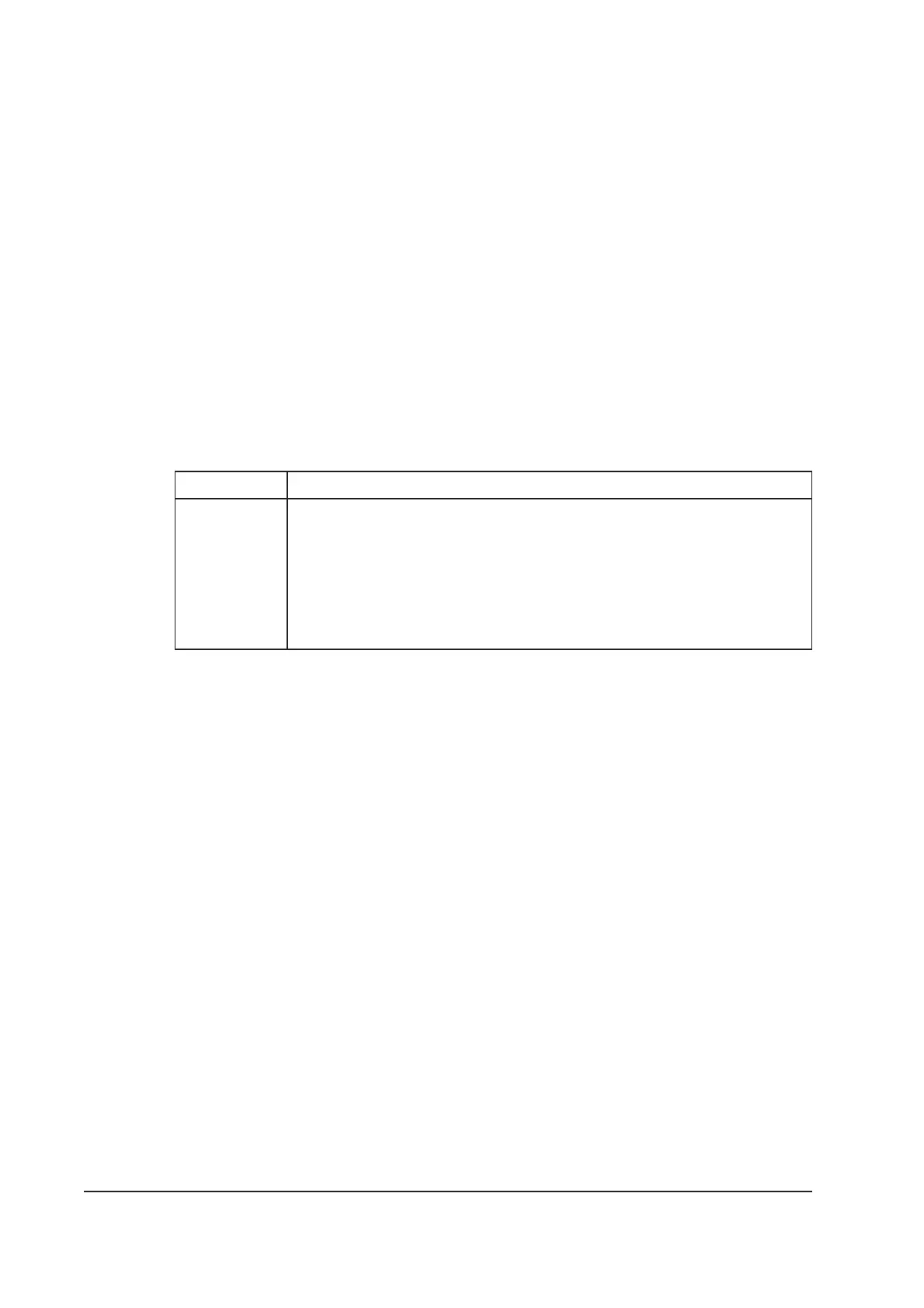
Pin(s) Use
1 and 2 Linked as supplied. Remove the link and connect these pins to your
normally-closed, isolated external emergency stop circuit.
3 and 4 Isolated auxiliary contacts of the emergency stop switch on the Electrics
Box.
5 24 V a.c. continuous output; maximum current 625 mA
6 0 V return
Table 3-3 - Pins in the iH tool interface module connector plug
3-20 iH Dry Pumping Systems



 To Next Page