5.15 Operation of iH system components
WARNING
Ensure that it is safe to start the iH system. If you do not (and, for example,
maintenance is being performed on components downstream of the iH
system), you could cause injury to people.
CAUTION
On an iH600 system, do not operate the HCMB pump unless the HCDP pump is on and has
been operating for longer than the booster start delay. If you do, you may damage the iH
system.
CAUTION
Ensure that you do not over-pressurise the vacuum system if you switch on purge gas flow
when the pumps are not on.
Notes: The gate valve must be connected to the iH system through an iH Interface Module with an
Auxiliary Interface Card.
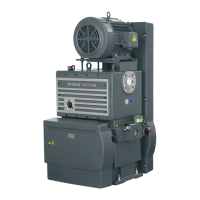
When you manually start the HCDP pump or (on an iH600 or iH1000 system) the HCMB pump,
the pump will only operate for 10 seconds and will then automatically be switched off again.
Although you can select and use the Setup/Service/Manual/MB menu, this will have no effect on
the HCMB pump; that is, you cannot use the menu to manually switch the HCMB pump on and
off.
In normal operating conditions, the components of the iH system are operated automatically.
If necessary (for example, for fault finding purposes), you can control the operation of iH
system components separately:
•
Use the Setup/Service/Manual/Gas Module menu to control the operation of the Gas
Module (that is, turn the nitrogen supply, gas-ballast and inlet-purge flows on and off).
•
Use the Setup/Service/Manual/Valve menu to control the operation of the gate valve (that is
open or close the valve).
•
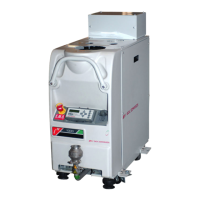
Use the Setup/Service/Manual/DP Only menu to control the operation of the HCDP pump
(that is, switch the HCDP pump on and off).
5-14 iH Dry Pumping Systems


 To Next Page