787 Flight Crew Operations Manual
DO NOT USE FOR FLIGHT
Flight Management, Navigation -
Controls and Indicators
Copyright © The Boeing Company. See title page for details.
11.10.2 D615Z003-TBC
Displays FMS data pages.
Push –
• moves data from scratchpad to selected line
• moves data from selected line to scratchpad
• selects page, procedure, or performance mode as applicable
• deletes data from selected line when DELETE displays in scratchpad
Conventions –
• scratchpad must be blank for line select transfer
• data can not be transferred to a blank line
• a blank scratchpad can not be transferred to a line
• not all data can be modified
• message displays if inappropriate entries are attempted
Displays crew entered data or crew line-selected data:
• up to 34 characters may be entered in the scratchpad at one time
• data may be transferred to and from the scratchpad by pushing the cursor
select switch on the cursor control device or cursor control selector or by
pushing the ENTER key on the multifunction keypad.
• data may also be transferred to the scratchpad while using the PICK WPT
function on the ND
Displays error/help messages to the crew. (Refer to Help Window
in Chapter 5,
Section 40, for additional information.)
Displays current UTC date from the GPS.
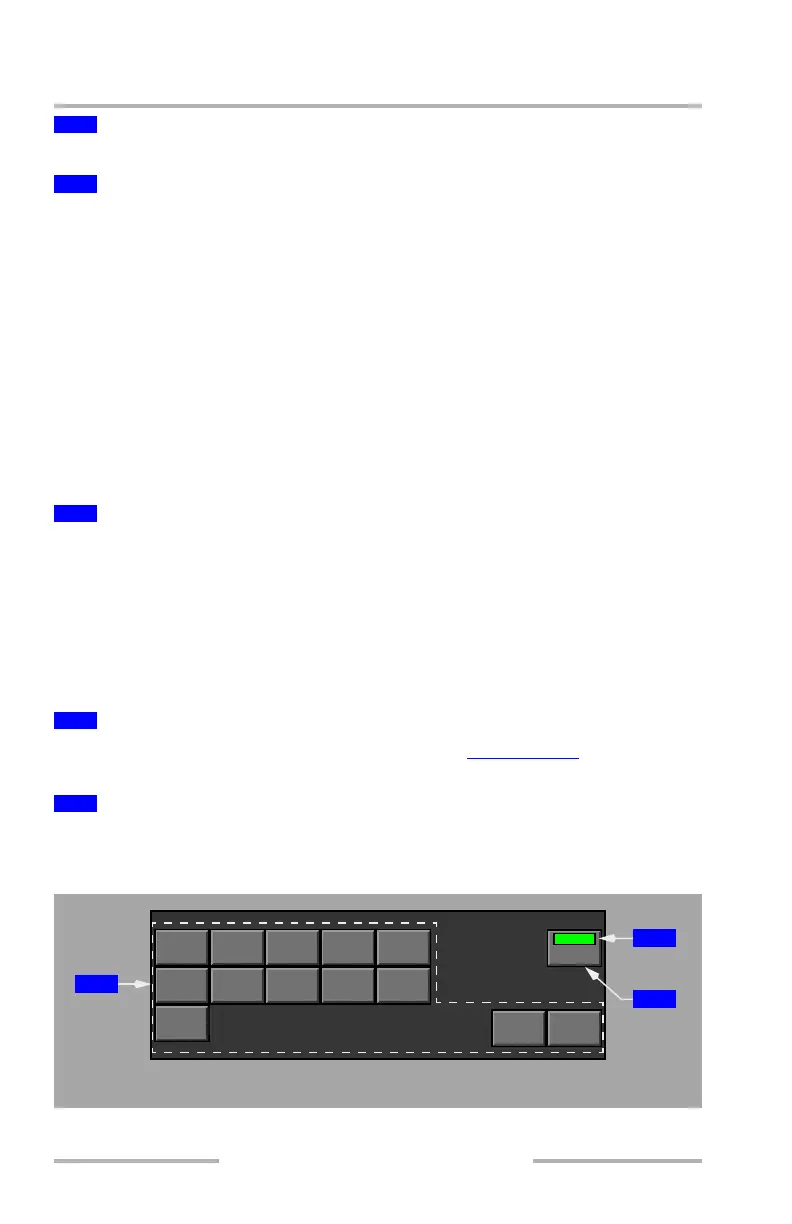
Function and Execute Keys
2
Control Display Unit (CDU) Display
3
Line Select Keys
4
Scratchpad
5
CDU Help Window
6
Date Display
RTE
HOLD
ARR
DEP
ALTN
COMM
FMC
VNAV
FIX LEGS
INIT
REF
EXEC
RAD
NAV
NEXT
PAGE
PREV
PAGE
PROG
CDU DISPLAY
1
2
3
August 14, 2009



 To Next Page