91
Terminal Block, 66 Block
Adding Labels and Areas in Applications
BMP71 User’s Manual
Terminal Block, 66 Block
Terminal Block and 66 Block applications are designed to be used with continuous media. If
no continuous media is installed when Terminal or 66 Block is selected, a message displays
indicating incompatible media.
To use a Terminal or 66 Block label type:
1. Press Apps .
2. Choose Electrical>Terminal Block.
OR
Choose DataComm>Terminal Block.
OR
Choose Datacomm>66 Block.
3. Press OK or Enter .
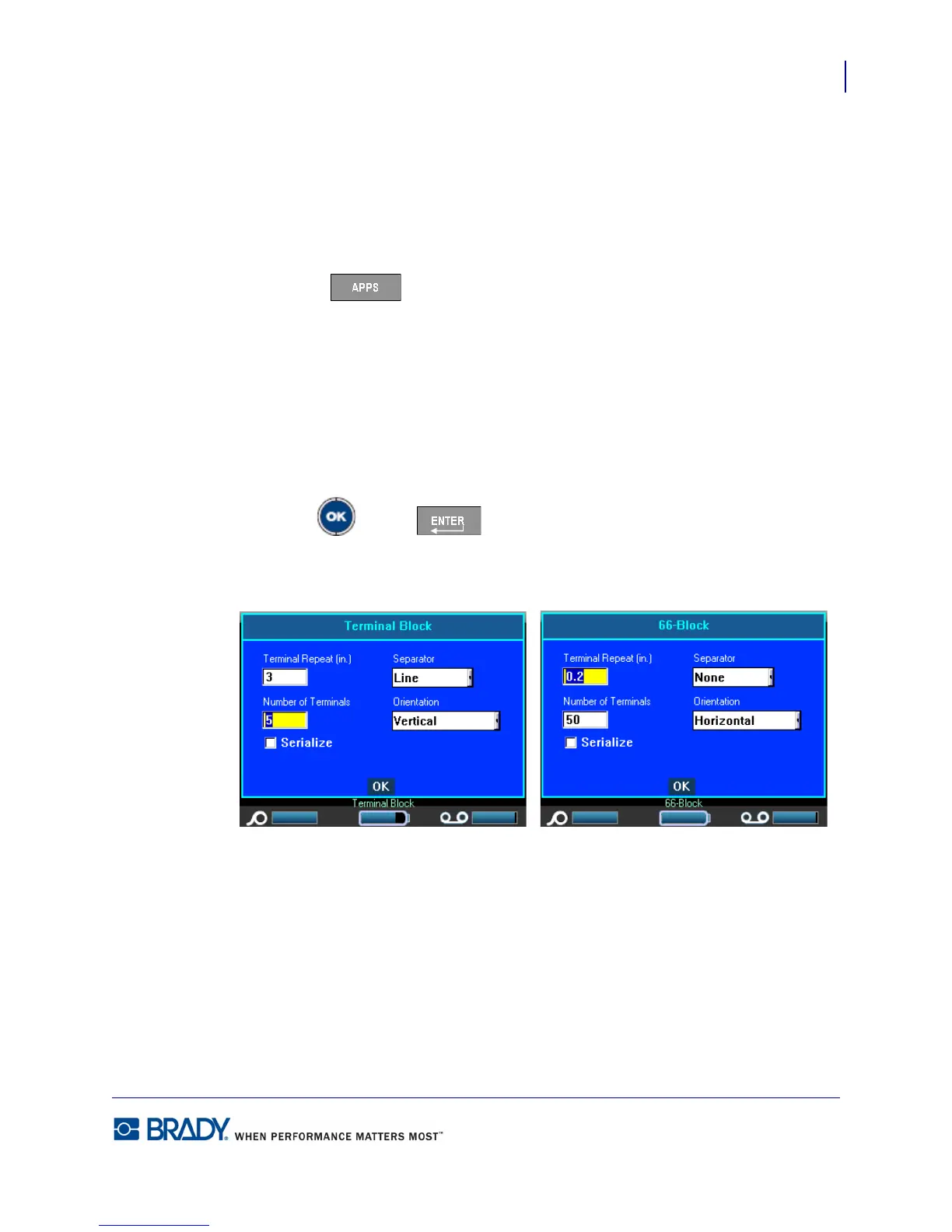
A dialog box displays requesting additional information. (For a review of dialog box
navigation, see page 24.)



 To Next Page