Formatting
Date and Time
52
BMP71 User’s Manual
Date and Time
To have the current date and/or time inserted on each label:
1. Position the cursor at the point on the label where you want the date and/or time to be
inserted.
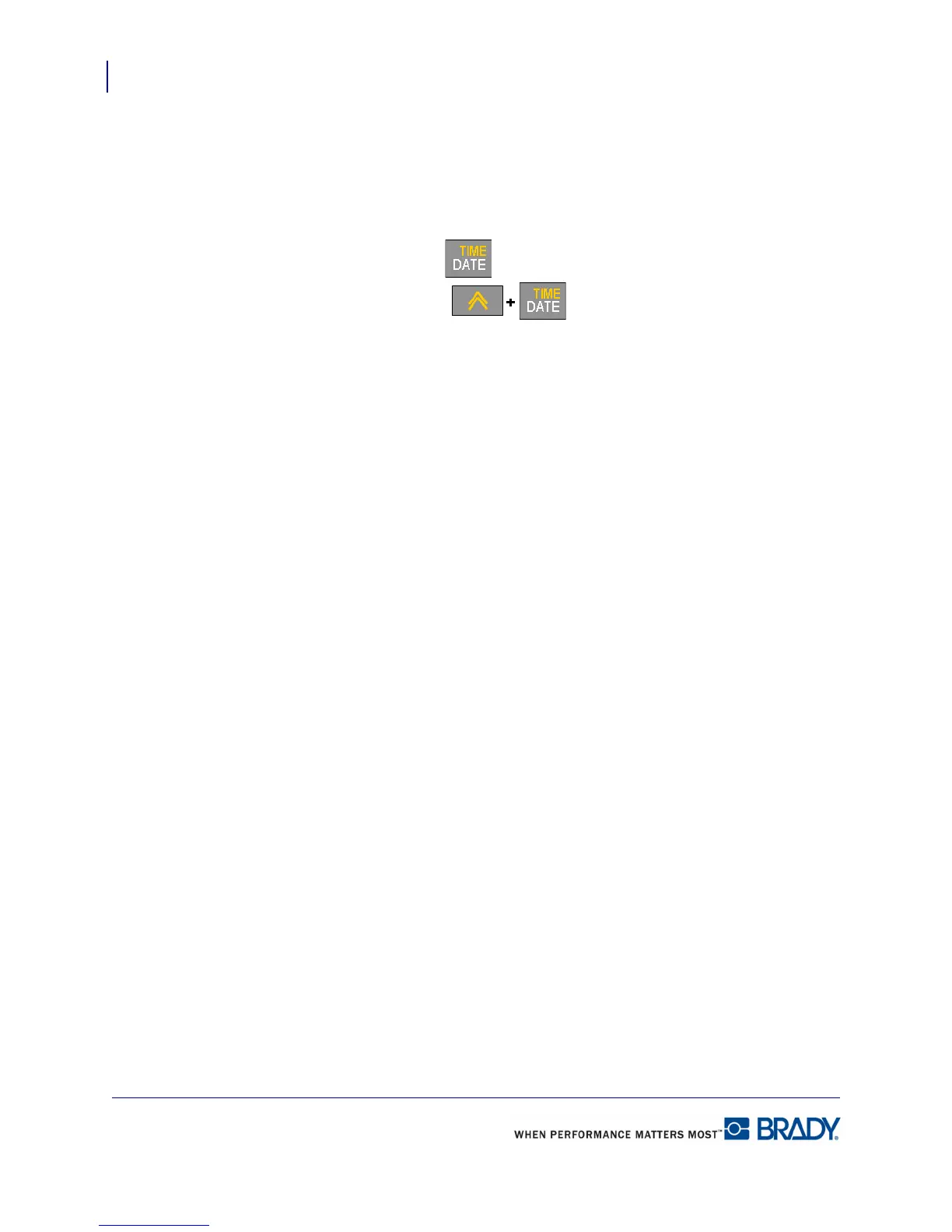
2. To insert the date, press Date .
3. To insert the time, press Time .
The BMP71 printer inserts the current Date or Time data using the current system clock value
at the time of printing and the date/time format defined in the Setup function. (For more
information, see “Setup Clock” on page 29.)
The date or time displays the selected format on the editing screen (e.g., mm/dd/yy or
HH:MM). To view the actual date or time, use Print Preview (see page 81).



 To Next Page