111
Rollform PipeMarker
Adding Labels and Areas in Applications
BMP71 User’s Manual
Rollform PipeMarker
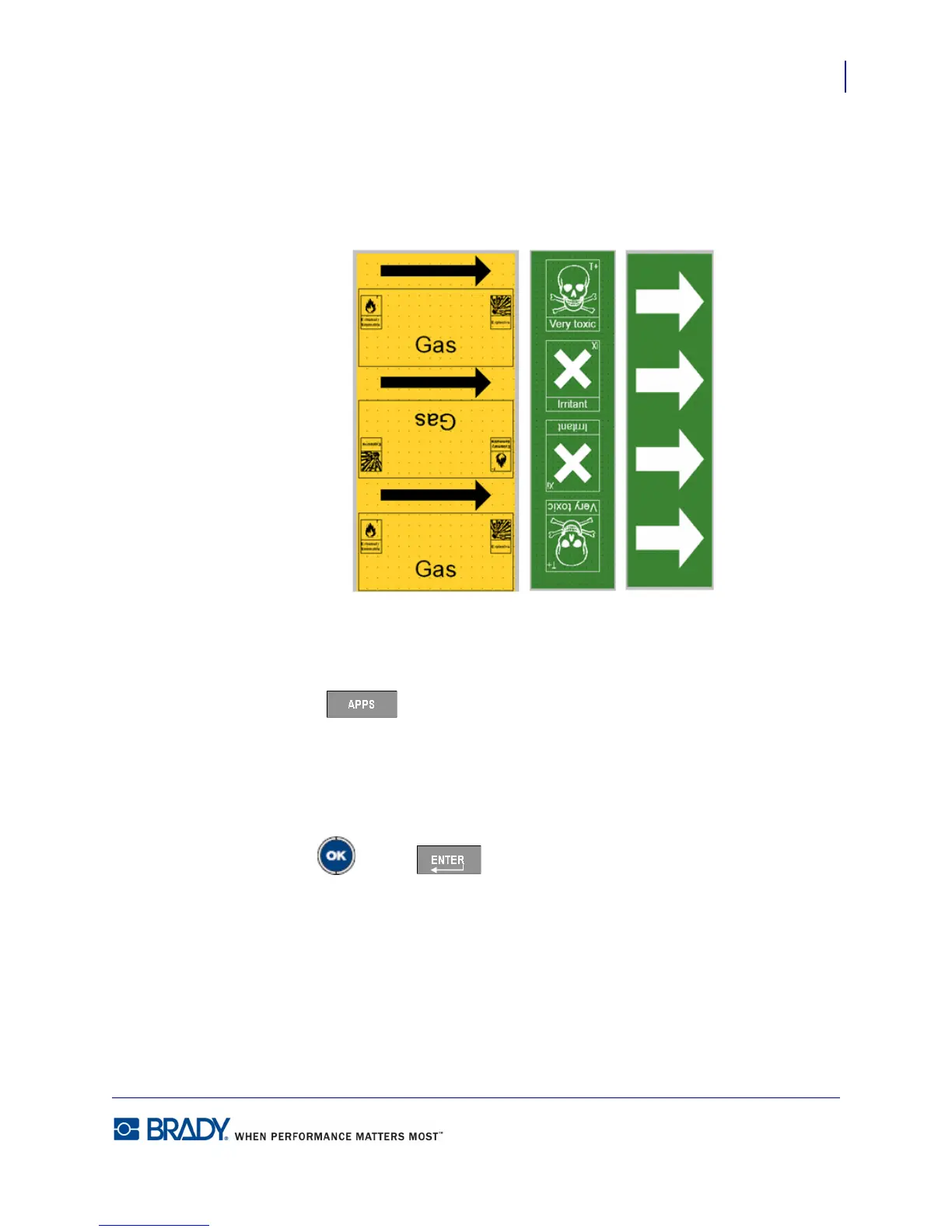
Rollform Pipemarkers use only continuous media. Rollform pipemarkers include one to two
lines of text, repeated the length of the pipemarker, alternating at 90 degree and 270 degree
rotation. You can add up to four graphics, placed in predetermined locations. Graphics are
repeated and rotated along the length of the pipemarker, as is the text.
Figure 39 • Examples of Rollform PipeMarkers
To use a Rollform PipeMarker label type:
1. Press Apps .
2. Choose US Safety>Rollform PipeMarker.
OR
Choose EU Safety>Rollform PipeMarker.
3. Press OK or Enter .



 To Next Page