Arrow Tape
Adding Labels and Areas in Applications
108
BMP71 User’s Manual
Arrow Tape
The ArrowTape application uses continuous media only. The Arrow Tape application includes
a single graphic (or arrow), rotated 90 degrees, repeated the length of the label.
To use the Arrow Tape application:
1. Press Apps .
2. Choose NA Safety>Arrow Tape.
OR
Choose EU Safety>Arrow Tape.
3. Press OK or Enter .
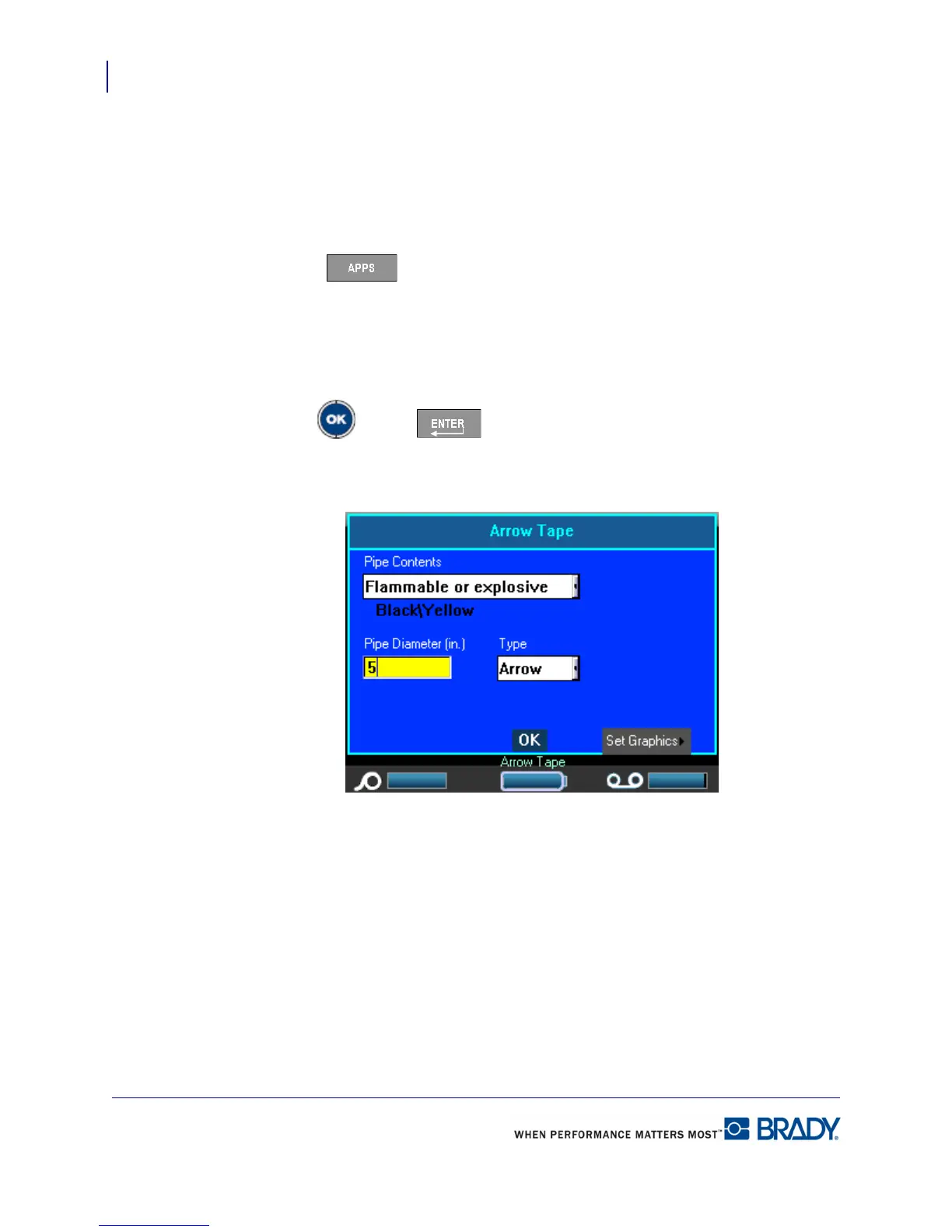
A dialog box displays. (Place NA and EU dialog box.)
4. In the Pipe Contents field, from the drop down list, select the property of the material
contained in the pipe to be labeled.
5. In the Pipe Diameter field, enter the diameter of the pipe to be labeled.
Enter the pipe diameter in inches or millimeters, depending on the units of measure selected in
the Setup>Language function. (See “Setup Language” on page 28 for more information.)



 To Next Page