Serialization
Add Serialization
74
BMP71 User’s Manual
Add Serialization
To add serialization to labels:
1. Position the cursor on the label where you want the serialization to display.
2. Press Serial .
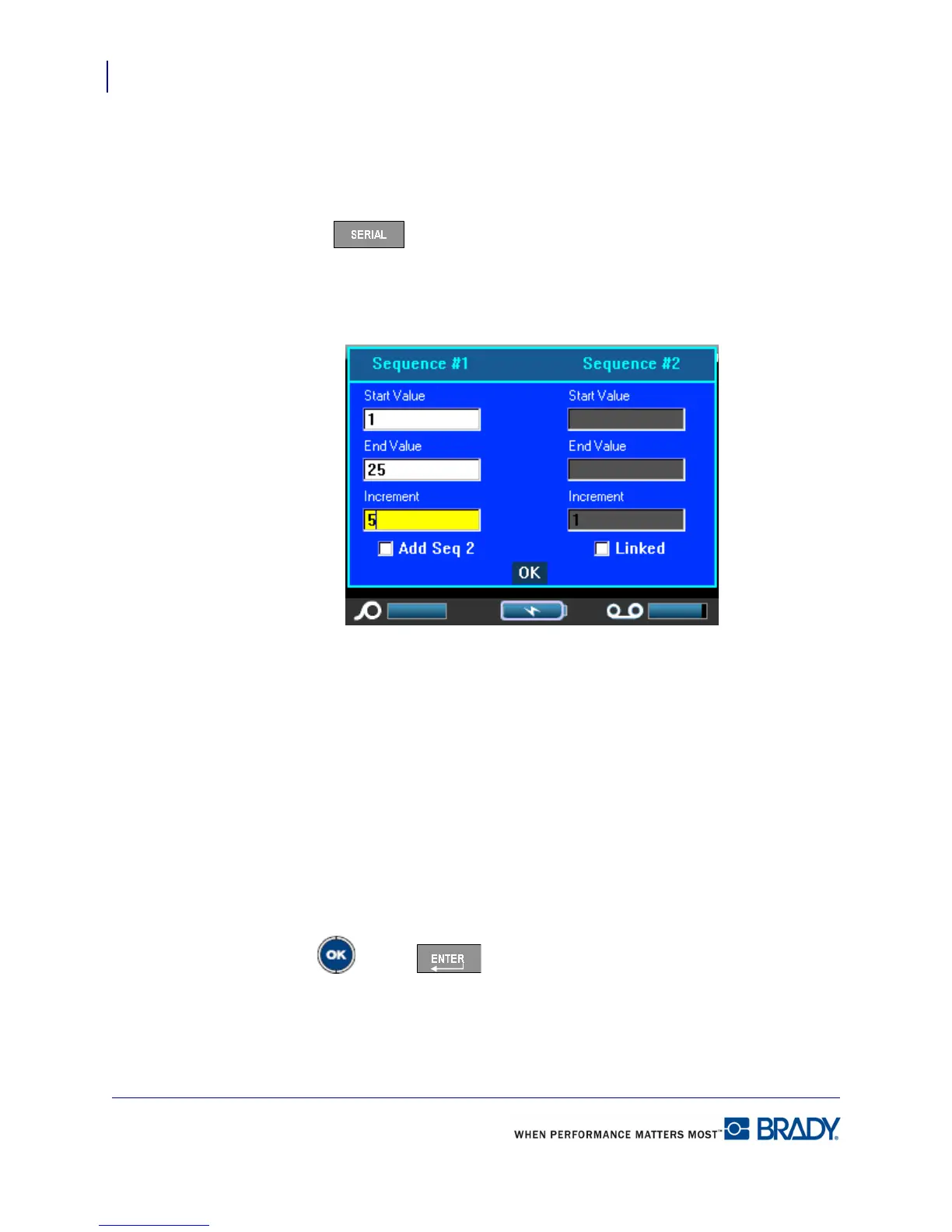
A dialog box displays where you can enter the start value of the serialization, the end value,
and the increment value.
For simple serialization:
3. With the cursor immediately displayed in the Start Value field of Sequence #1, enter the
start value of the sequence.
If the start value is larger than the end value, the series will decrement automatically.
4. In the End Value field, enter the end value of the sequence.
5. In the Increment field, enter the increment value.
The default increment is 1. If that is the desired increment, skip this entry field.
6. Navigate to the OK button.
7. Press OK or Enter .



 To Next Page