75
Serialization
Add Serialization
BMP71 User’s Manual
For multiple serialization:
8. Complete Steps 1 through 7 above.
9. On the Editing screen, navigate to the next sequence location (cursor position) on the
label.
If creating a compound serialization to display at the same cursor position on the
label, skip Step 10 below and proceed immediately to Step 11.
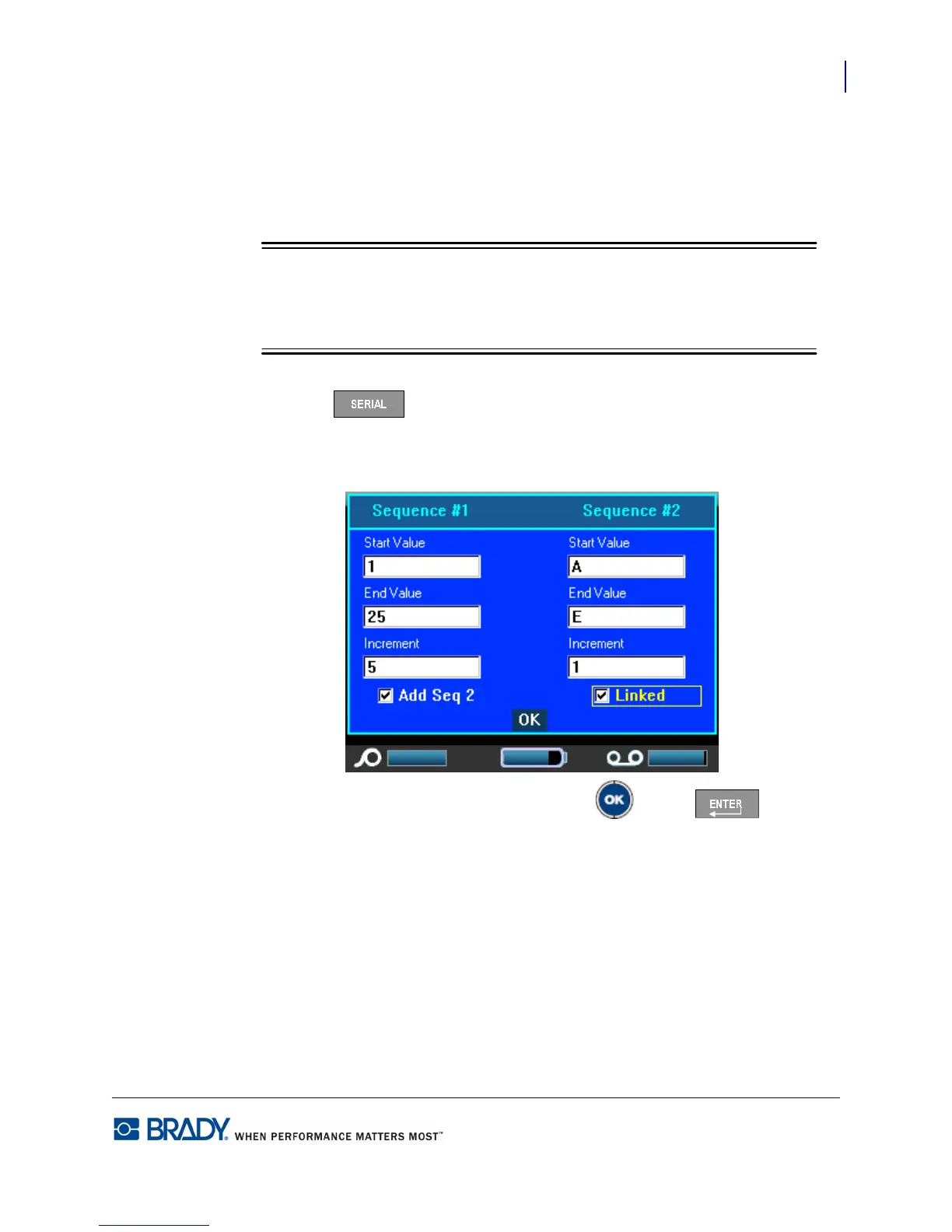
10. Press Serial .
The previous serialization values display in the dialog box presented.
11. Navigate to the Add Seq 2 option box and press OK or Enter .
12. In the Sequence #2 Start Value field, enter the start value for that sequence.
13. In the Sequence #2 End Value field, enter the end value for that sequence.
14. In the Sequence #2 Increment field, enter the increment for that sequence.



 To Next Page