69
Barcode
Add a Barcode
BMP71 User’s Manual
Add a Barcode
The barcode key acts as a toggle between a barcode and text. Press once to turn it on, press
again to turn it off.
To add a barcode:
1. Position the cursor where you want to add the barcode.
2. Press Barcode .
The barcode displays start and stop characters following the barcode parameters determined in
the Setup function.
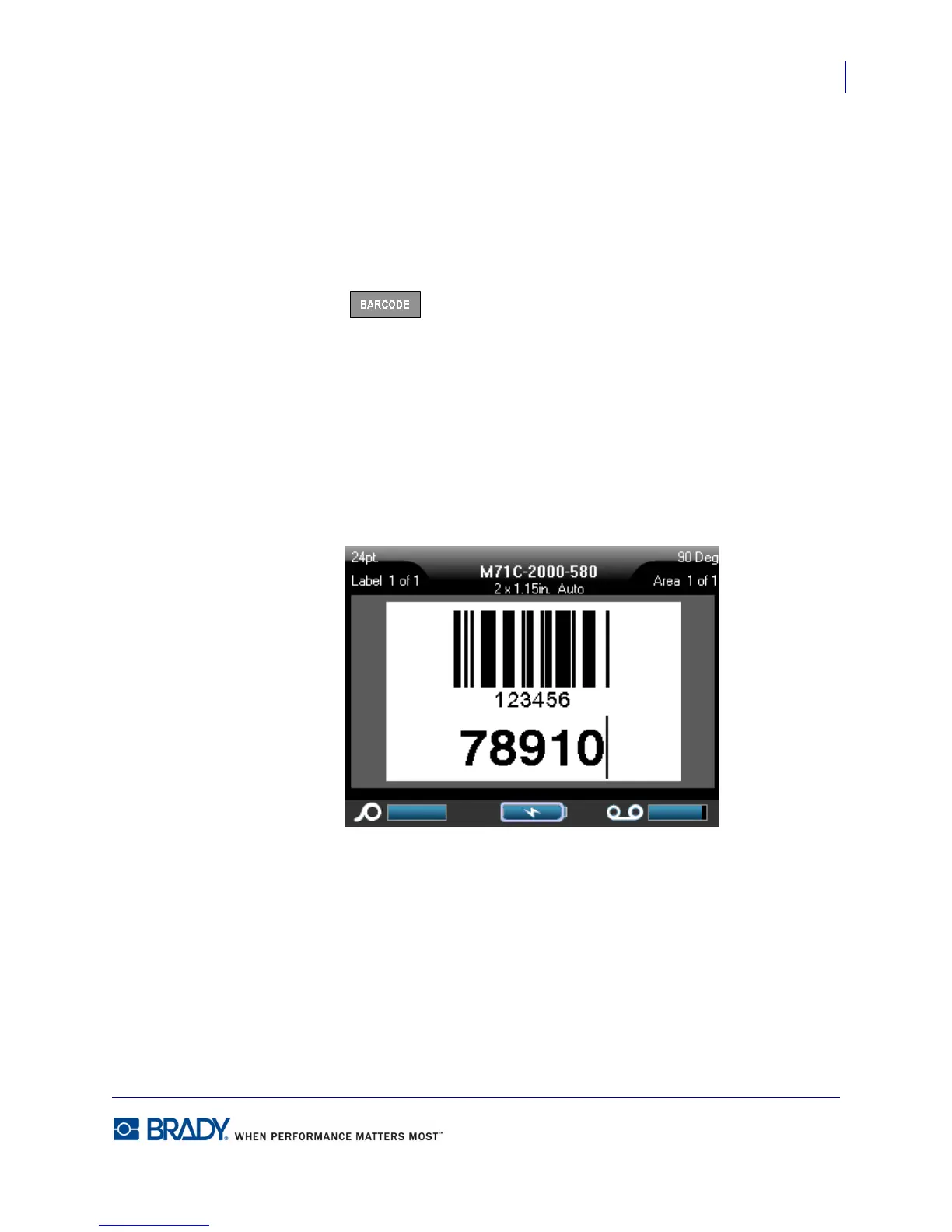
3. Enter the barcode data.
The barcode displays on the screen as the data is being entered. In addition, a data entry box
displays enabling you to view and edit the barcode data as you are entering it. The data in this
entry box does not print out. If you want the actual data that the barcode represents to print out,
turn on the Human Readable option in the Setup Barcode function.
Figure 25 • Barcode and text line combined



 To Next Page