5
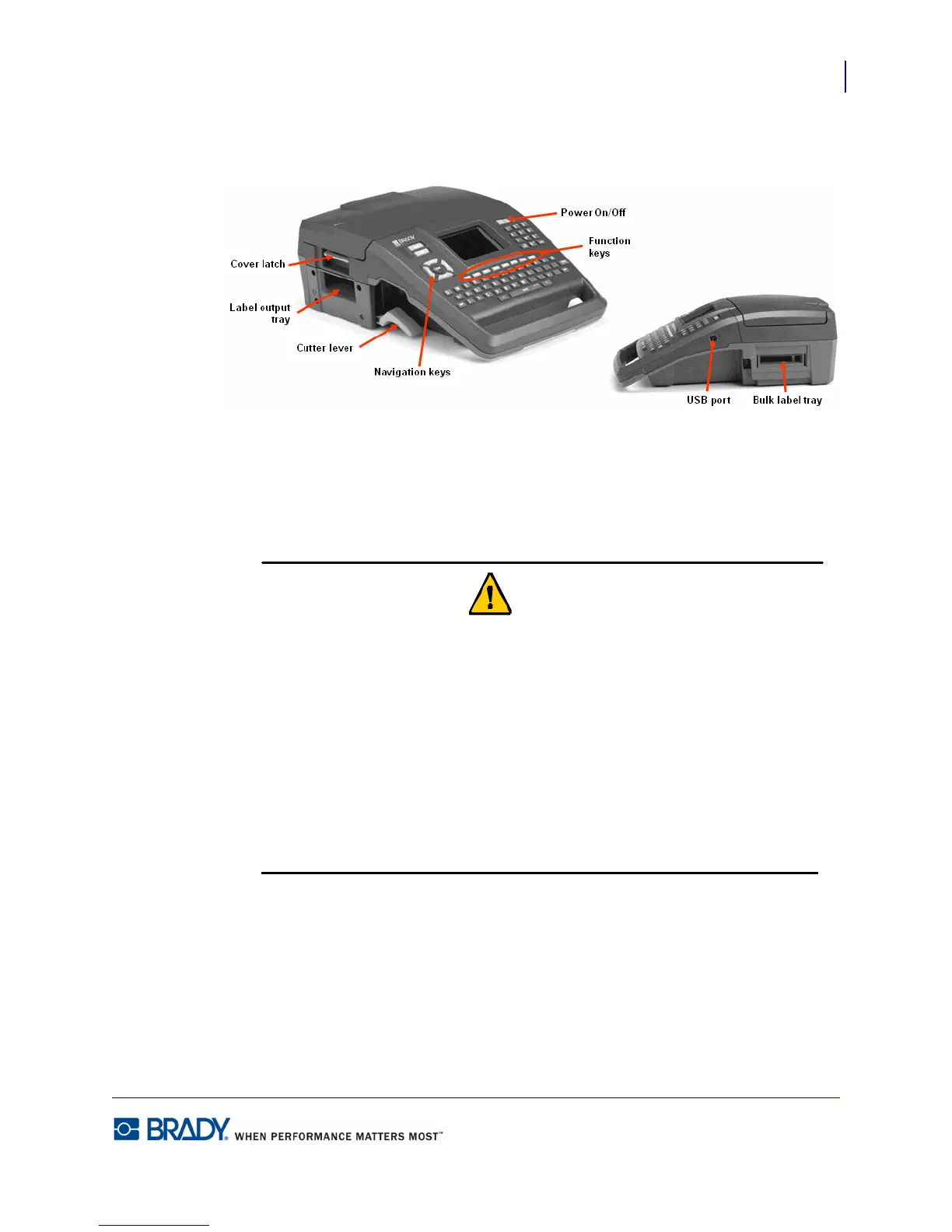
External View
Firmware Upgrades
BMP71 User’s Manual
External View
Power Source
Power is supplied to the BMP71 printer through a Nickel Metal Hydride (NiMH) battery pack
or through an AC power adapter (included).
Do not expose batteries to temperatures above 60C (140F).
Do not disassemble or mistreat the battery pack.
Do not attempt to open, damage, or replace components in the battery pack.
The Battery Pack should only be used only in the BMP71 Printer and BMP71-QC Battery
Quick Charger.
Do not attempt to charge your battery in any other device other than the BMP71 Printer
and BMP71-QC Battery Quick Charger.
Do not allow metal or other conductive materials to touch the battery terminals.



 To Next Page