Labels
Unloading Labels
14
BMP71 User’s Manual
Unloading Labels
Before loading or unloading labels, ensure that the cutter lever is in the ‘down’ position.
To change the label part, remove the active label from the printer and load another.
The label gauge at the bottom of the status window indicates how much label tape remains.
Store unused labels in a cool, dry place.
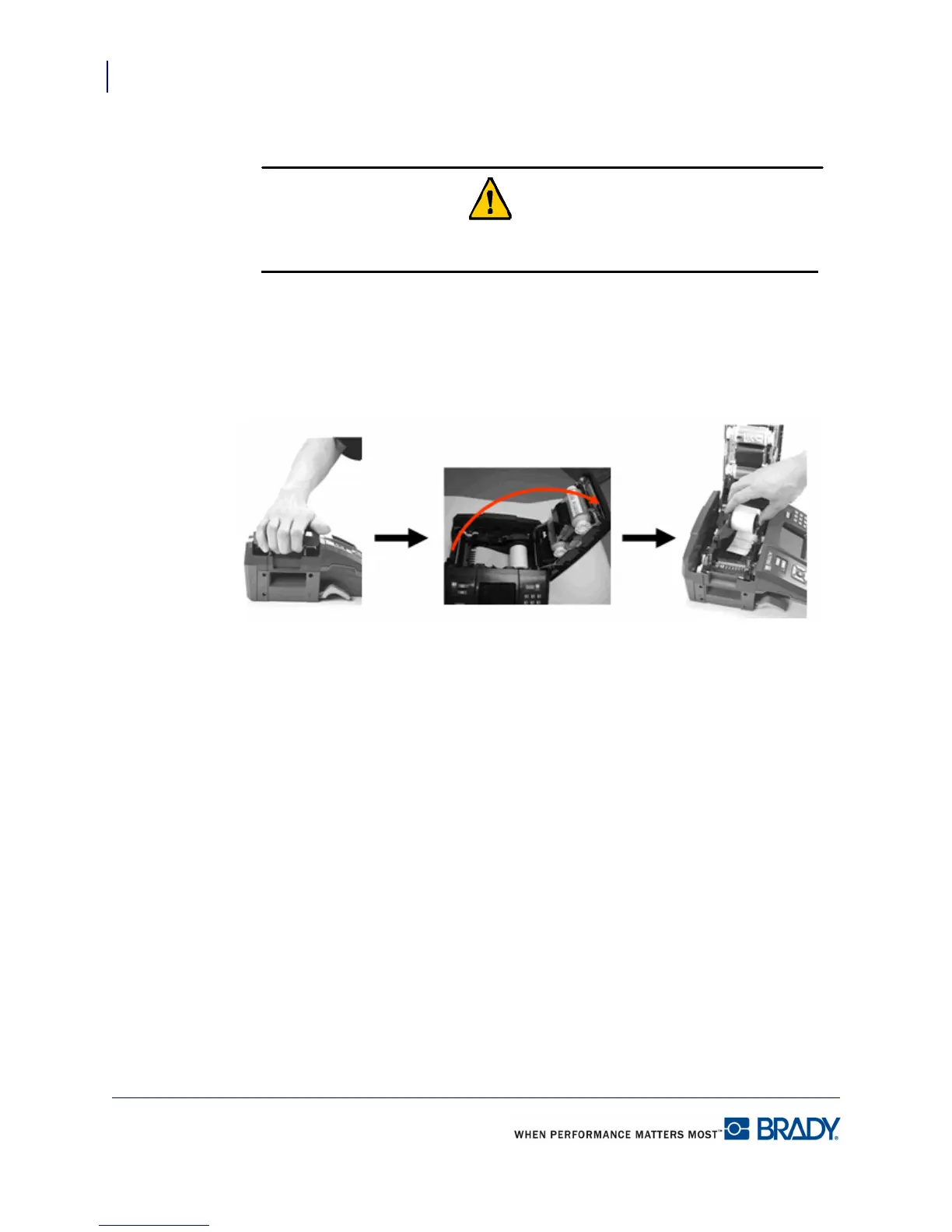
1. Pull up on cover latch. 2. Open the cover. 3. Grasp label spool and
pull up.



 To Next Page