43
Formatting
Font
BMP71 User’s Manual
Formatting
Formatting refers to the layout, structure, and appearance of a label. Different formatting
features can be found under the Font, Label and Area functions.
Font
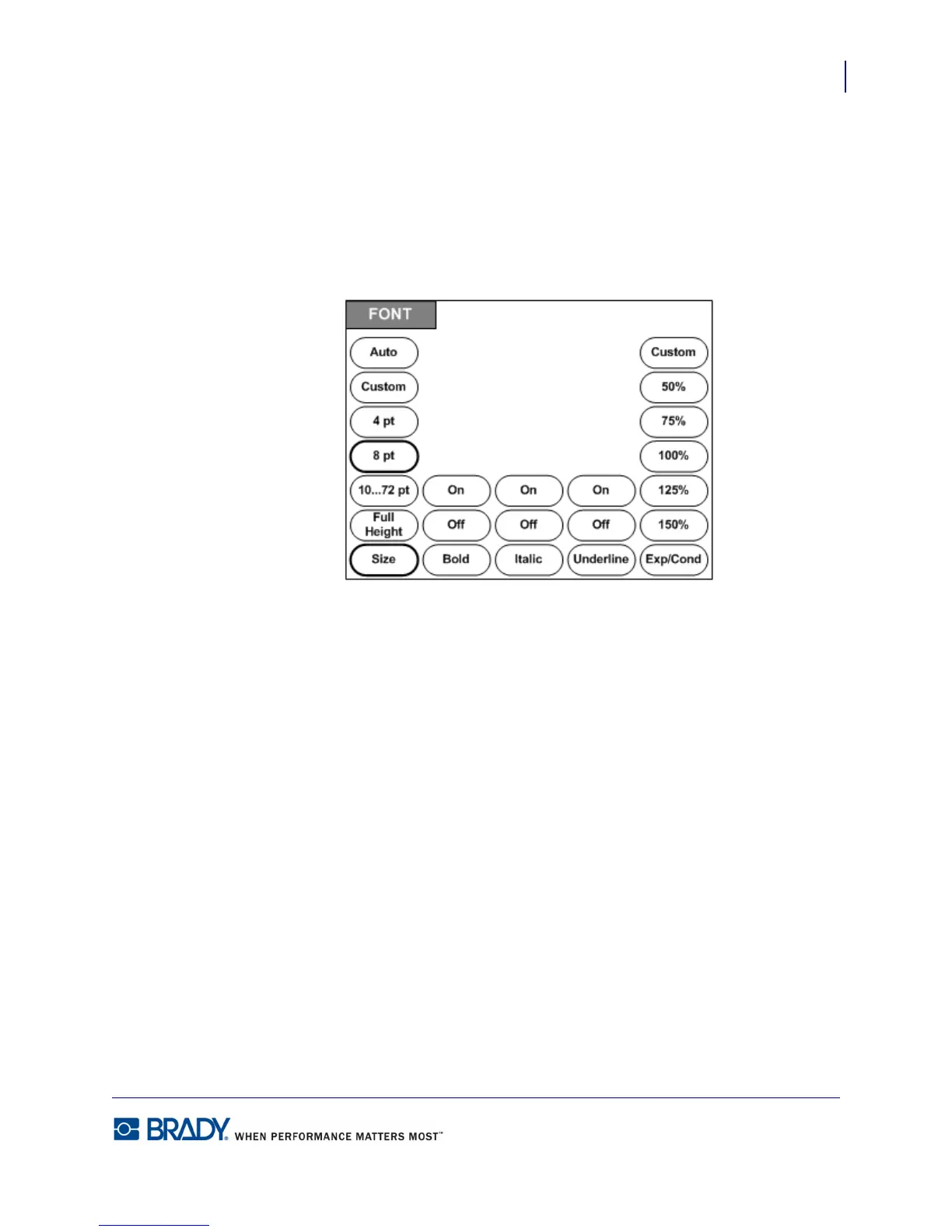
Figure 16 • Font menu options
Character/line formats are called attributes that change the appearance of the fonts, such as
size, weight (bold), and angle (italics).
The default font used is Arial, but can be changed when configuring the printer. (For more
information, see “Setup - Font” on page 27.)



 To Next Page