Standard PipeMarker
Adding Labels and Areas in Applications
104
BMP71 User’s Manual
Standard PipeMarker
The Standard Pipemarker application enables you to accurately label contents of pipes,
conduits, and ducts according to the approved standards in the specific country. Directional
arrows can be included on one or both ends of the pipemarker, indicating flow direction.
These arrows are part of the template.
Standard PipeMarker applications are compatible with continuous media only. If no
continuous media is installed when the Standard PipeMarker application is selected, a message
displays indicating incompatible media and the Standard PipeMarker selection is canceled.
To use a Standard PipeMarker label type:
1. Press Apps .
2. Choose NA Safety>Standard PipeMarker.
OR
Choose EU Safety>Standard PipeMarker.
3. Press OK or Enter .
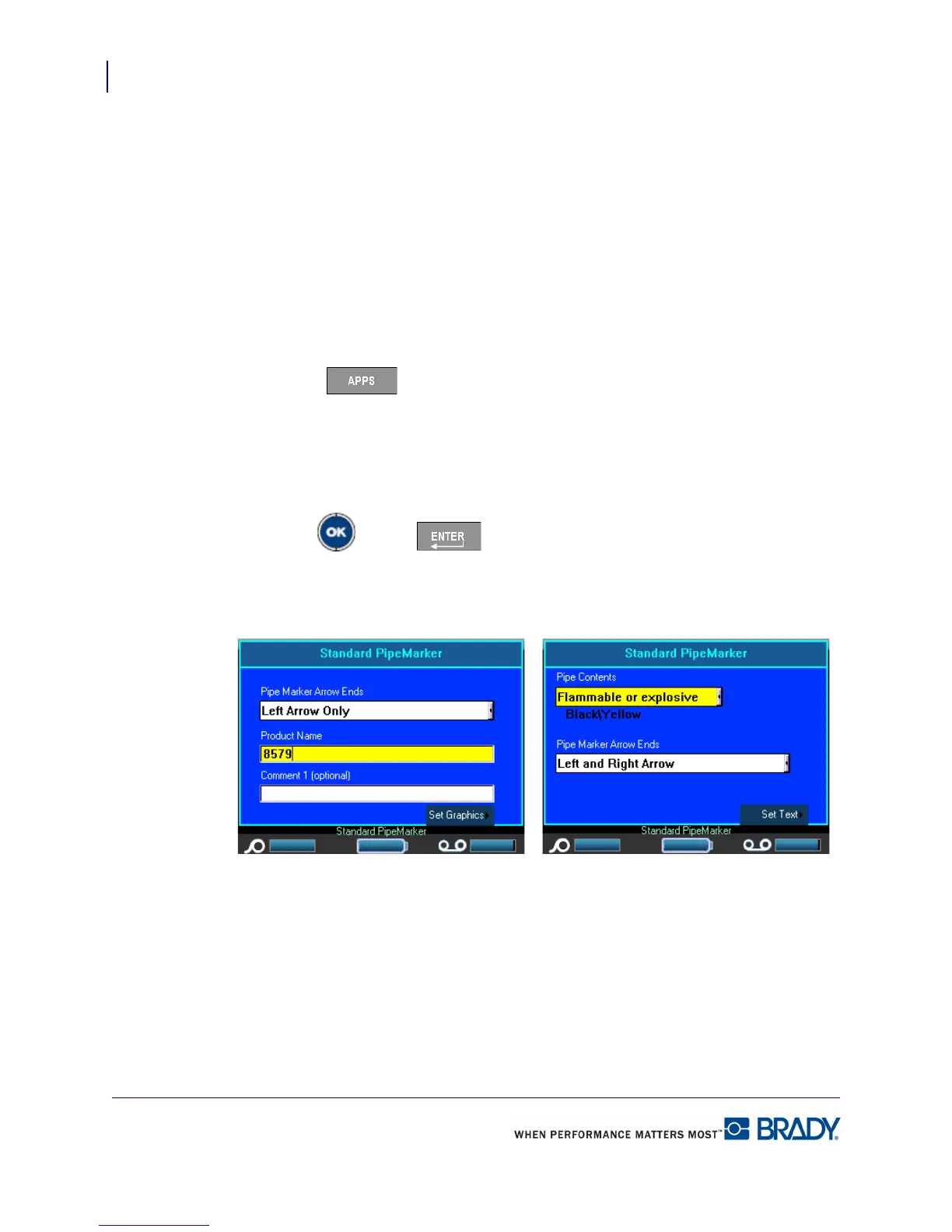
You are presented with a dialog box.
NA Safety>Standard PipeMarker EU Safety>Standard PipeMarker



 To Next Page