103
General Templates
Adding Labels and Areas in Applications
BMP71 User’s Manual
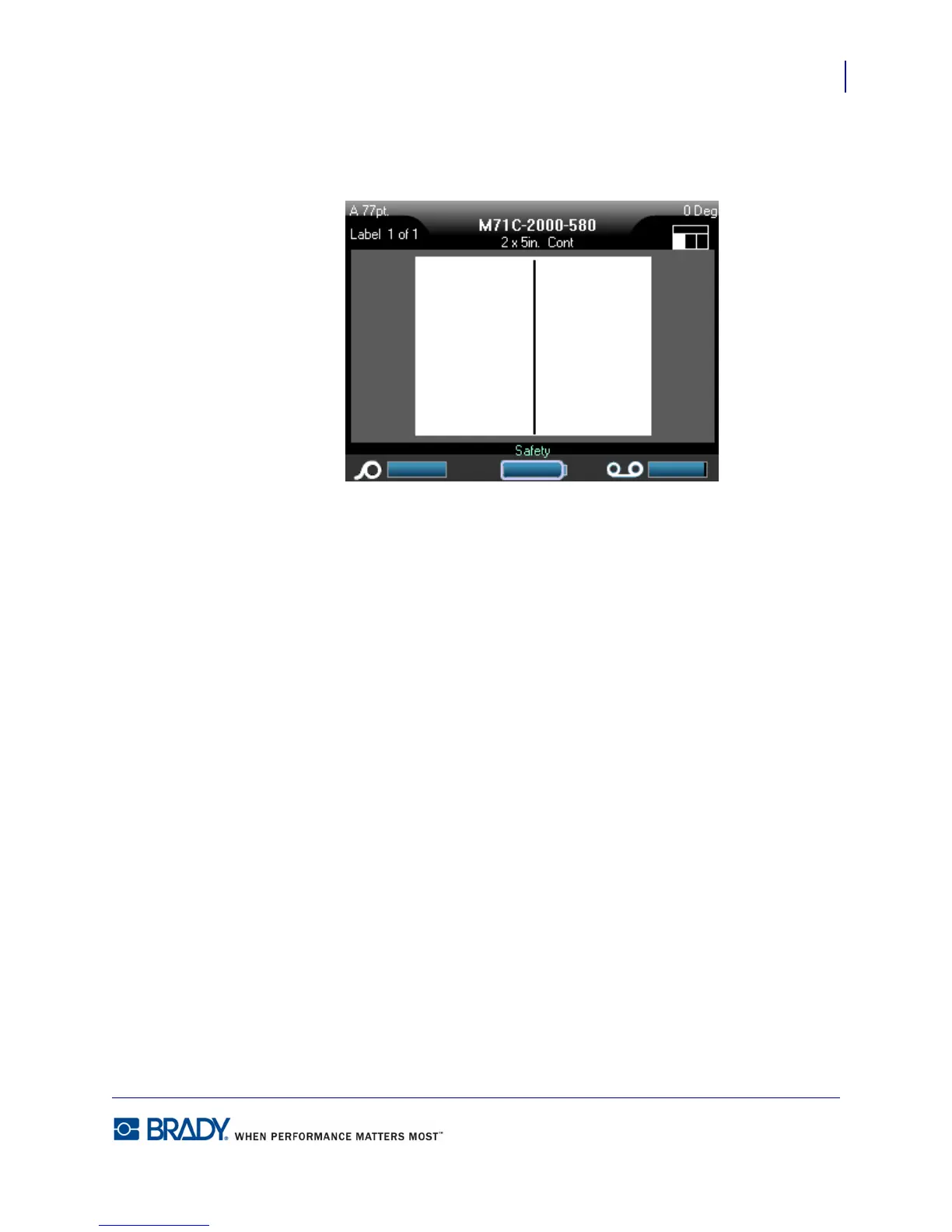
An icon of the label displays in the upper right corner of the status bar, with the current area
highlighted.
7. Press Alt + Left/Right navigation keys to move to the differnet areas to enter data.
You can apply symbols to the various areas according to standard procedures. (See “Symbols”
on page 51 for more information.)
Use Print Preview to view the finished label before printing.



 To Next Page