Setup
Setup Printer Configuration
32
BMP71 User’s Manual
Setup Printer Configuration
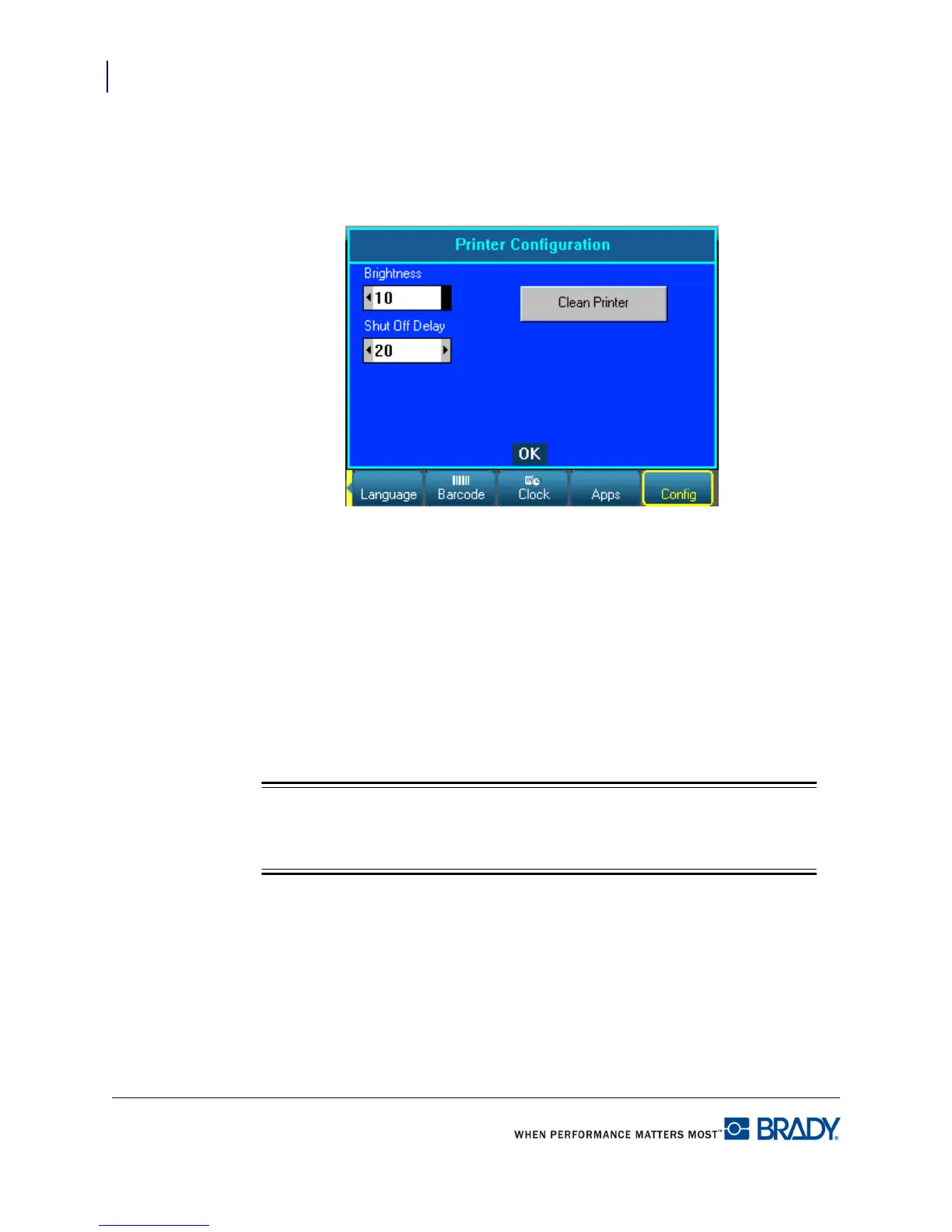
The following settings can be found under the Config menu in the Setup function.
Figure 12 • Printer configuration in Setup settings
Cleaning the Printer
A cleaning kit is included in the BMP71 printer package. This kit contains a pre-saturated,
disposable BMP71 cleaning card which is designed to safely and effectively remove all dirt,
ribbon ink residue, adhesive, and other contaminants from the thermal print head, platen roller,
and paper path. The kit also includes a pre-saturated cotton swab for cleaning the cutter blade
and the sensors.
Cleaning the printer will improve print quality and legibility. It also increases output, machine
life, printer reliability and performance.
Remove the ribbon cartridge and label spool before initiating the cleaning routine.



 To Next Page