Power On
Display Screen
16
BMP71 User’s Manual
Display Screen
The display screen enables you to view font attributes and other formatting features directly on
the screen while you are entering and editing data. The screen changes colors as needed to
match the installed ribbon and label color.
The screen displays one label at a time. For labels with multiple areas, only one area displays
at a time. A Zoom function is available for alternate label views, as desired.
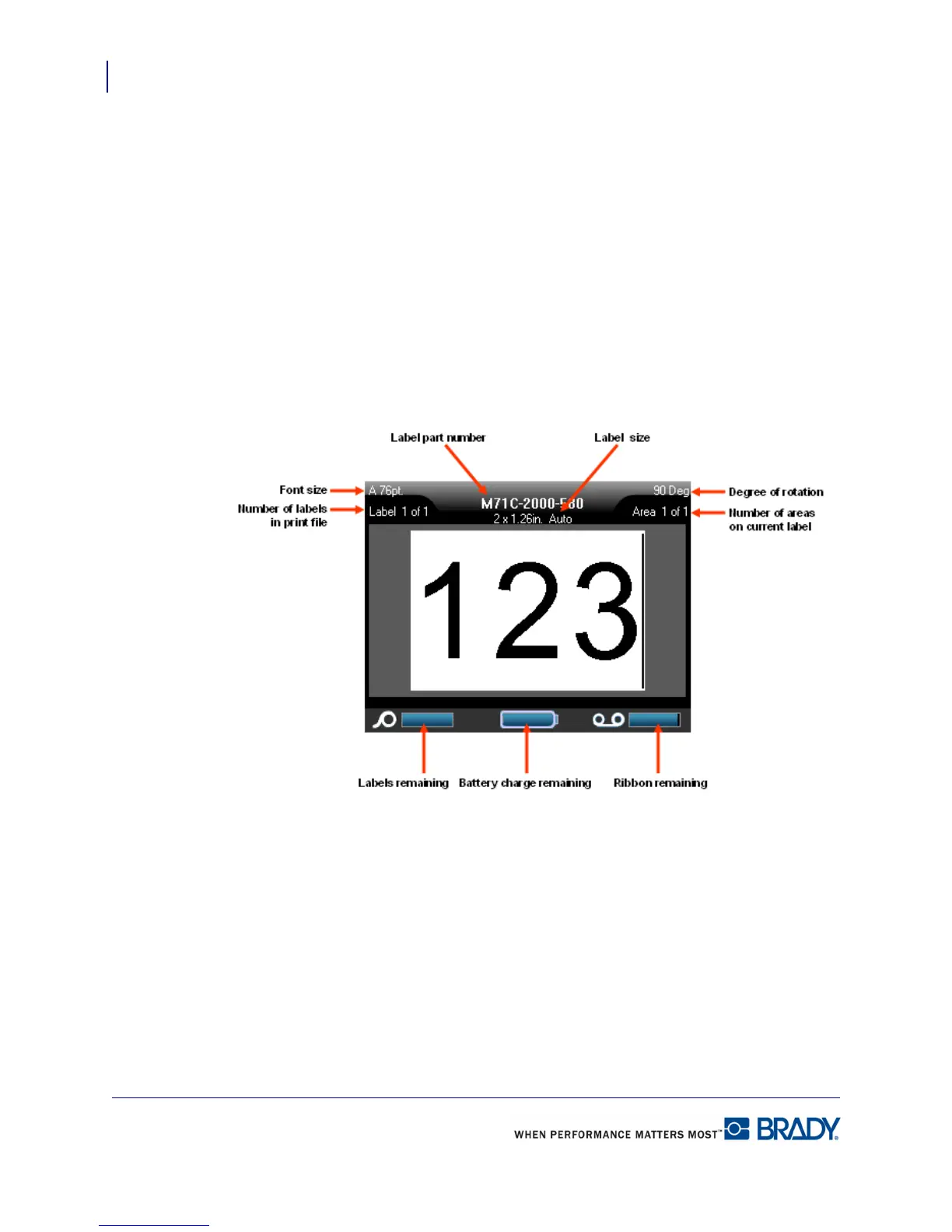
Status Information
A status bar displays permanently at the top and bottom of the screen and contains the
following:
Figure 1 • Status bar
The color of the gauges will turn from blue to red when capacity reaches 10%.



 To Next Page